Products & Catalog
Build a product catalogue per store. Add items manually, import from CSV, or scan a printed menu with AI to populate everything in one go.
Overview
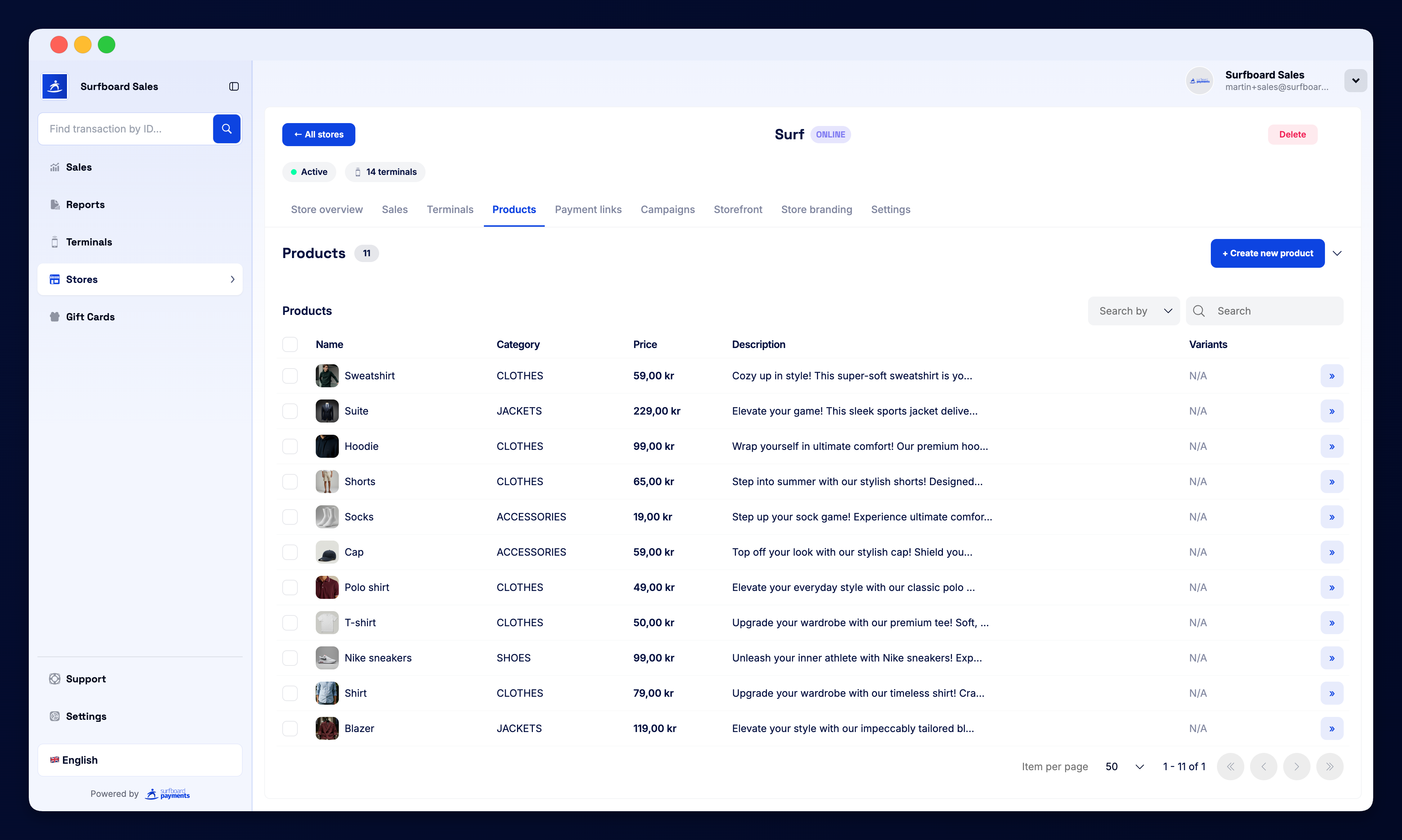
The Products section is your central catalogue. Items here power your terminal product menus, your online storefront, and your payment links. Each catalogue lives under a specific store.
Adding Products
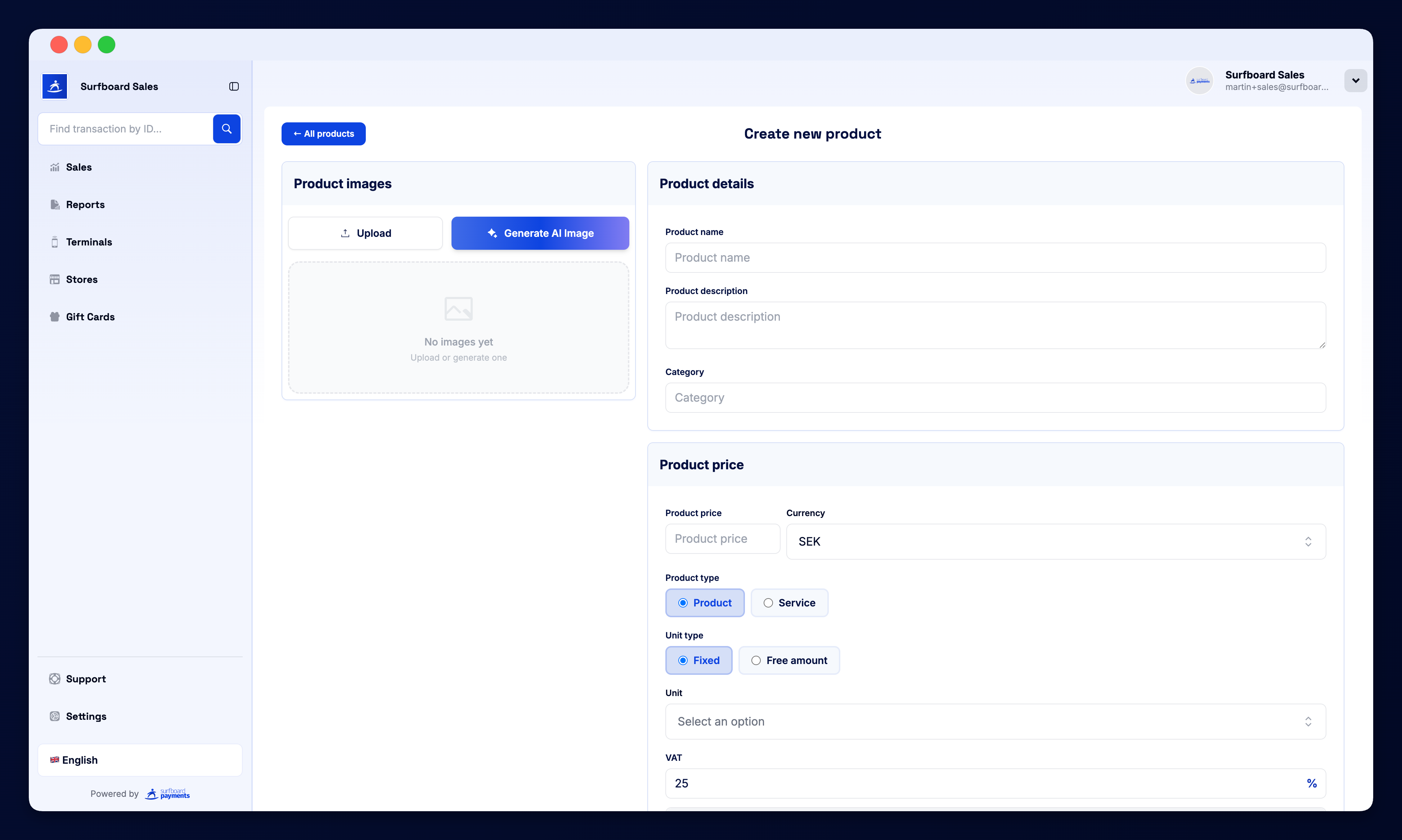
Click + Create new Product to add an item manually. You can set:
- Name and description
- Price and currency
- Image — shown on terminal, storefront, and receipts
- Category — groups items in menus
- Tax rate and SKU
- Variants — sizes, colours, modifiers
Import from CSV
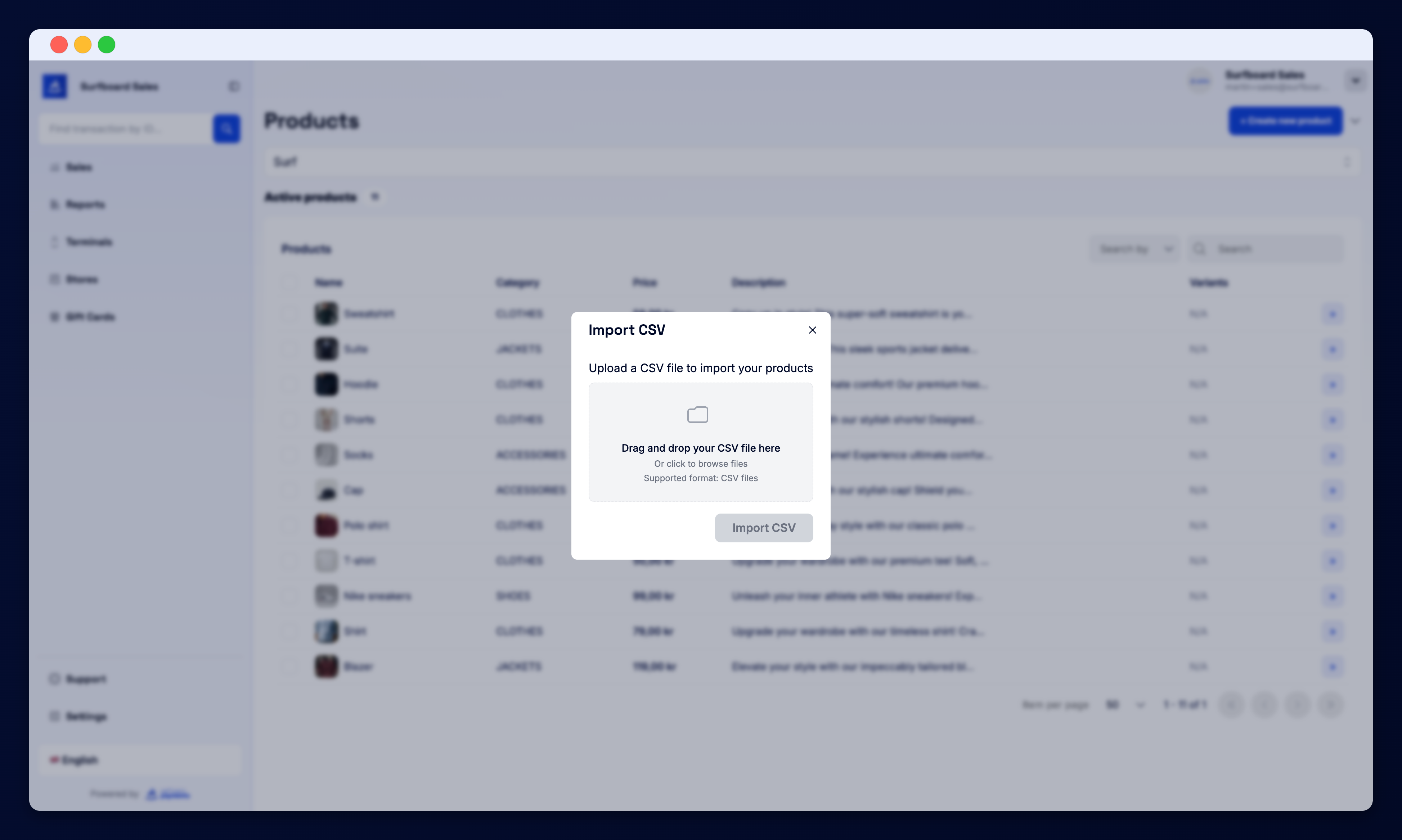
For larger catalogues, click Import CSV in the dropdown. Download the template, fill in your products, and upload — the portal validates the file and creates everything in bulk.
Scan Menu with AI
Have a printed menu or PDF? Use Scan Menu to let the AI read it and create the products for you. Snap a photo (or upload a PDF) and the assistant extracts items, prices, and categories automatically. Review the suggestions, edit anything that needs fixing, and confirm to save.
Product Table
The catalogue table shows every product with its image, name, price, category, and status. You can:
- Search and filter by name, category, or status
- Edit inline — click a row to update price or visibility
- Bulk-toggle — show or hide multiple products from the storefront at once
- Delete — remove an item from the catalogue
Storefront Sync
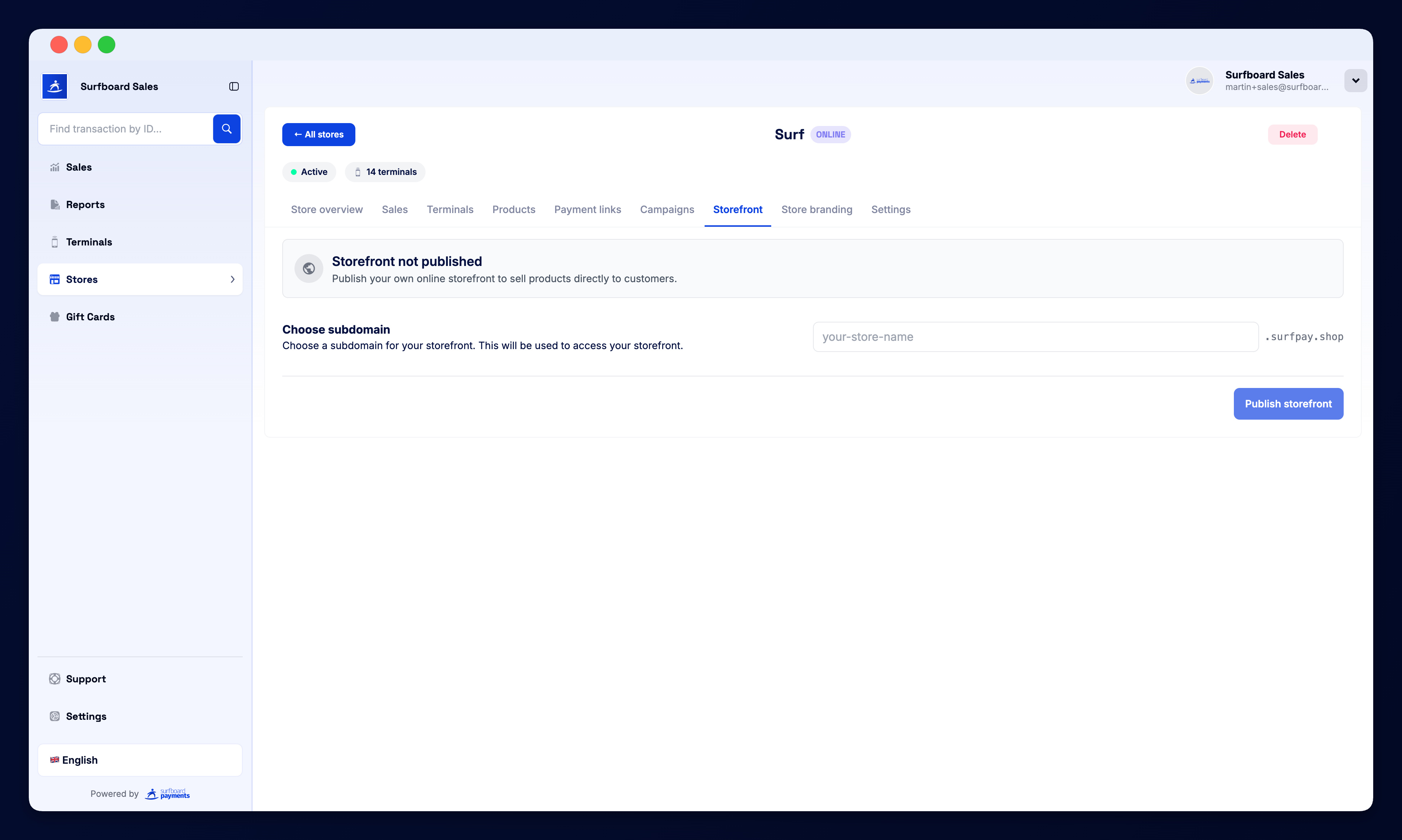
If your store has online capability, the catalogLiveOnStorefront badge at the top shows your live storefront URL with a green pulse. Products you mark as visible appear on the storefront the moment you save them.
Empty State
If a store has no products yet, you’ll see an empty state with a quick + Create new product button. The fastest way to get started is to use Scan Menu or Import CSV — both populate the catalogue in seconds.