For partners and press
SurfPrint Pro K image kit
4 cleared photographs of the SurfPrint Pro K, product shots and in-use shots, ready for your site, deck, or store listing. No request needed.
4 files · ZIP · brand guidelines
-
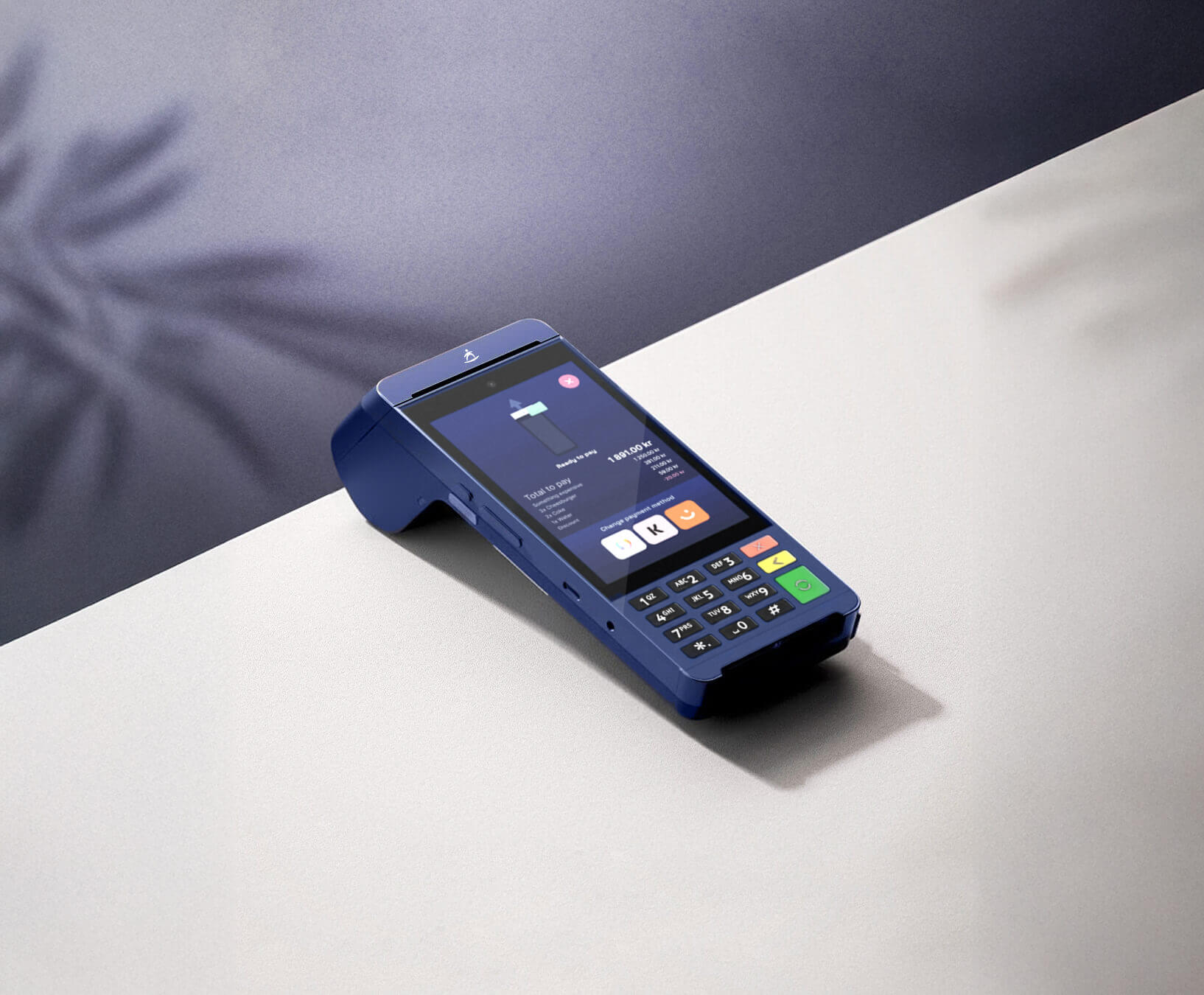
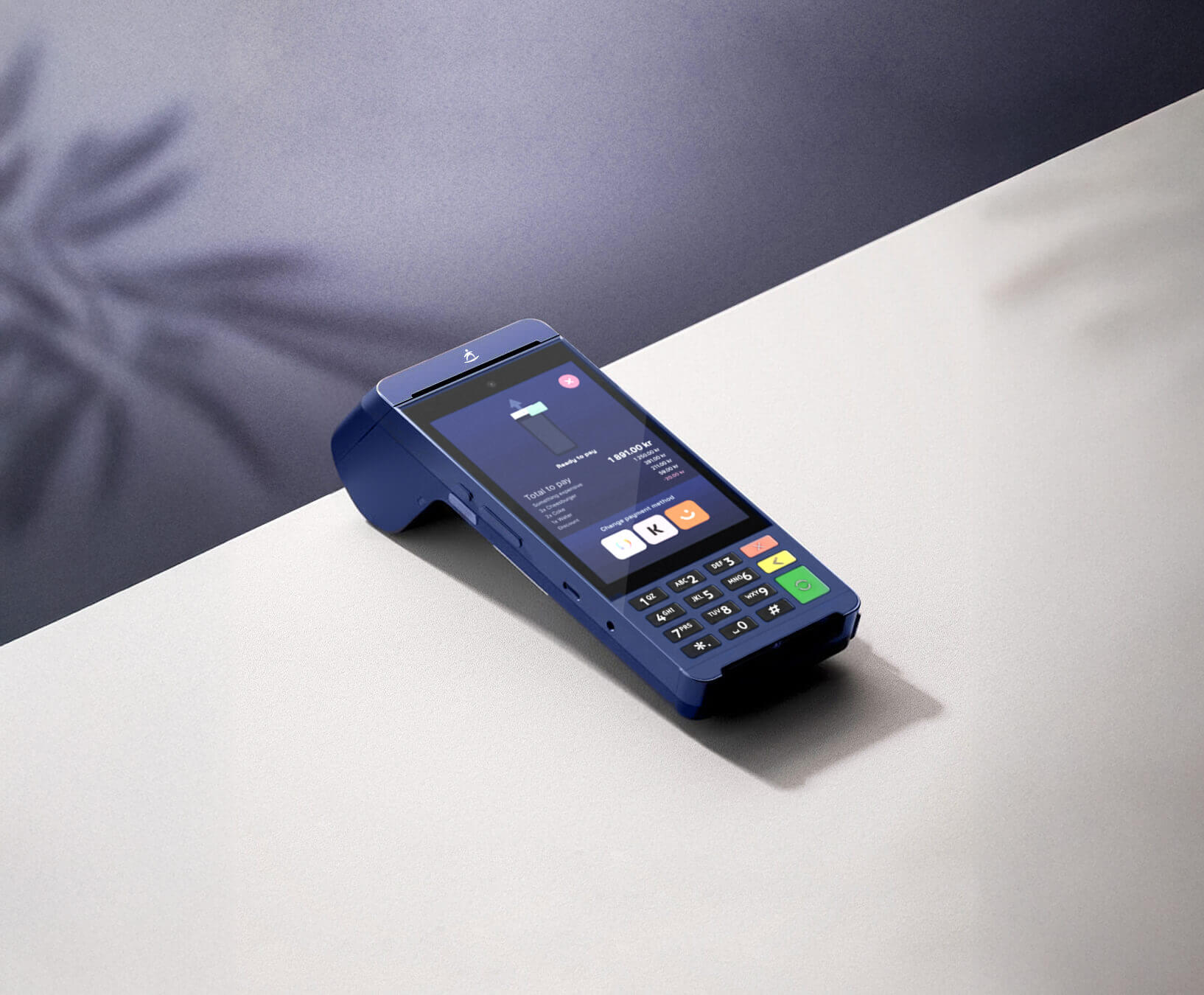 SurfPrint Pro K on a counter, keypad facing the customer JPG surfprint-pro-k-countertop.jpg
 -
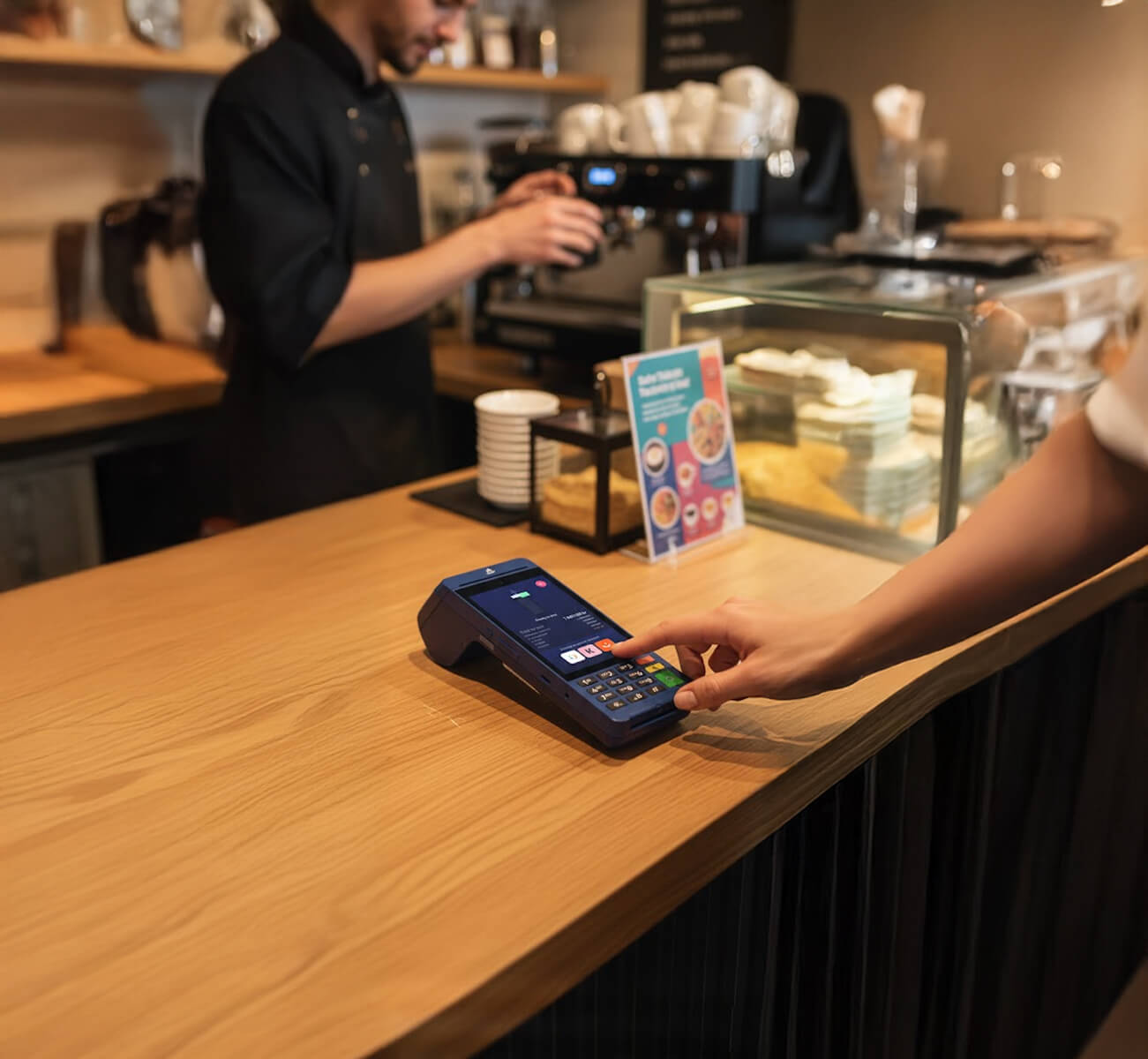
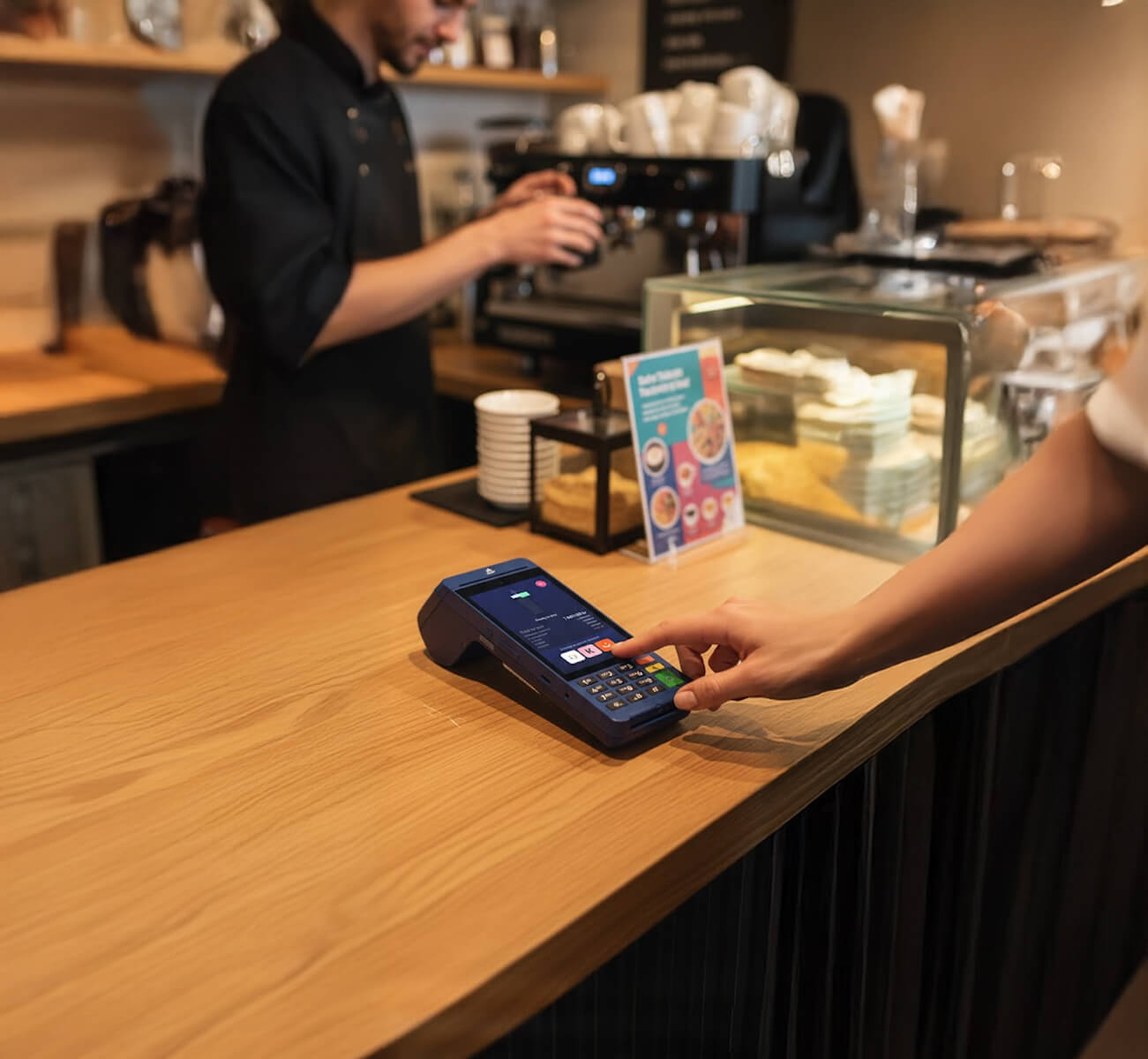 SurfPrint Pro K at a café counter JPG surfprint-pro-k-cafe.jpg
 -
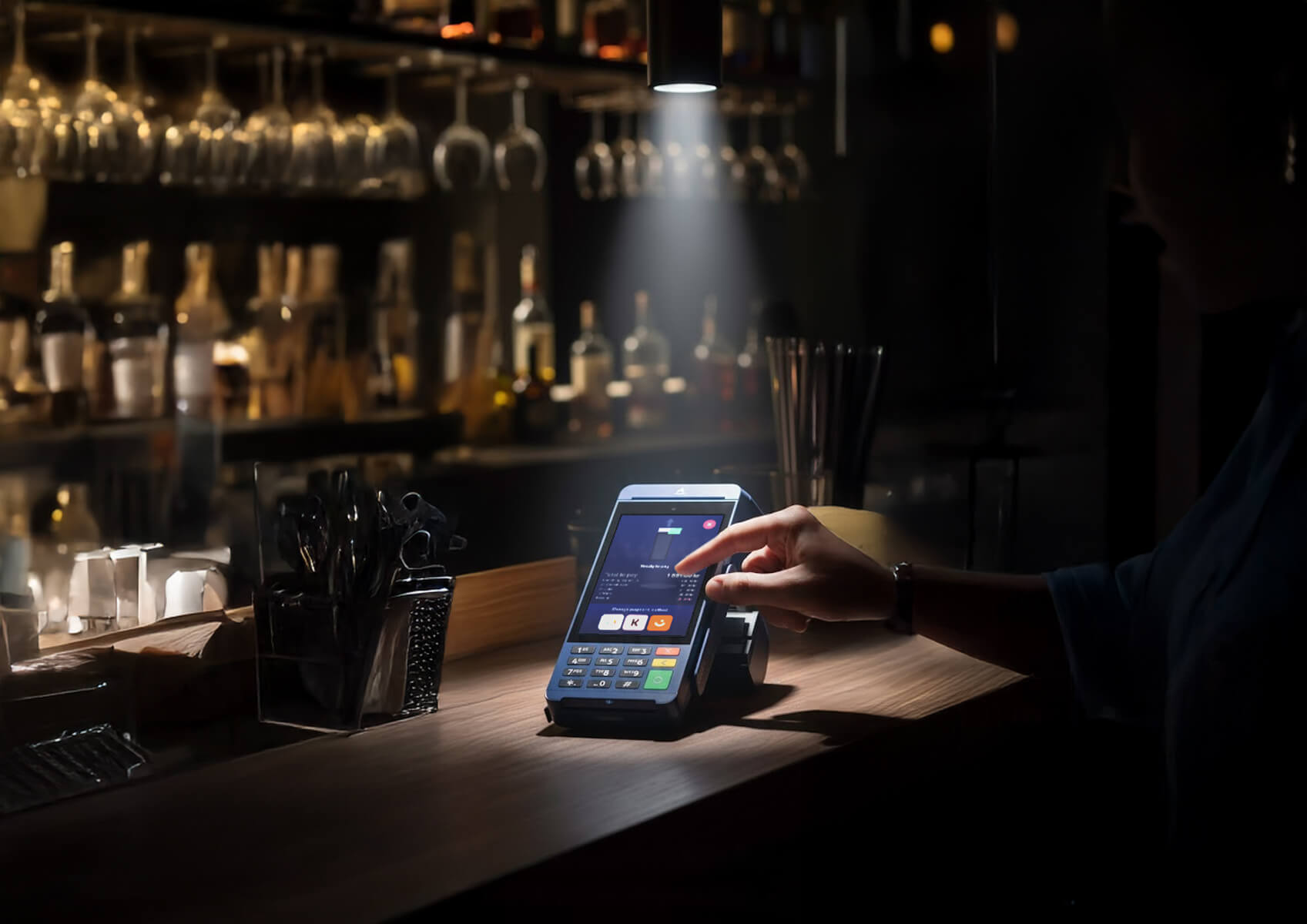
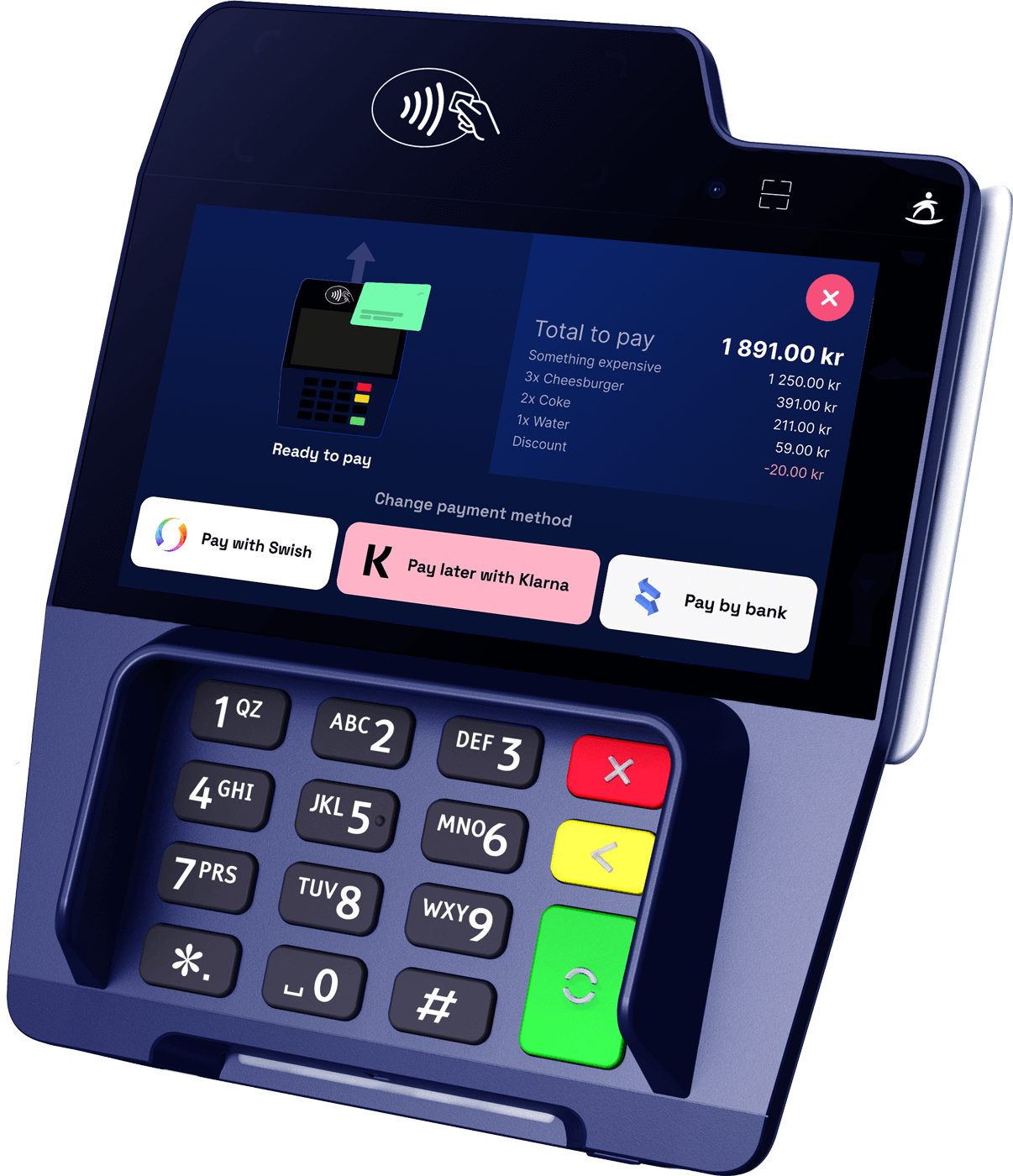
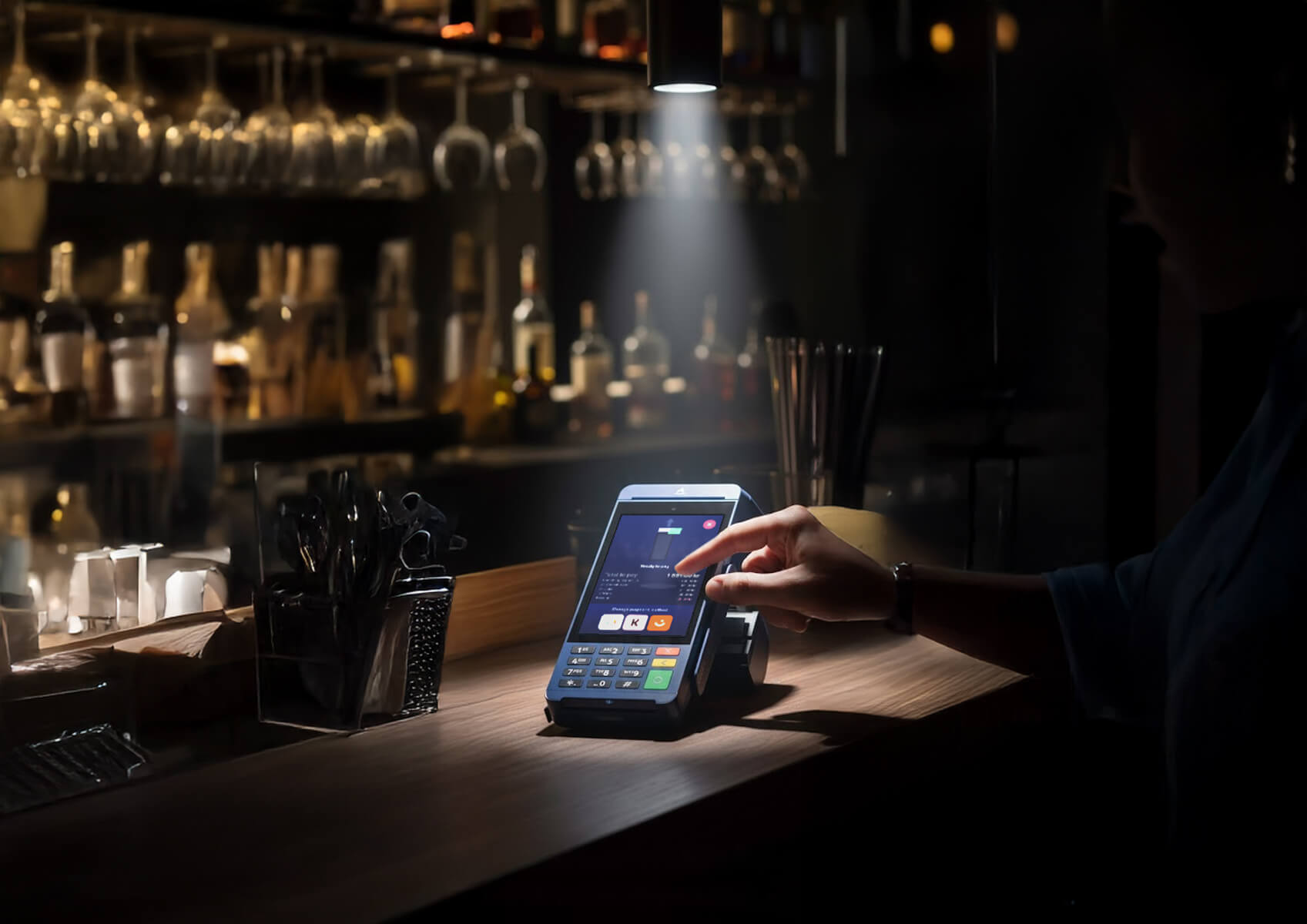 Close-up of the SurfPrint Pro K physical keypad in use JPG surfprint-pro-k-keypad.jpg
 -
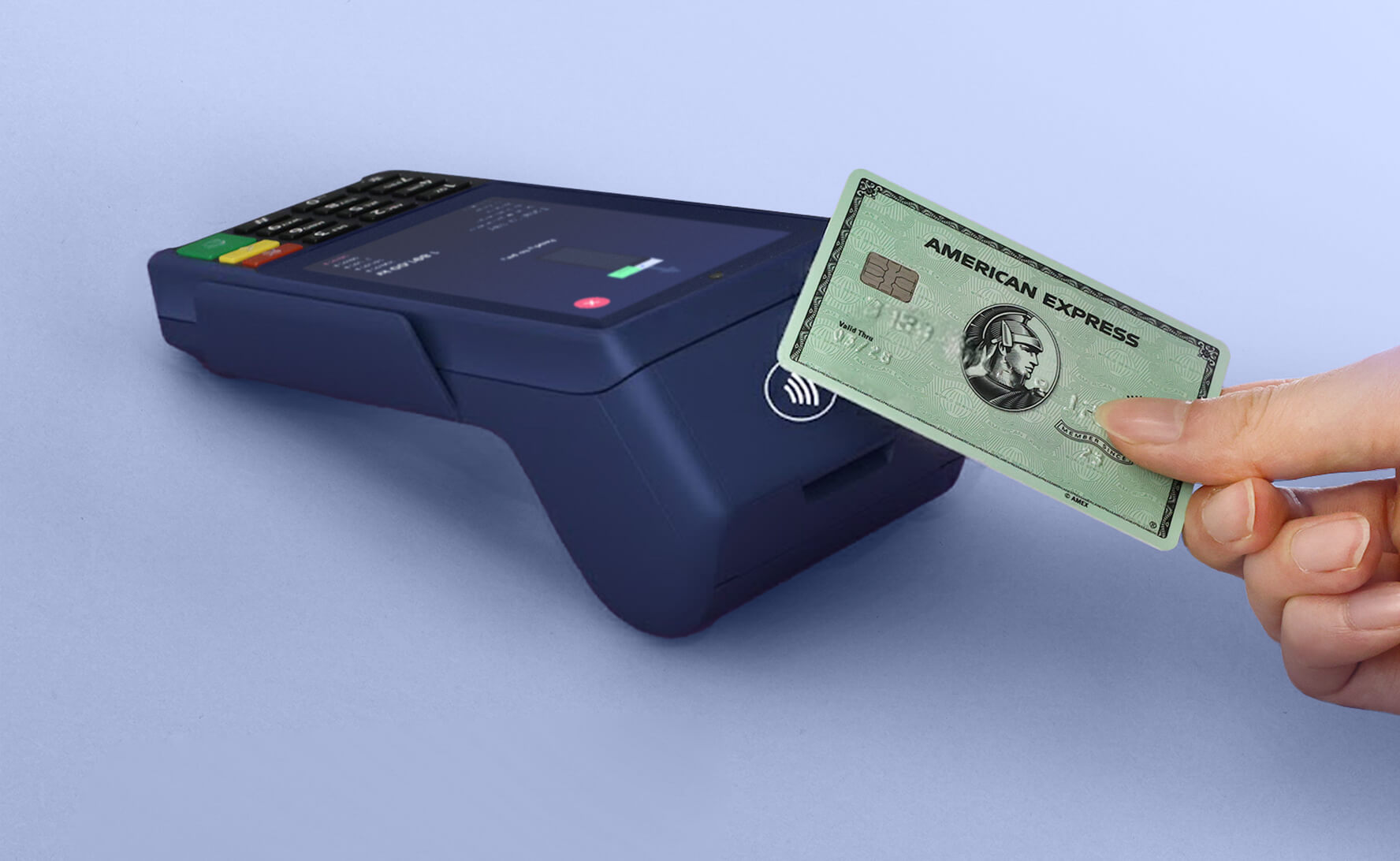
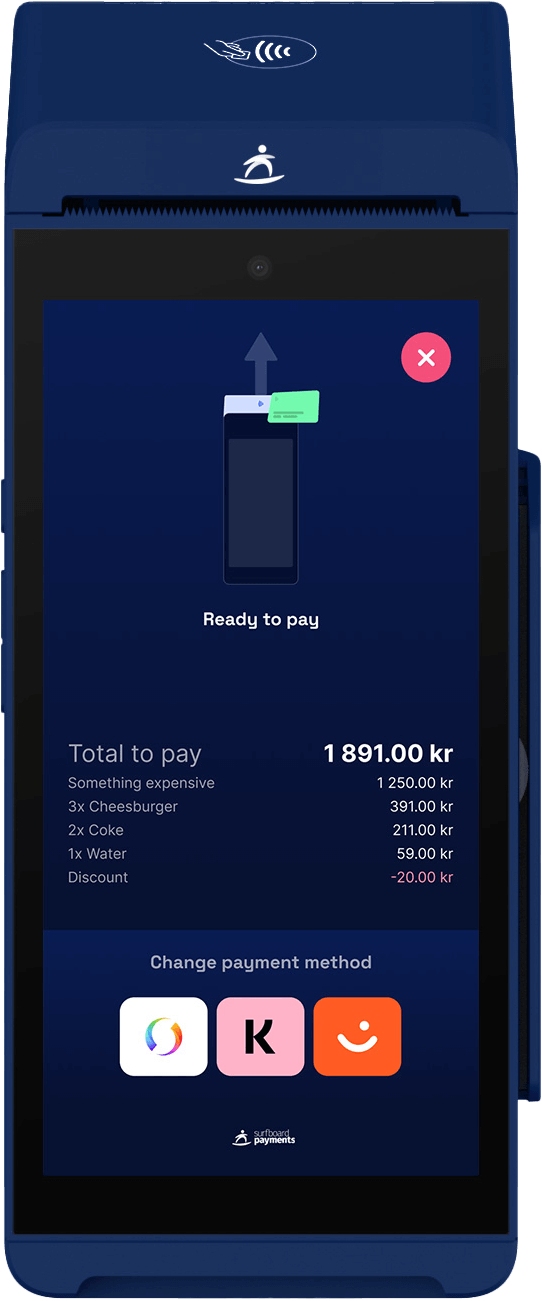
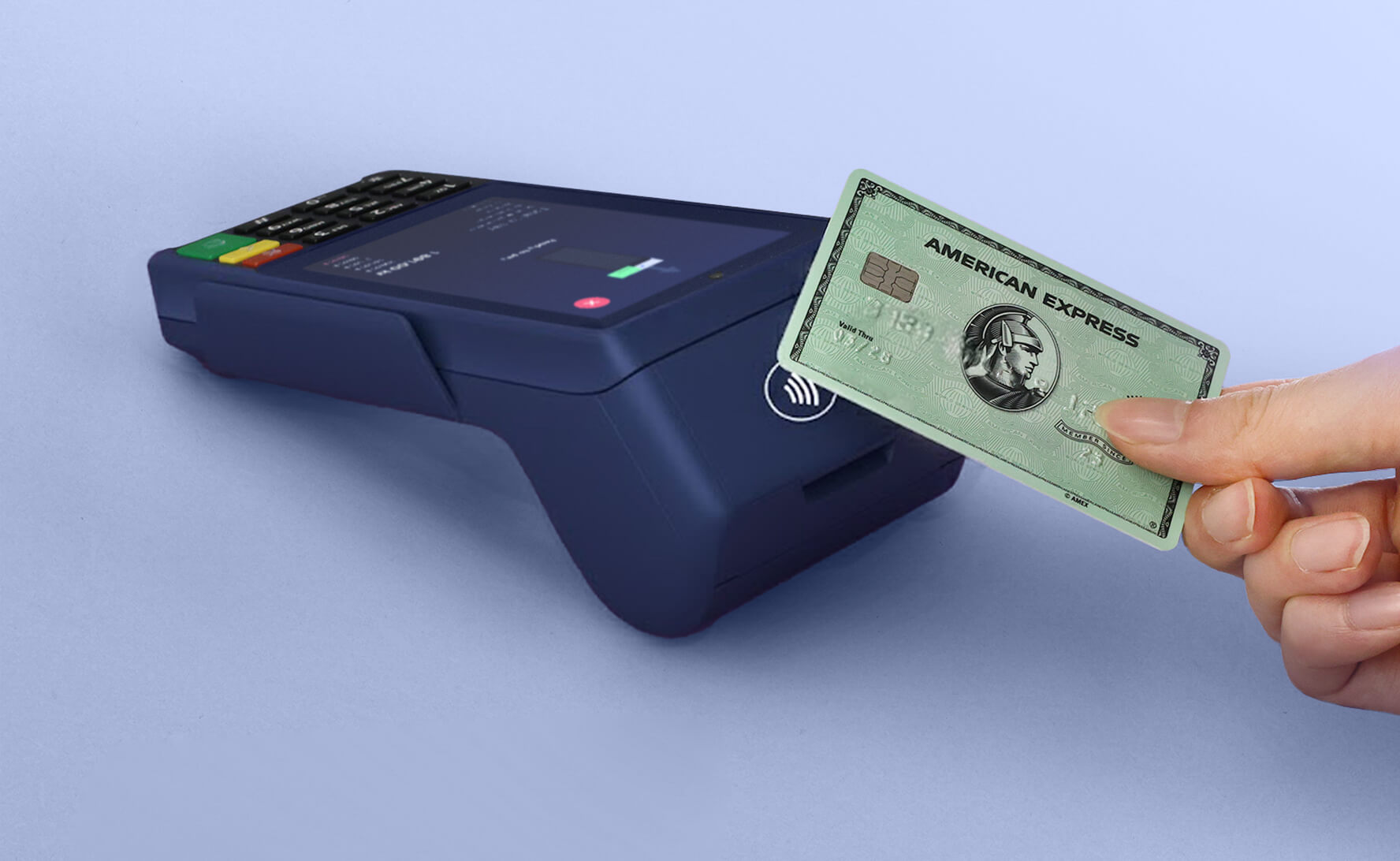 SurfPrint Pro K, front-on device shot JPG surfprint-pro-k-product.jpg
Use the files as supplied, keep each shot with the product it shows, and don't imply a partnership that isn't there. Full terms and the logo kit are on the press kit.
Next step
Fast prints. Faster payments. Full platform power.
The rest of the range
Our other payment devices
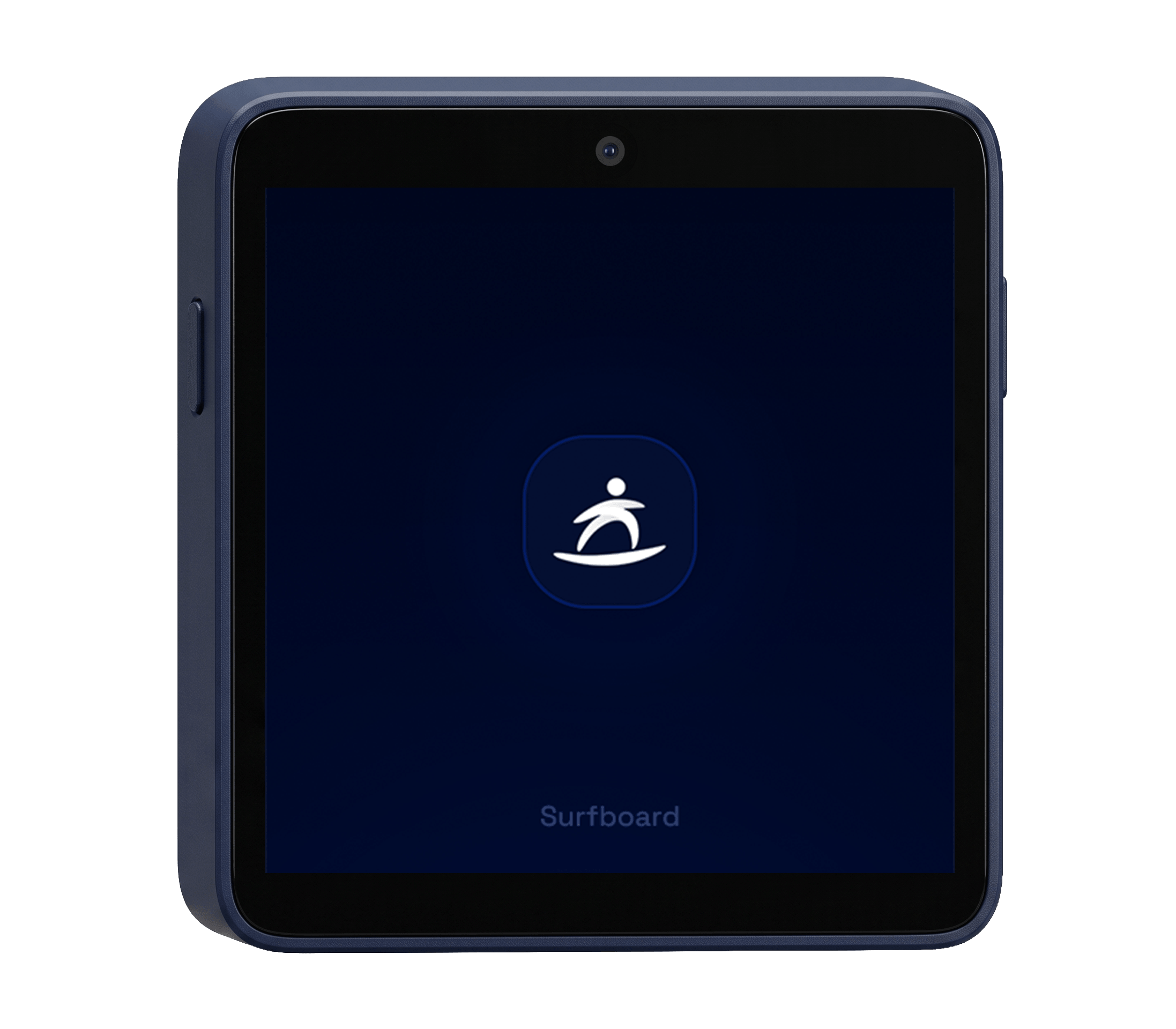
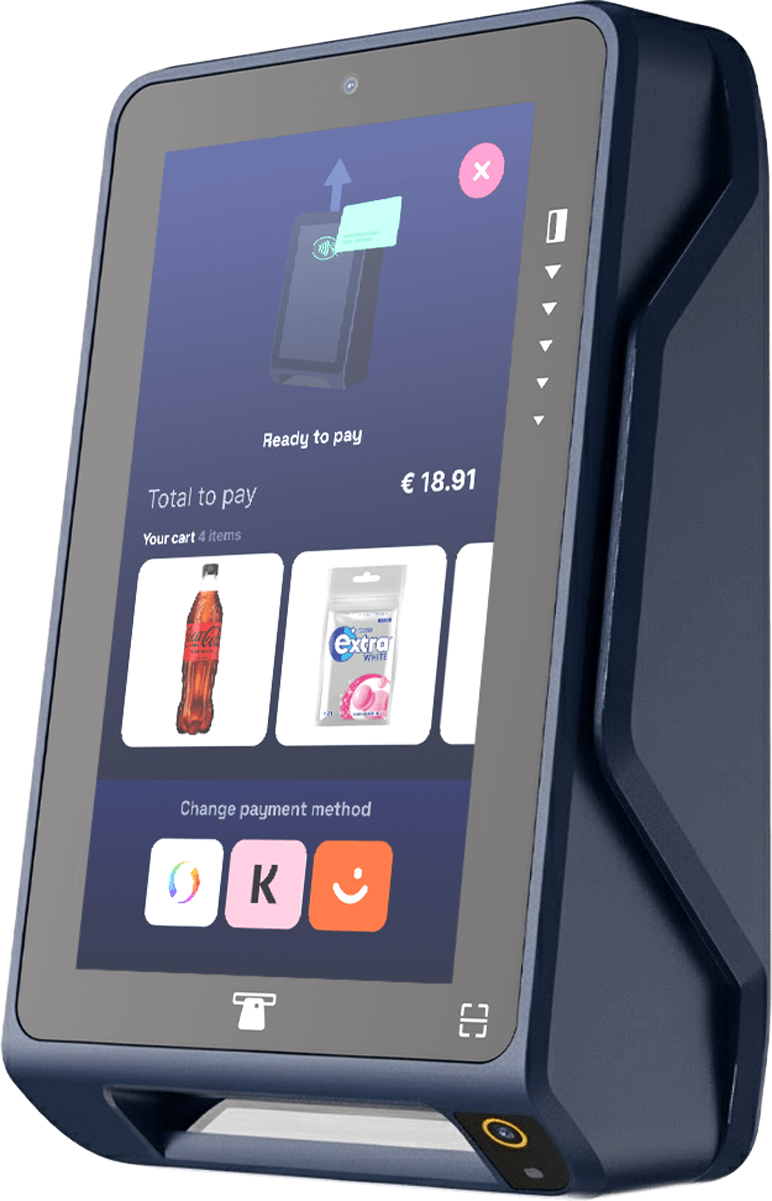
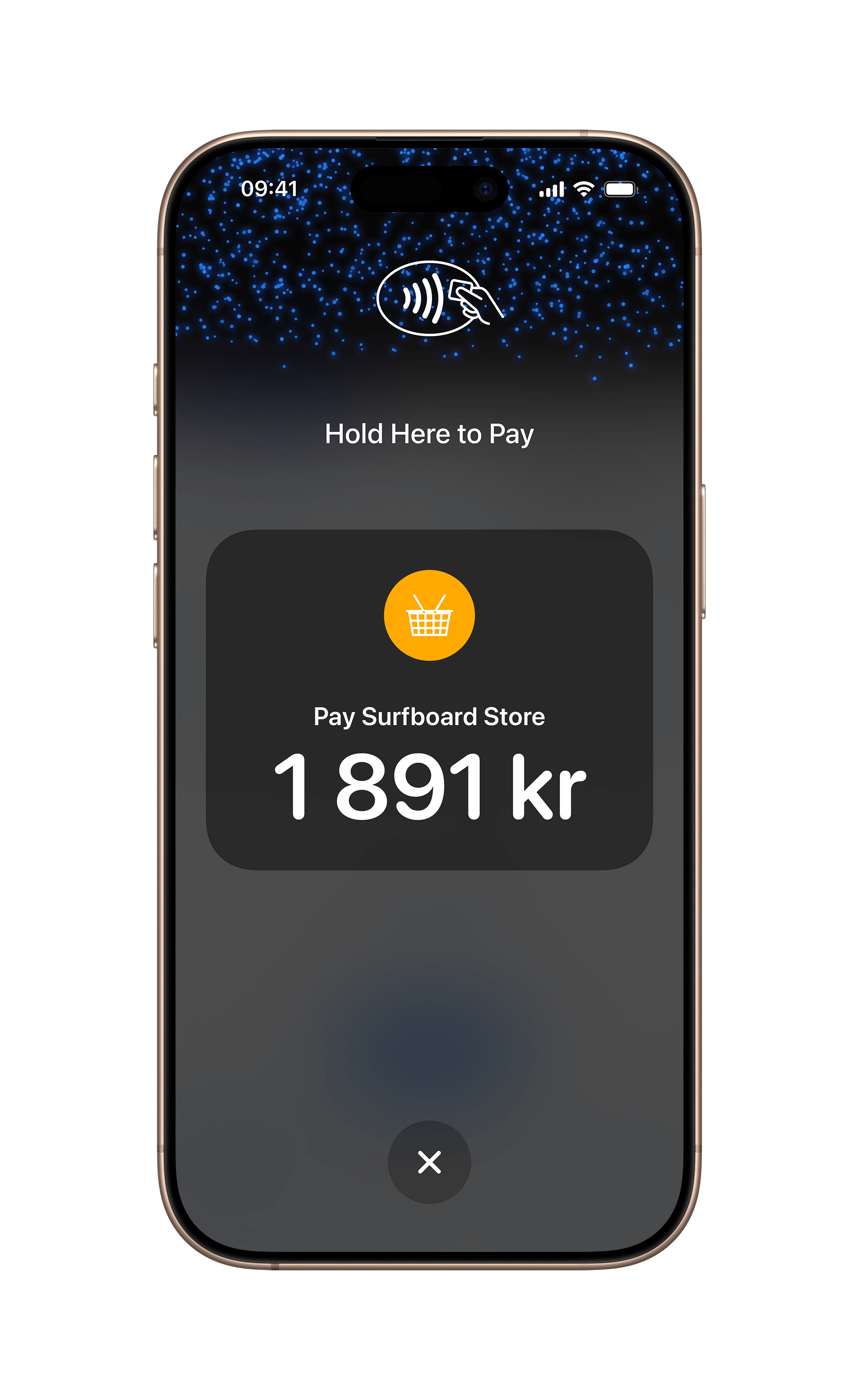
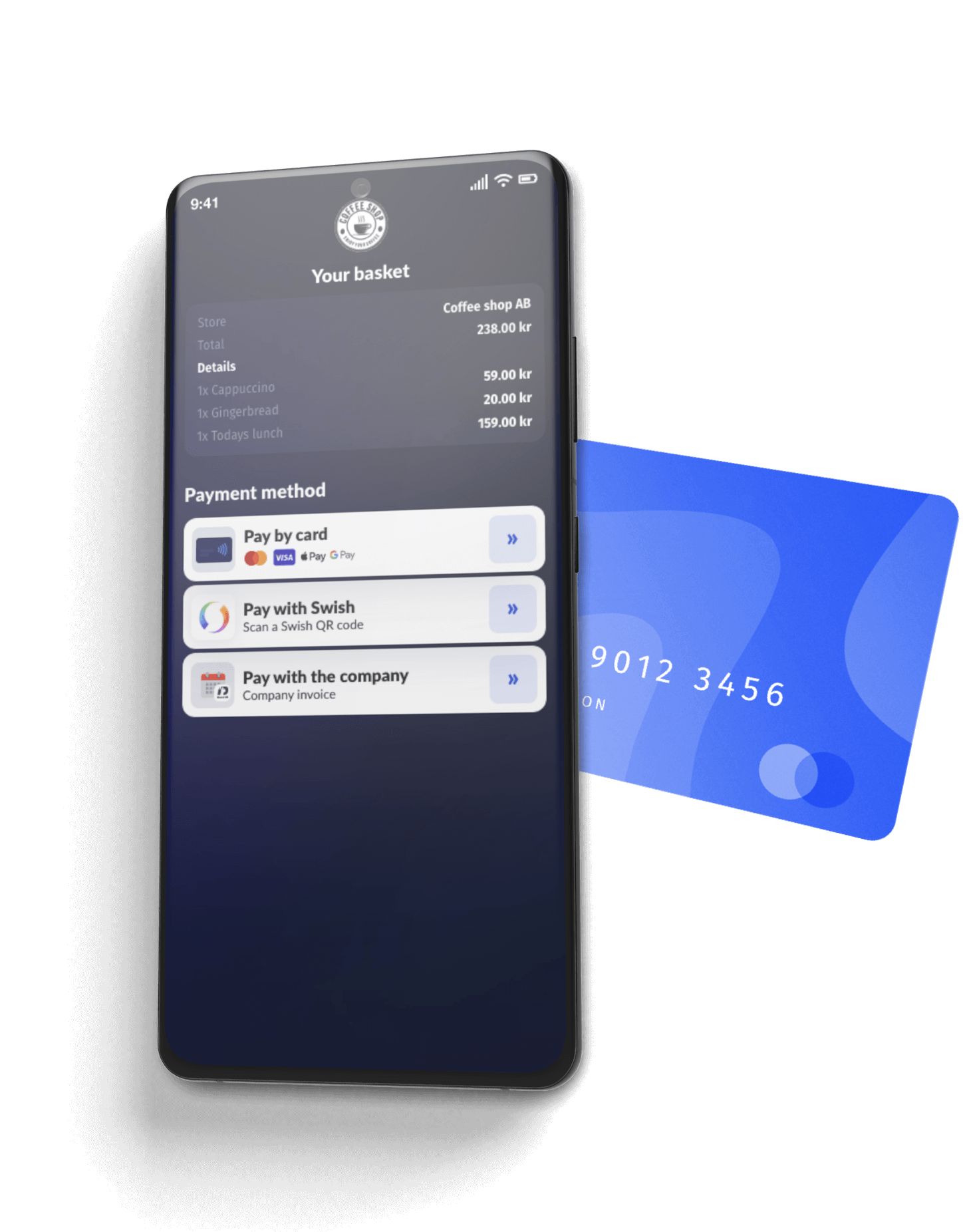
Take a look at our other products which includes both hardware-, and software-based payment terminals

Build it yourself
Step-by-step developer guides for everything on this page.
Register a terminal to a store before it can take payments or receive a partner POS app. Covers rotating codes, QR/registration links, pre-shipped codes, and in-app registration for SoftPOS.
Read guide In-store · GuideIntegrate traditional card-present terminals through Surfboard's unified API. From account setup to live payments in one guide.
Read guide In-store · GuideManage payment terminals and devices via the Surfboard API. Register in-store and online terminals, configure settings, and handle device operations.
Read guide In-store · GuideGenerate, email, print, and customise receipts for in-store transactions using the Surfboard Receipts API.
Read guide In-store · GuideConfigure tipping on Surfboard payment terminals at the merchant, store, or terminal level using a hierarchical override model.
Read guide