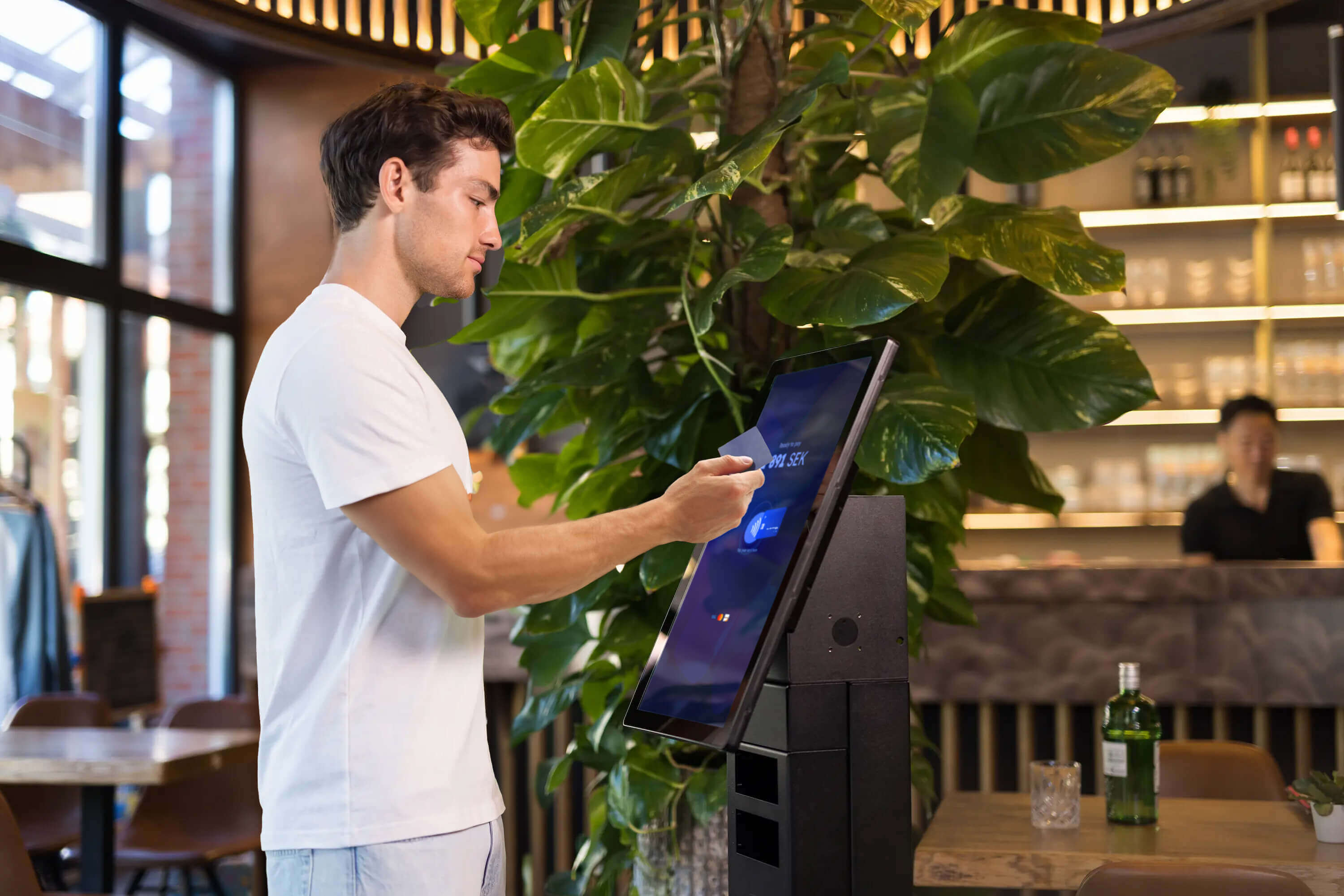
Contactless self-checkout. No extra hardware.
The SurfXpress is a 22-inch self-checkout tablet that takes contactless payments straight through the screen, with no separate terminal needed. Built for retail stores, restaurants, and any business that wants a faster, smoother checkout.
Big screen, big benefits
- 📱 No extra payment hardware
- 🔌 Easy integration with pre-built payments and SDKs
- 🚀 Install your app, add an app-switch, and go
- 🔒 SoftPOS that is fast, easy, and secure
- 📦 Fast delivery from our warehouse in Sweden
- 🛠️ Android MDM for fleet management
The future of self-checkout
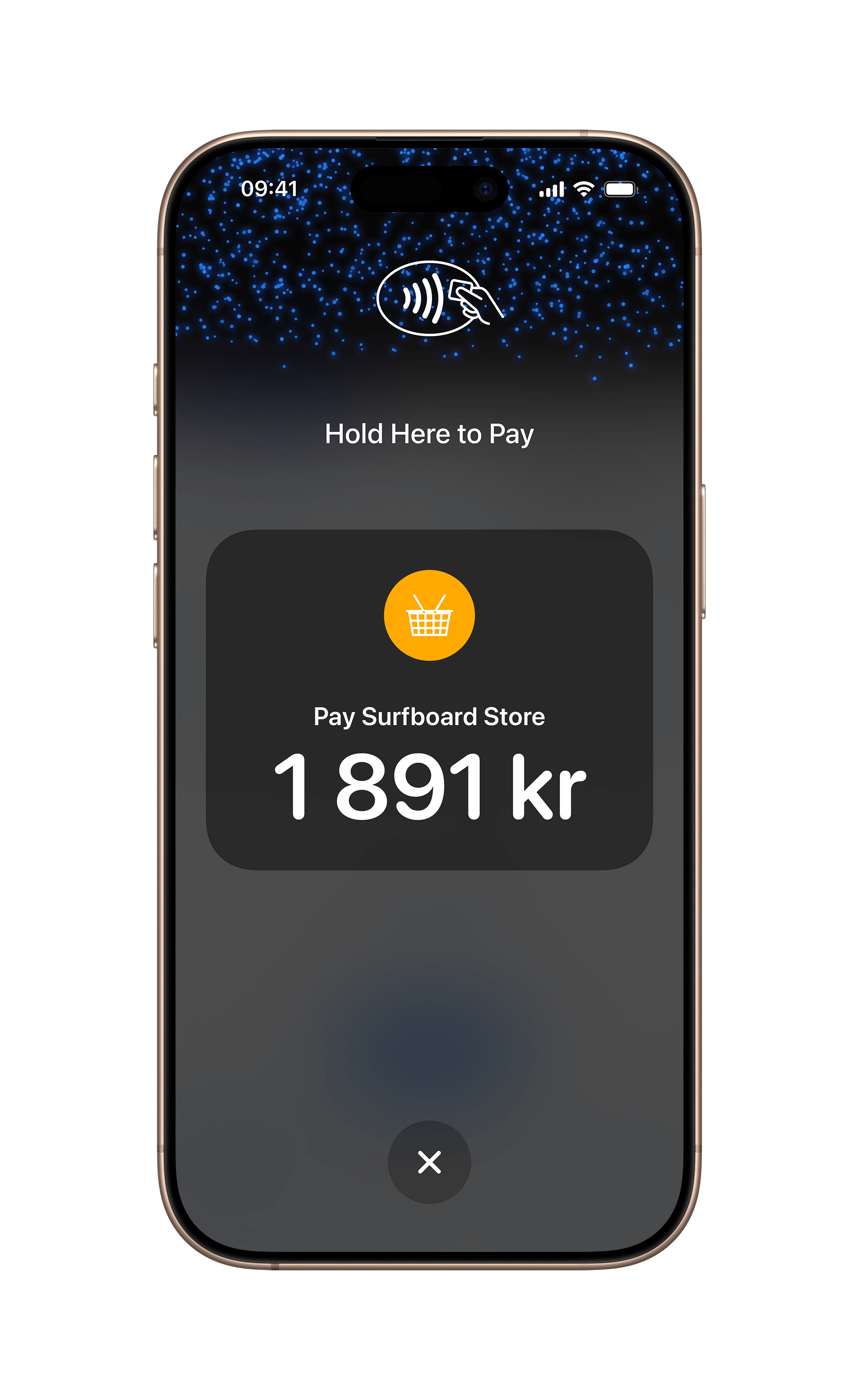
The SurfXpress is a 22-inch tablet that enables contactless payments without the need for additional hardware. With its large screen and NFC placement in the center of the display, it's perfect for the Food & Beverage vertical, retail stores, and other businesses looking to streamline their checkout process and provide a seamless experience for customers.
SurfXpress is designed to be easy to use and easy to integrate into your existing systems. Leveraging our SoftPOS CheckoutX app, this tablet speeds up not only the checkout process but also the transaction itself.
With SurfXpress, you can provide a seamless and contactless checkout experience for your customers, increasing customer satisfaction and loyalty.
Express checkout like never before
Experience the express alternative, the SurfXpress. With our SoftPOS solution, the CheckoutX payment application, you can focus on creating a smooth checkout experience and let us take care of the payments.
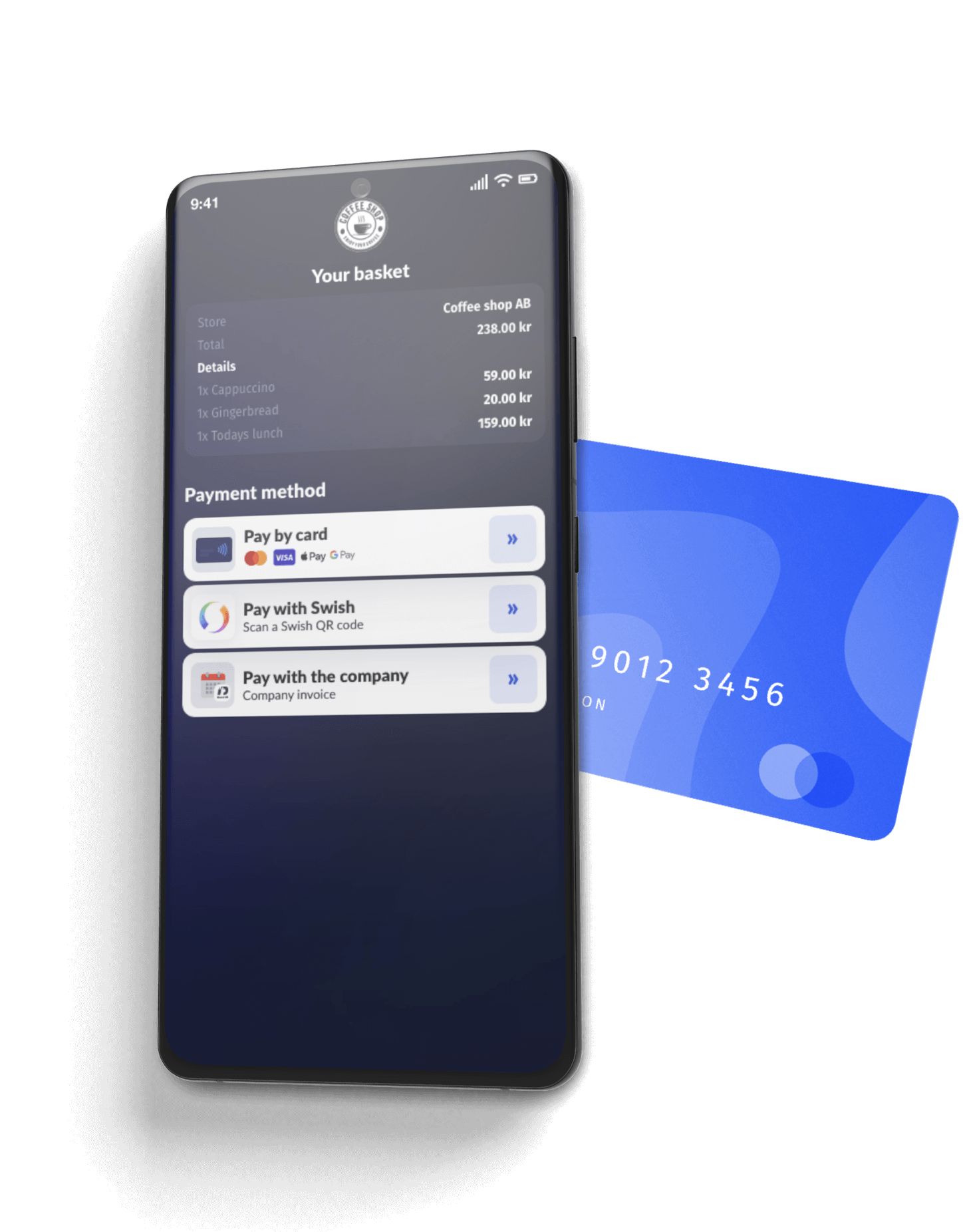
By removing the focus from any external payment terminal, you can streamline multiple payment methods and loyalty conversion through the screen while continuously keeping the consumer's attention.
Easy to use, easy to integrate
SurfXpress is an Android-based tablet that is not only easy to use but also easy to integrate into your existing systems.
The touchscreen interface is intuitive and user-friendly, making it easy for you to build the checkout app for your merchants' customers to navigate and complete their order. We'll make sure the transactions are the most efficient and quick they've ever experienced.
Supported Payment Methods
Here are the payment methods we support across our platform:













From registration to payments in the blink of an eye
It's very straightforward to get started. Register your developer account, get access to your keys, order terminals for your merchants, and register them upon arrival. Then you are up and ready to go.
//Register Terminal
POST /merchants/:merchantId/stores/:storeId/devices

curl -X POST "YOUR_API_URL/merchants/:merchantId/stores/:storeId/devices" \
  -H "Content-Type: application/json" \
  -H "API-KEY: YOUR_API_KEY" \
  -H "API-SECRET: YOUR_API_SECRET" \
  -H "MERCHANT-ID: YOUR_MERCHANT_ID" \
  -d '{
    "registrationIdentifier": "250901",
    "terminalName": "Kiosk One"
  }'
Accessories for this device
Specifications
For partners and press
SurfXpress image kit
3 cleared photographs of the SurfXpress, product shots and in-use shots, ready for your site, deck, or store listing. No request needed.
3 files · ZIP · brand guidelines
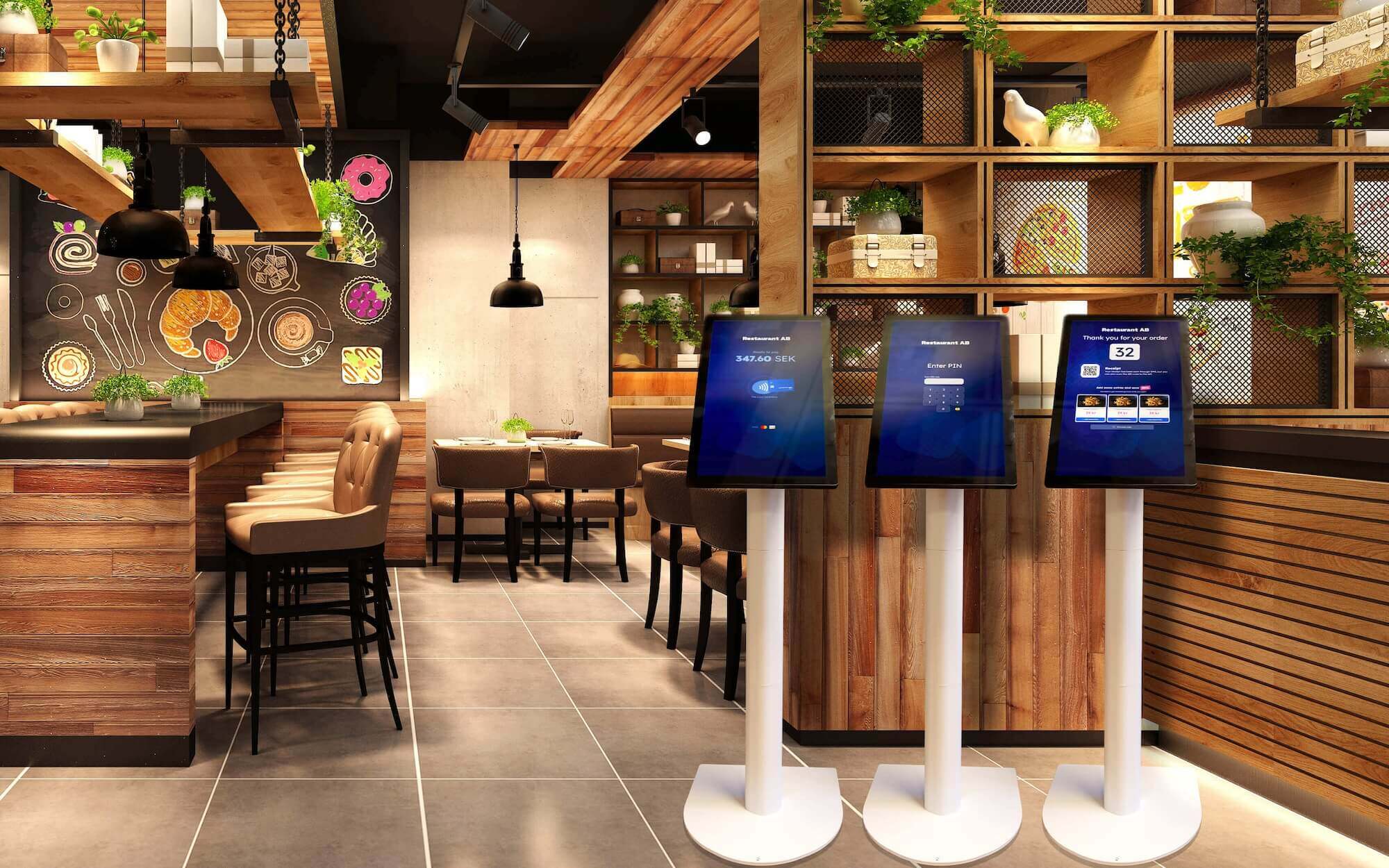
- SurfXpress self-service kiosk in a restaurant JPG surfxpress-restaurant.jpg
-
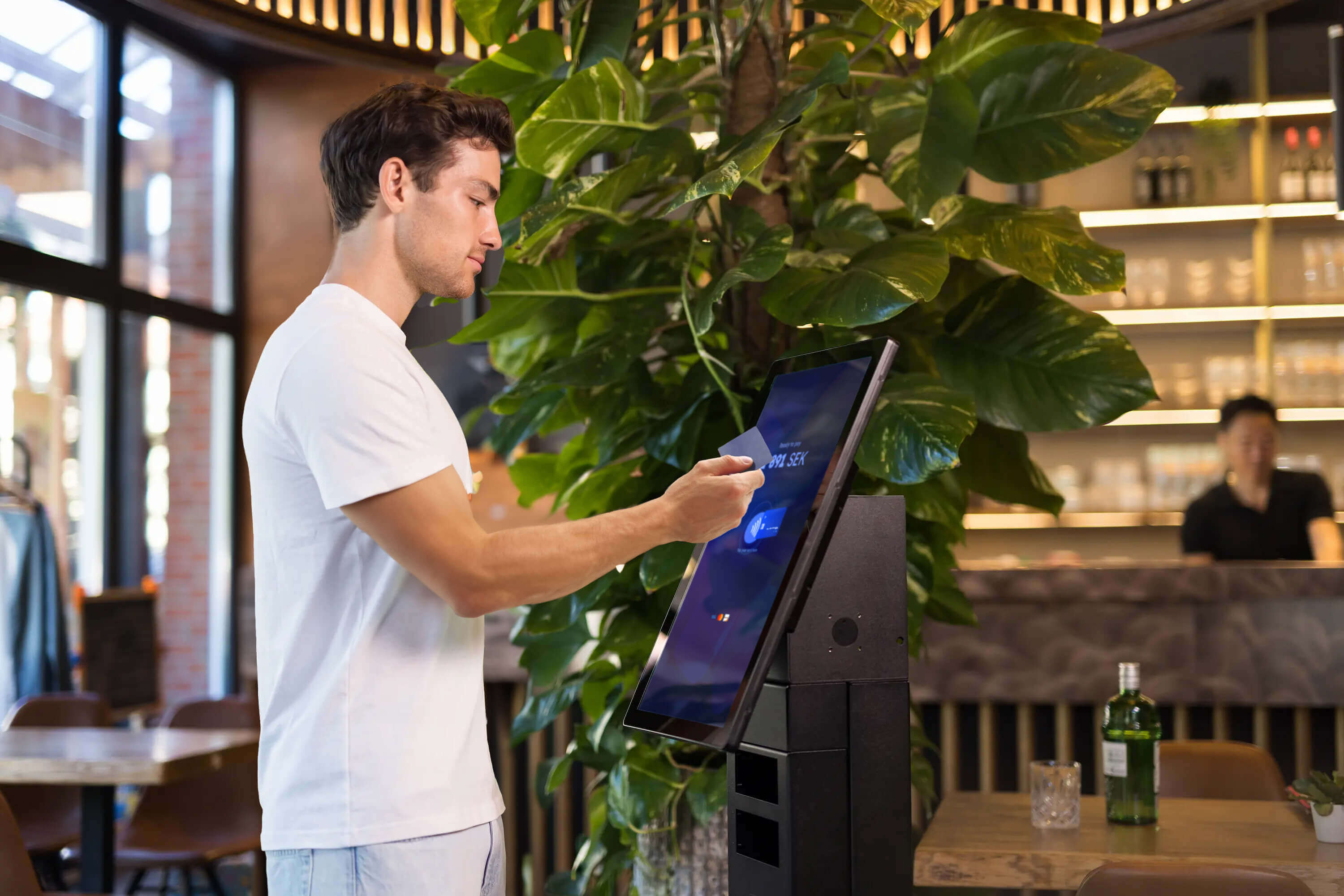
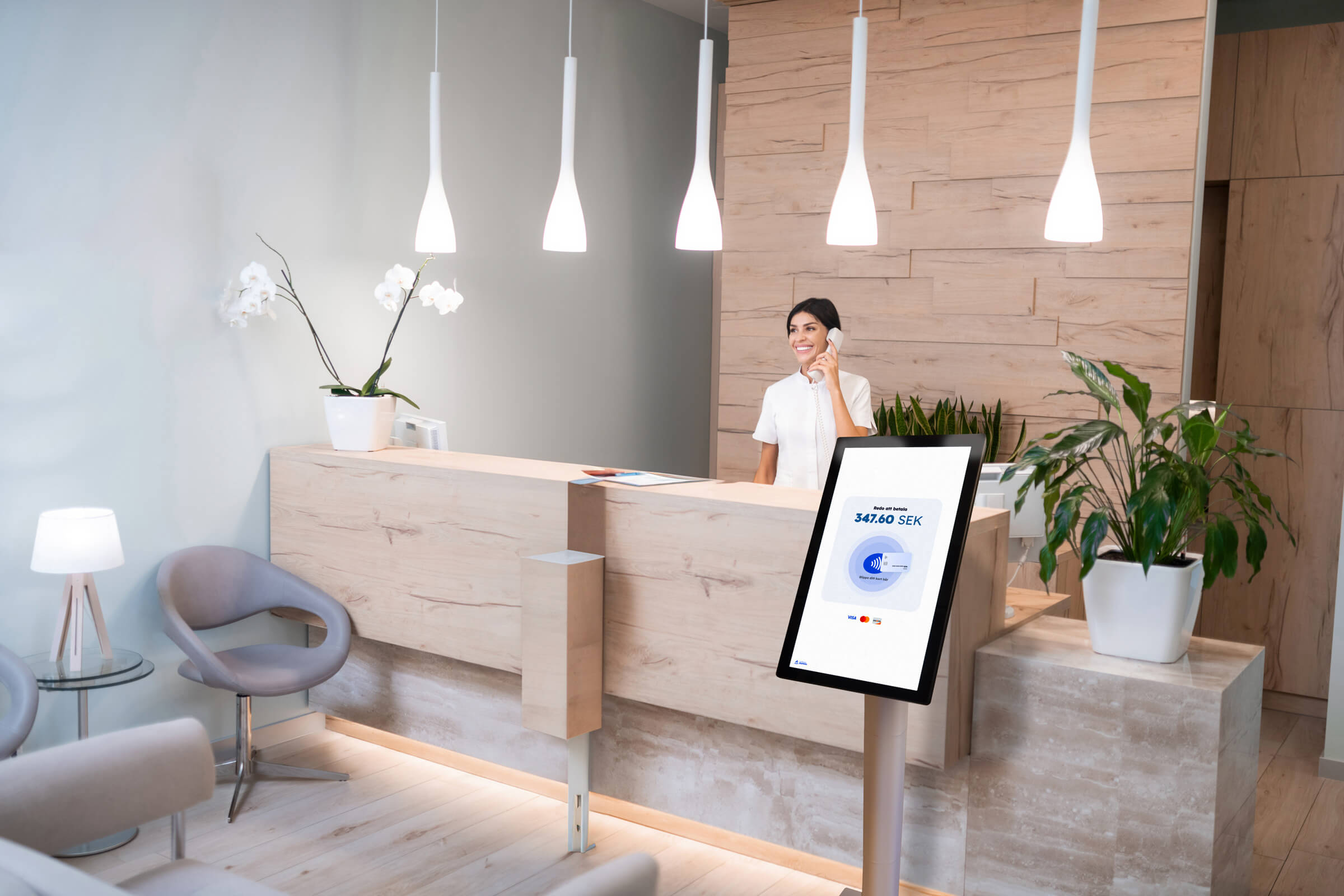 SurfXpress kiosk, customer ordering at the screen JPG surfxpress-kiosk.jpg
 -
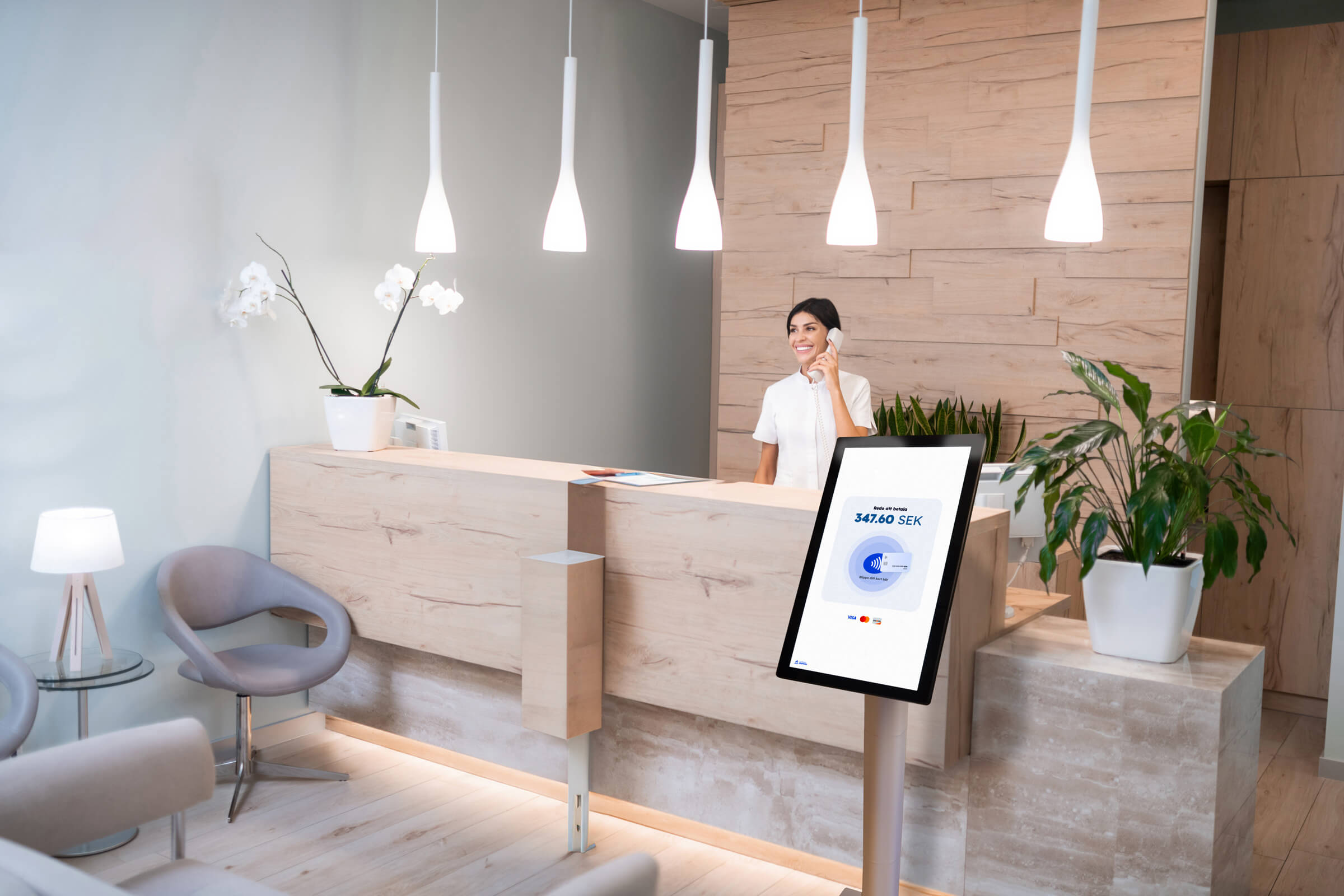
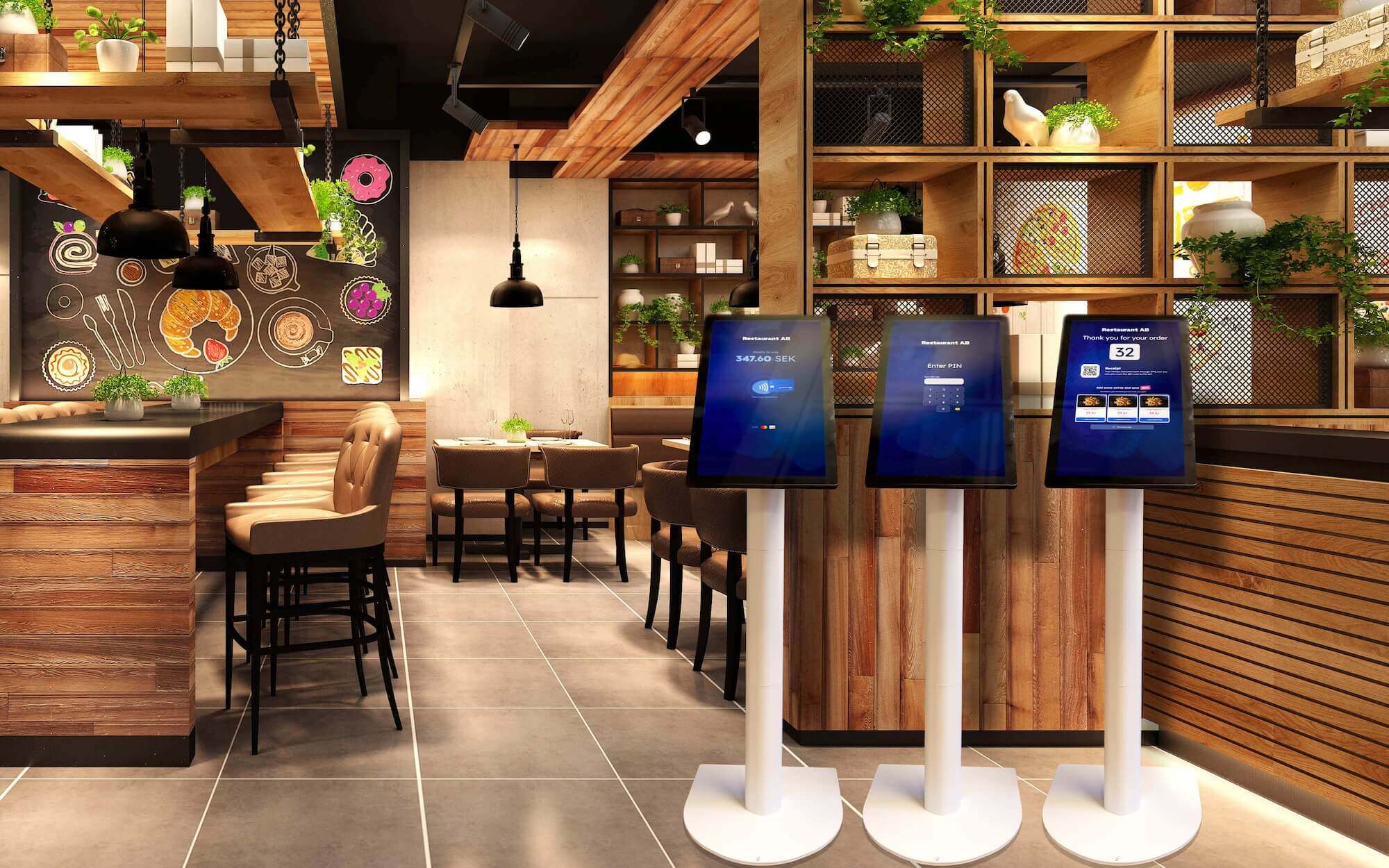 SurfXpress used for self-ordering at a counter JPG surfxpress-self-order.jpg
Use the files as supplied, keep each shot with the product it shows, and don't imply a partnership that isn't there. Full terms and the logo kit are on the press kit.
Next step
Want to add SurfXpress to your offering?
Get in touch with us to learn more about how SurfXpress can help you streamline your checkout process and provide a seamless experience for your customers.
On Surflix
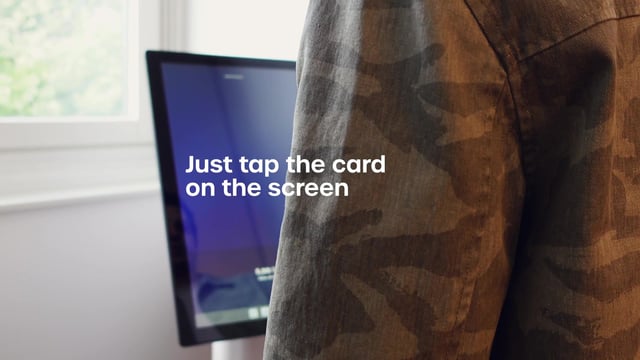
SurfXpress, on film
SurfXpress films
The rest of the range
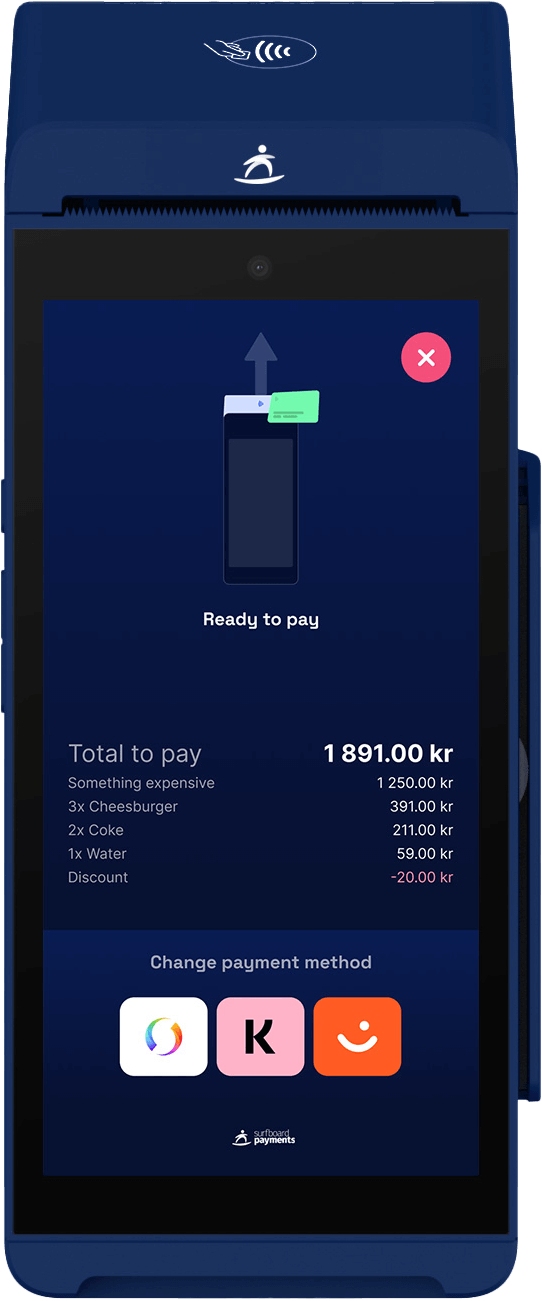
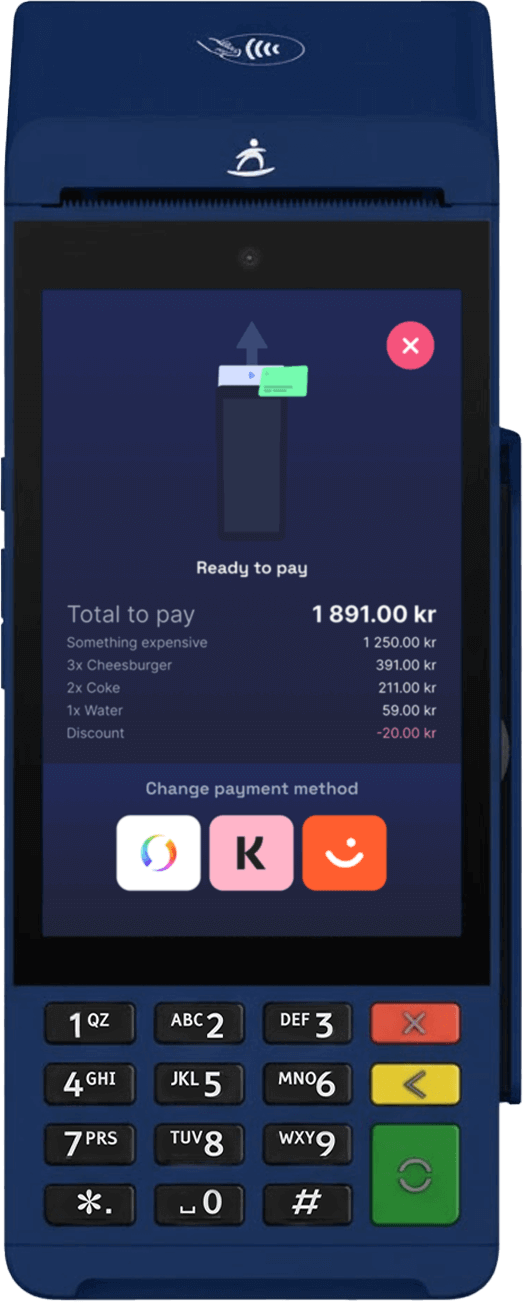
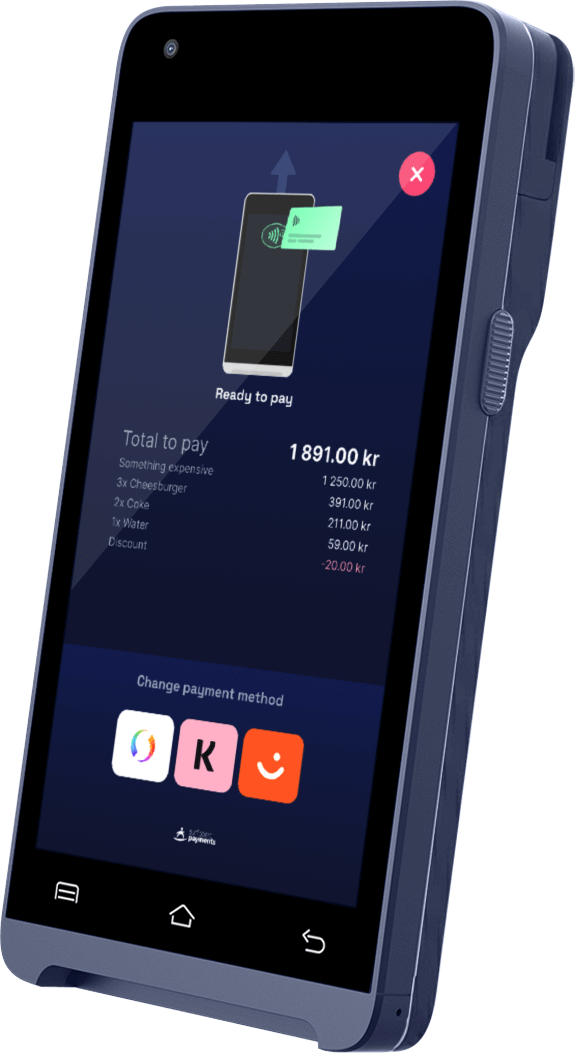
Our other payment devices
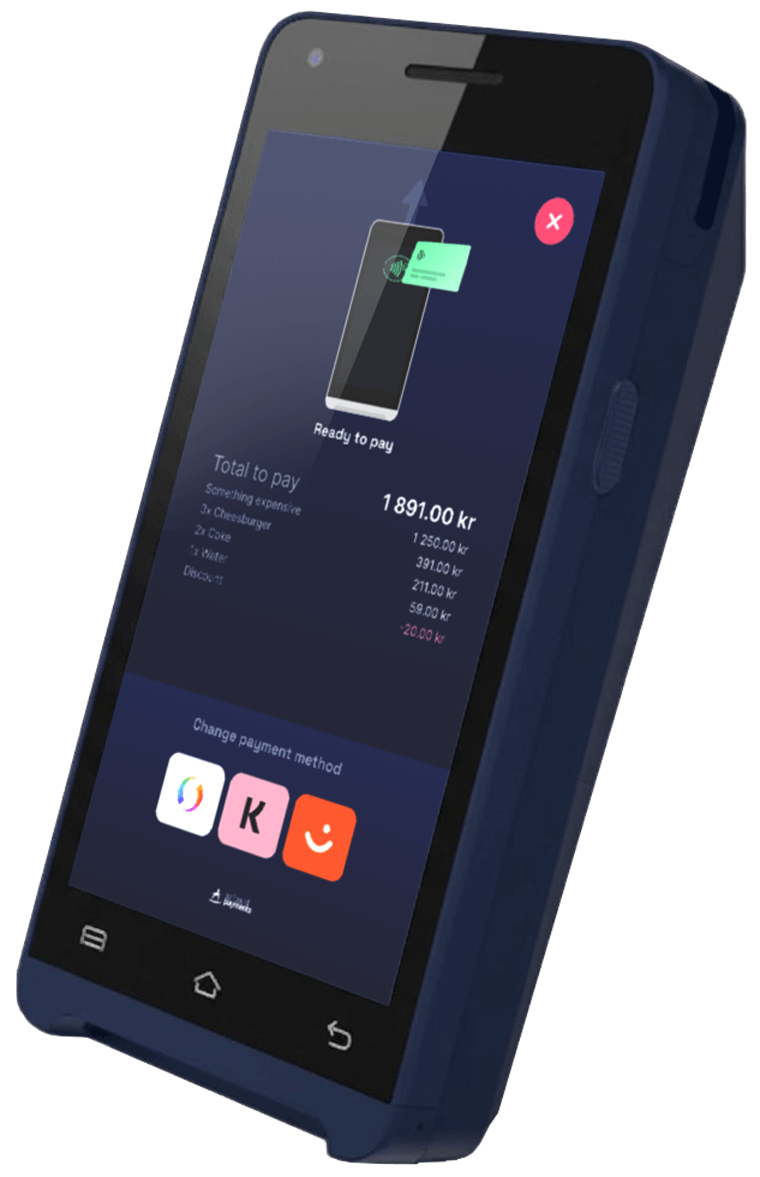
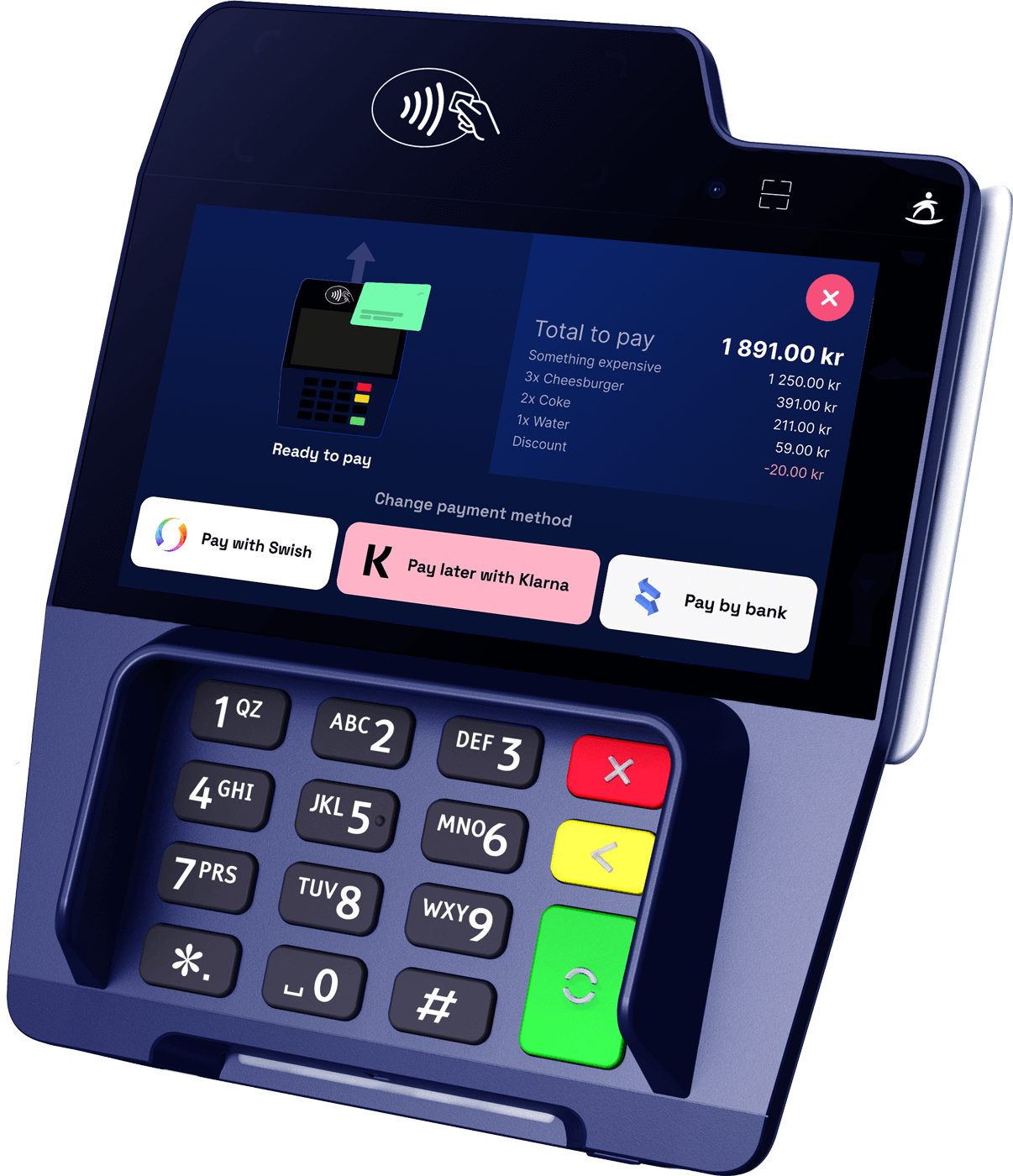
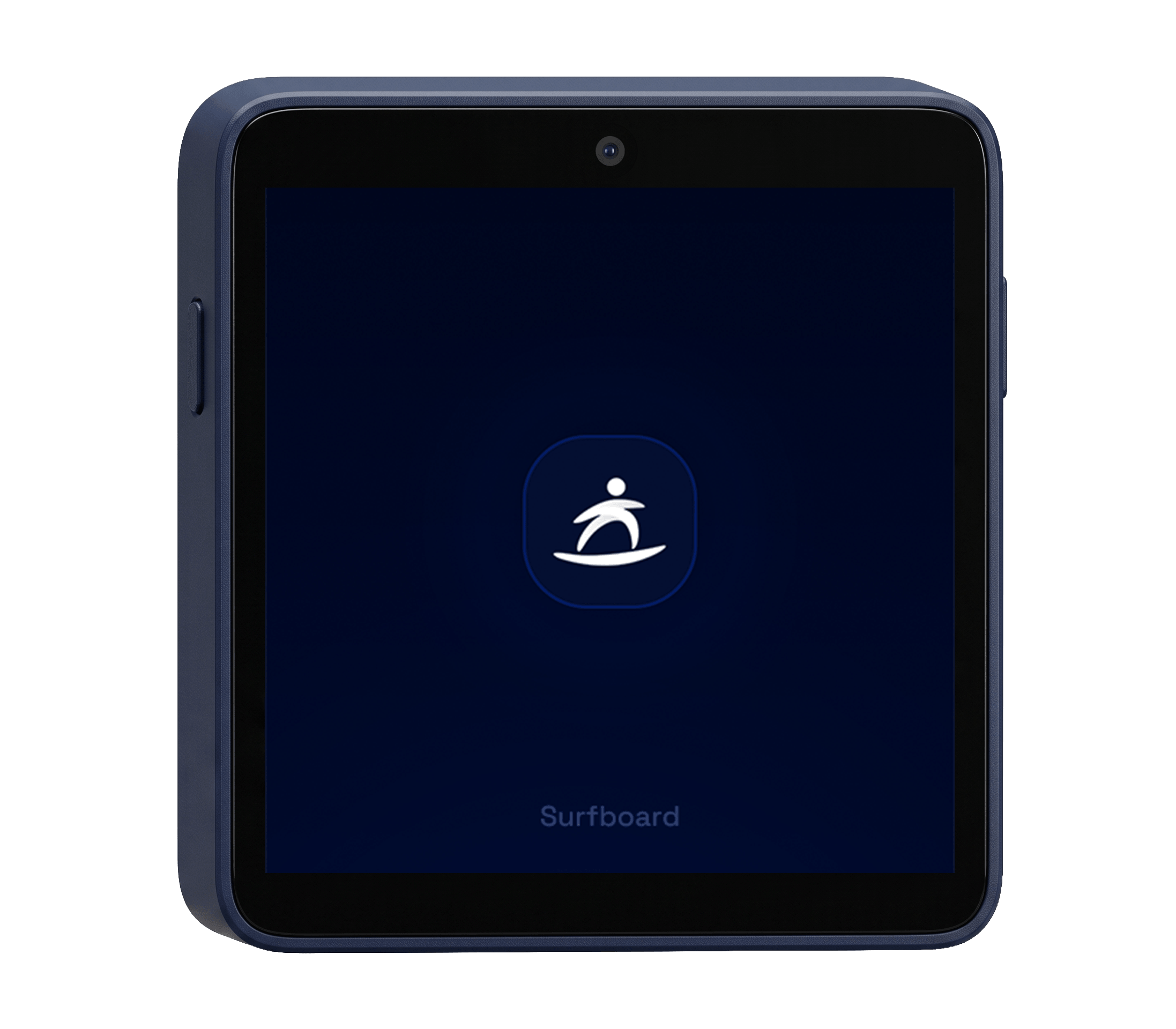
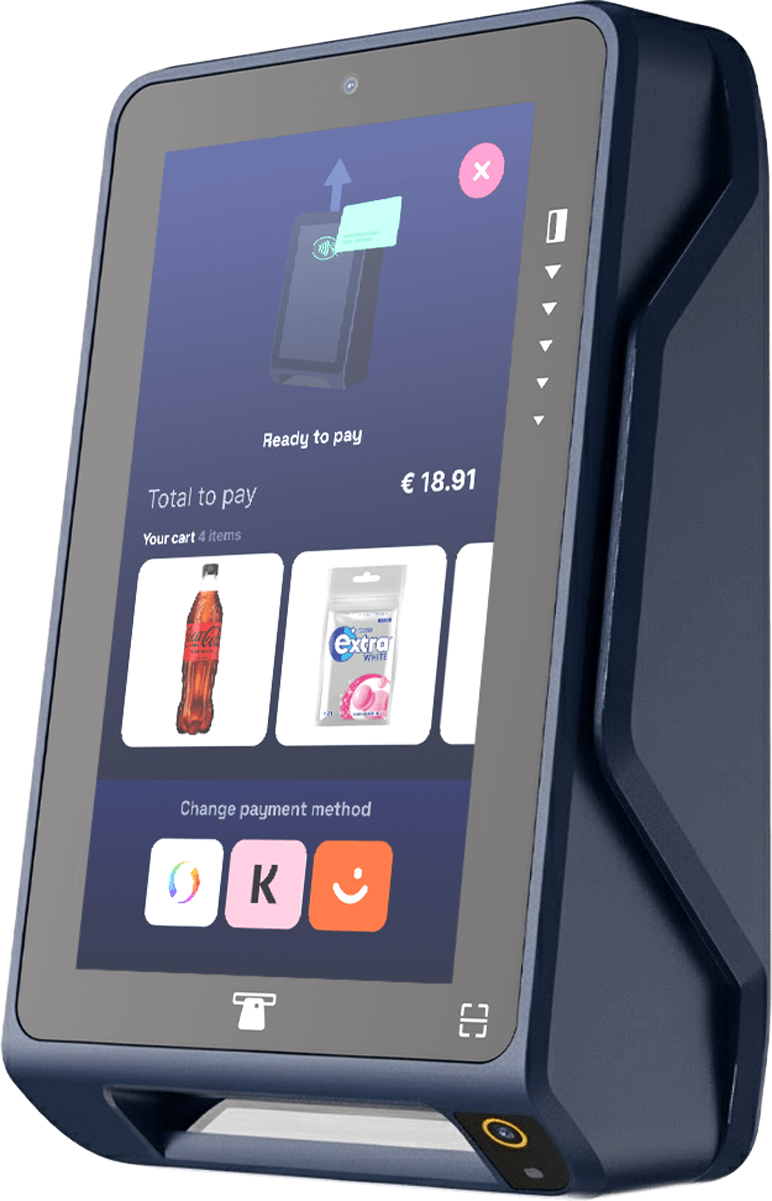
Take a look at our other products which includes both hardware-, and software-based payment terminals
Build it yourself
Step-by-step developer guides for everything on this page.
Accept in-person payments on smartphones and tablets by pairing the CheckoutX app with your own POS app, a dual-app setup that requires no SDK integration.
Read guide In-store · GuideUse the NFC Reading API to create tag-reading sessions on payment terminals, scan NFC/RFID-tagged products, and retrieve scanned tag data.
Read guide Online · GuideCreate and manage product catalogs, products, variants, inventory levels, and analytics through the Catalog API.
Read guide In-store · GuideRegister a terminal to a store before it can take payments or receive a partner POS app. Covers rotating codes, QR/registration links, pre-shipped codes, and in-app registration for SoftPOS.
Read guide