Acceptance hardware
Same payment application. Fifteen bodies.
Every device below runs the identical payment application against the identical API. Choosing hardware is a question about the room it stands in, not about the integration you will have to write, and adding a second model later costs you nothing but the shipping.
- Handheld On the floor, at the table, on the bike
- Countertop Fixed position, ethernet, barcode
- Unattended Kiosks, EV charging, vending, transit
- Tap to Pay iPhone and Android, no terminal at all
One API across all of them
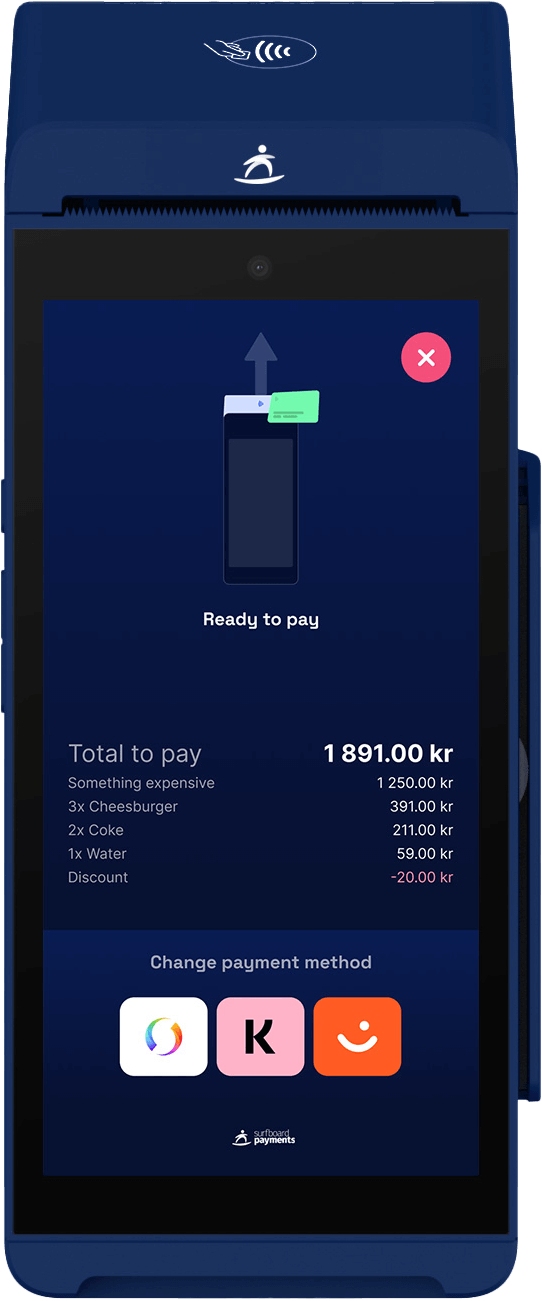
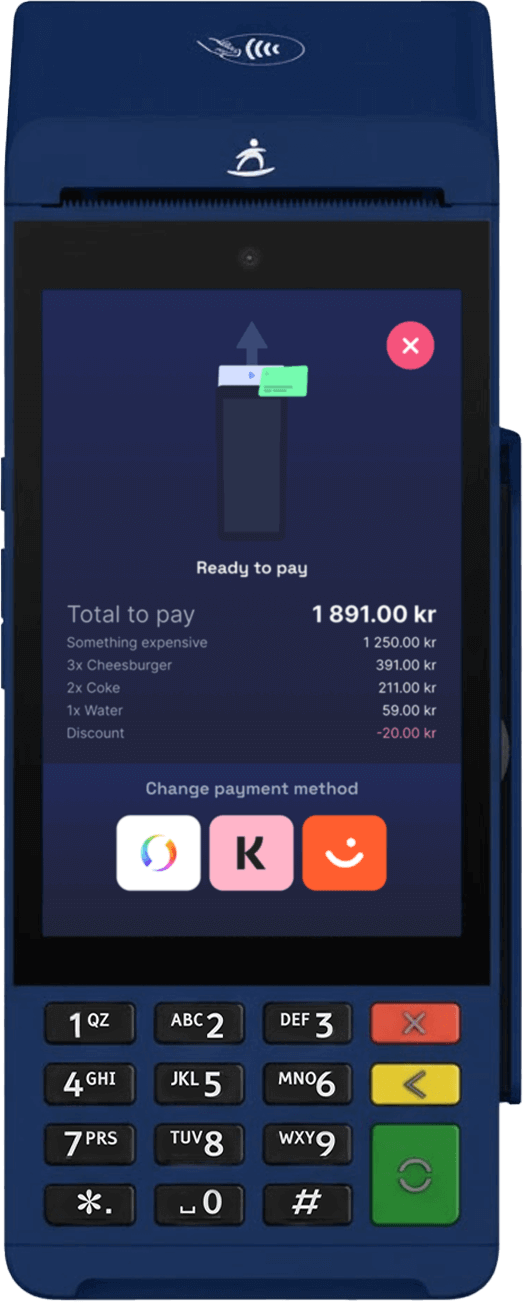
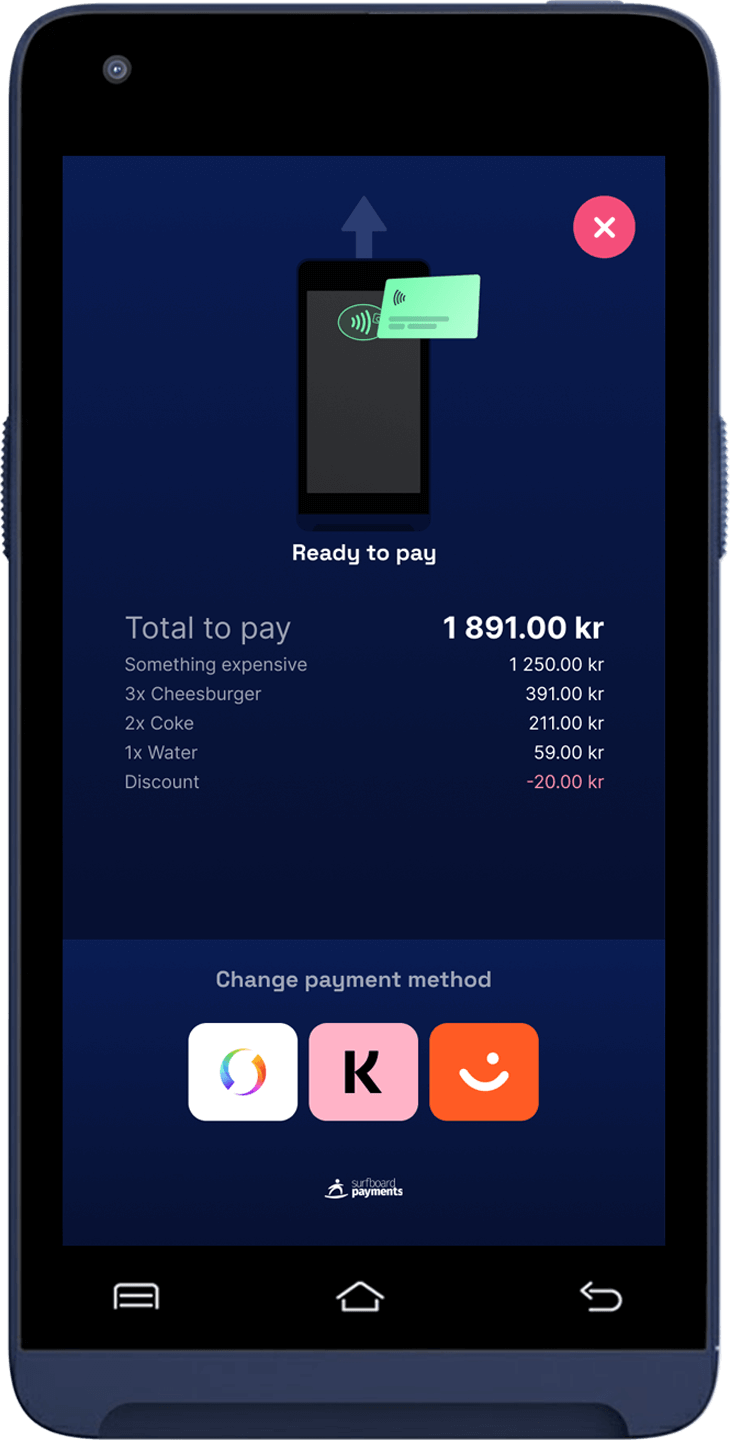
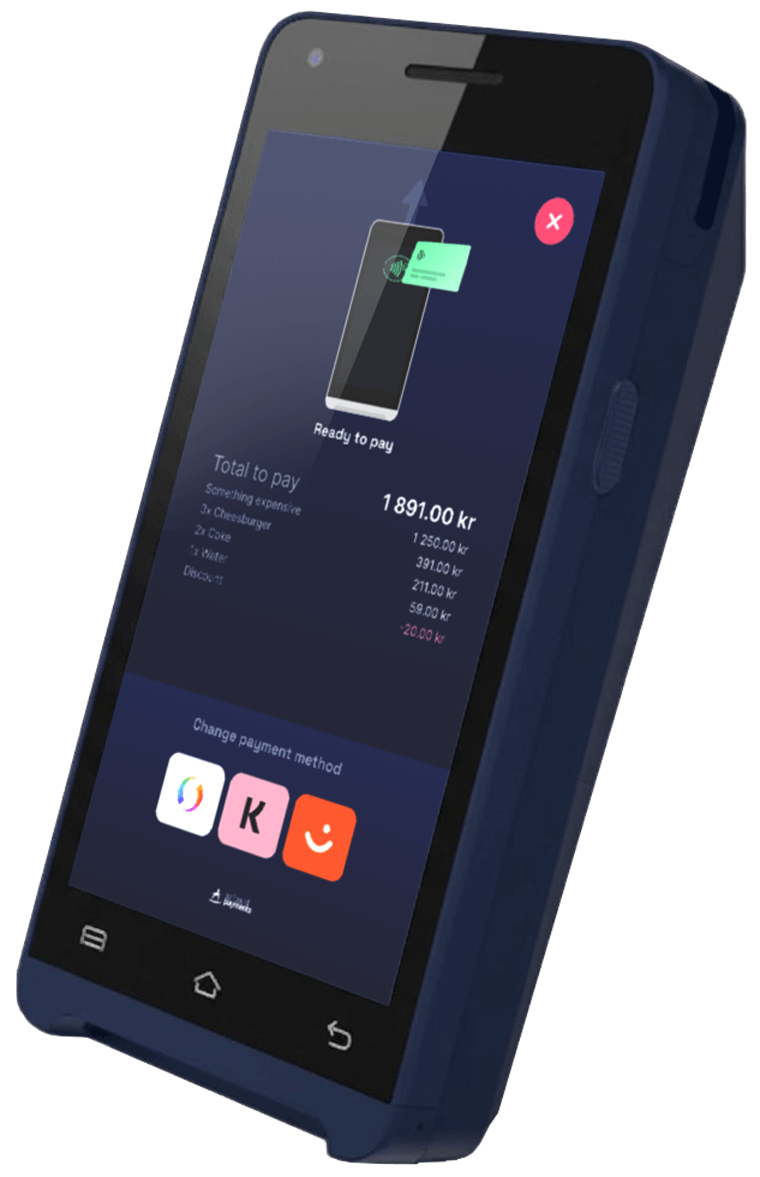
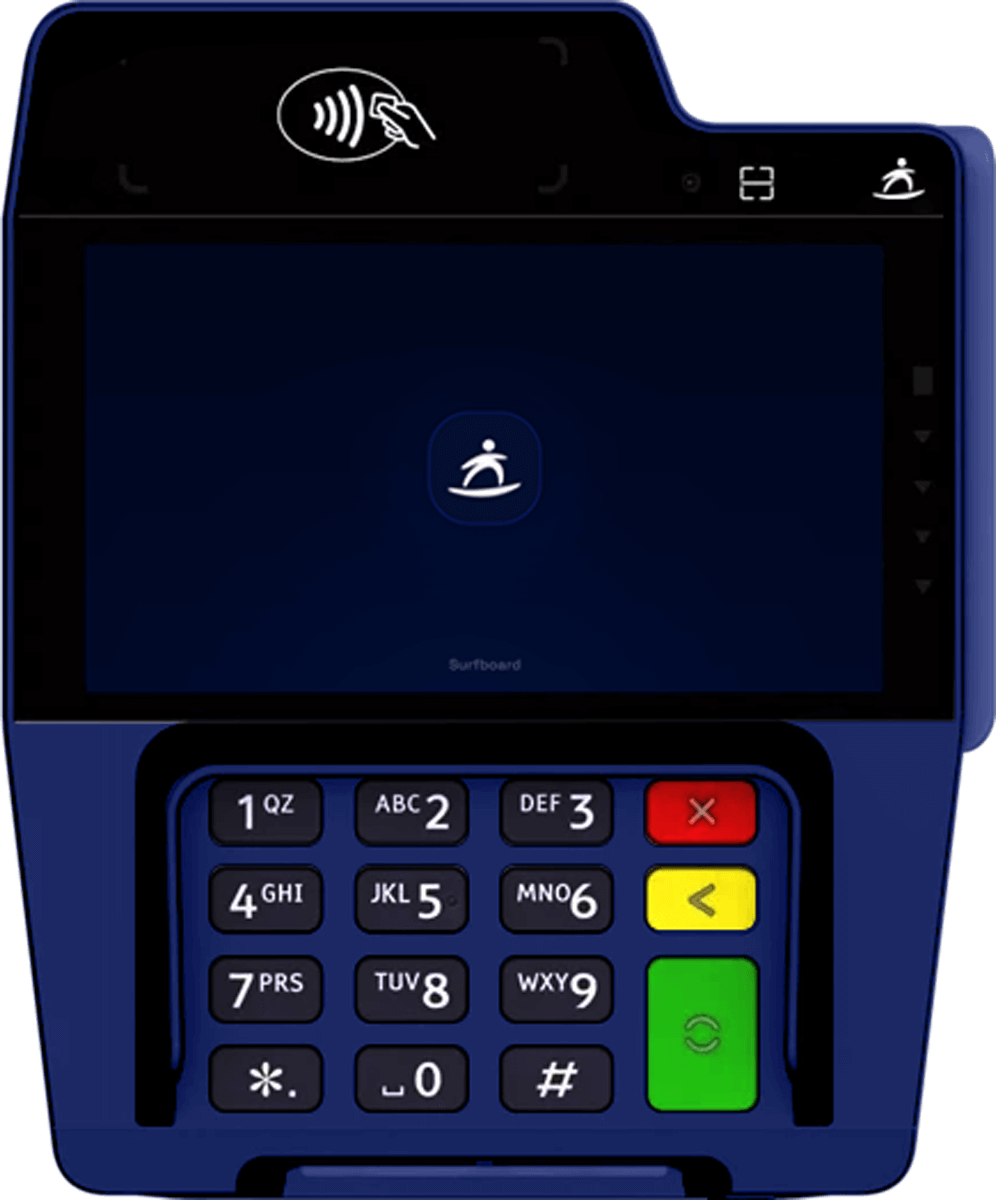
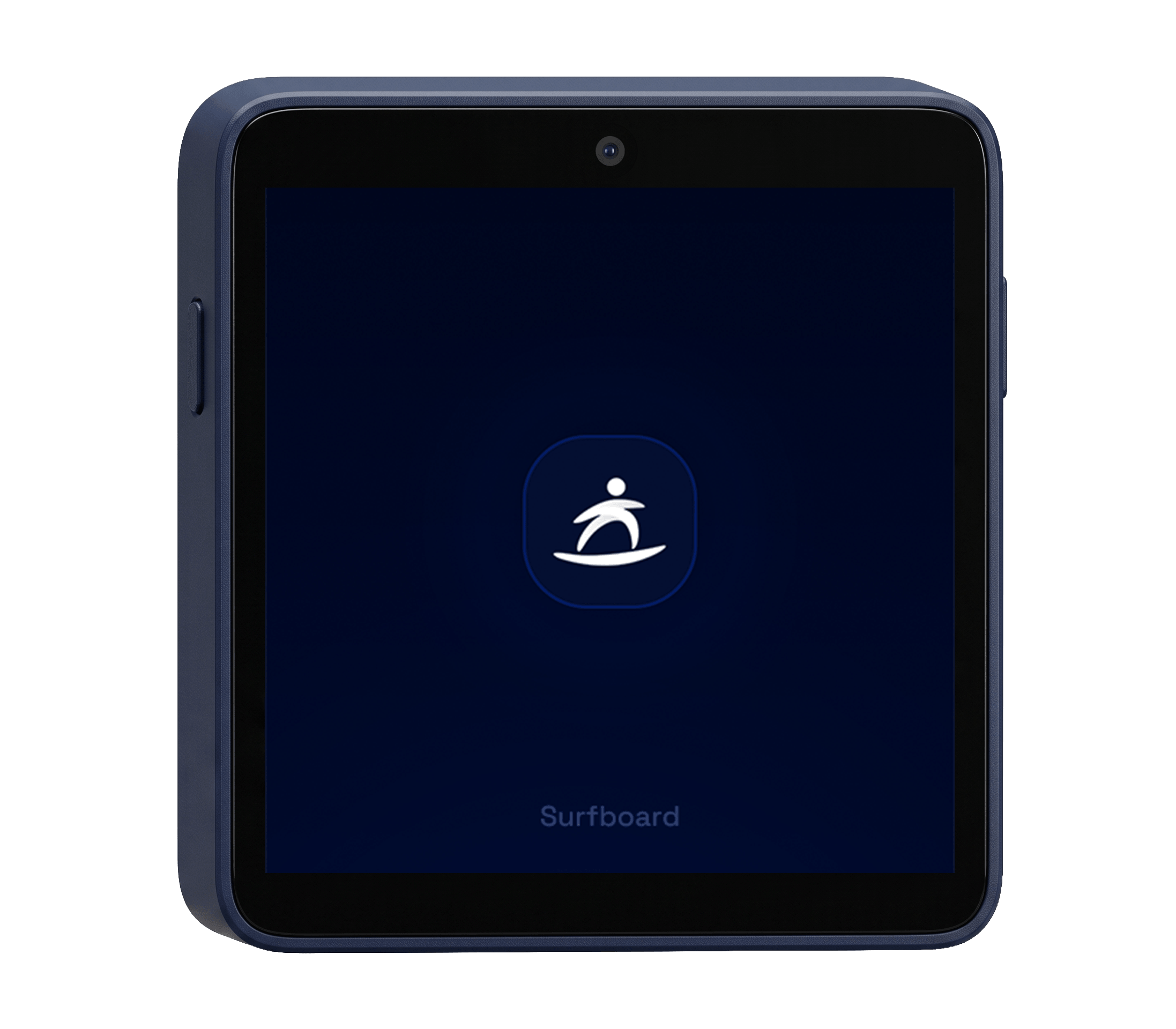
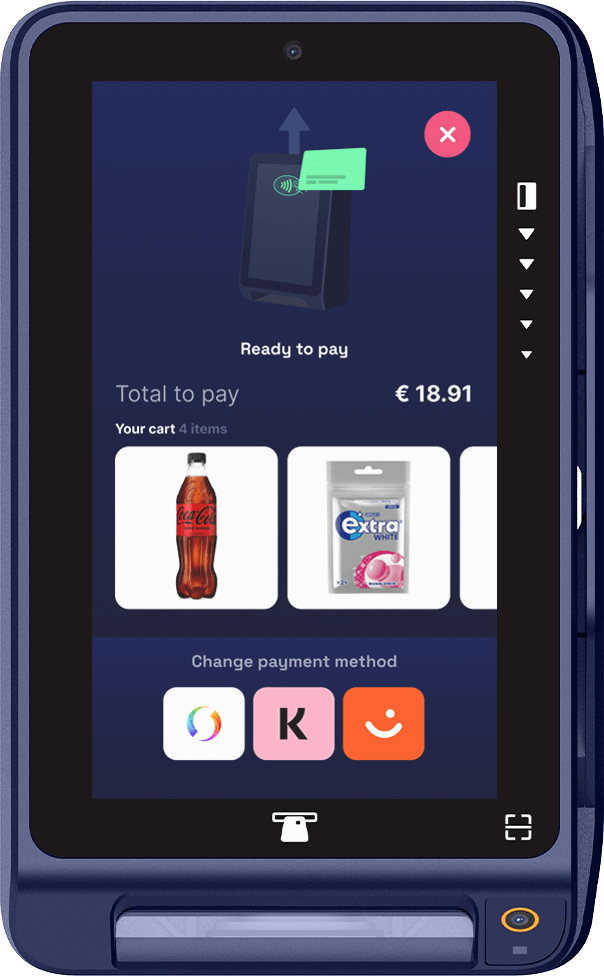

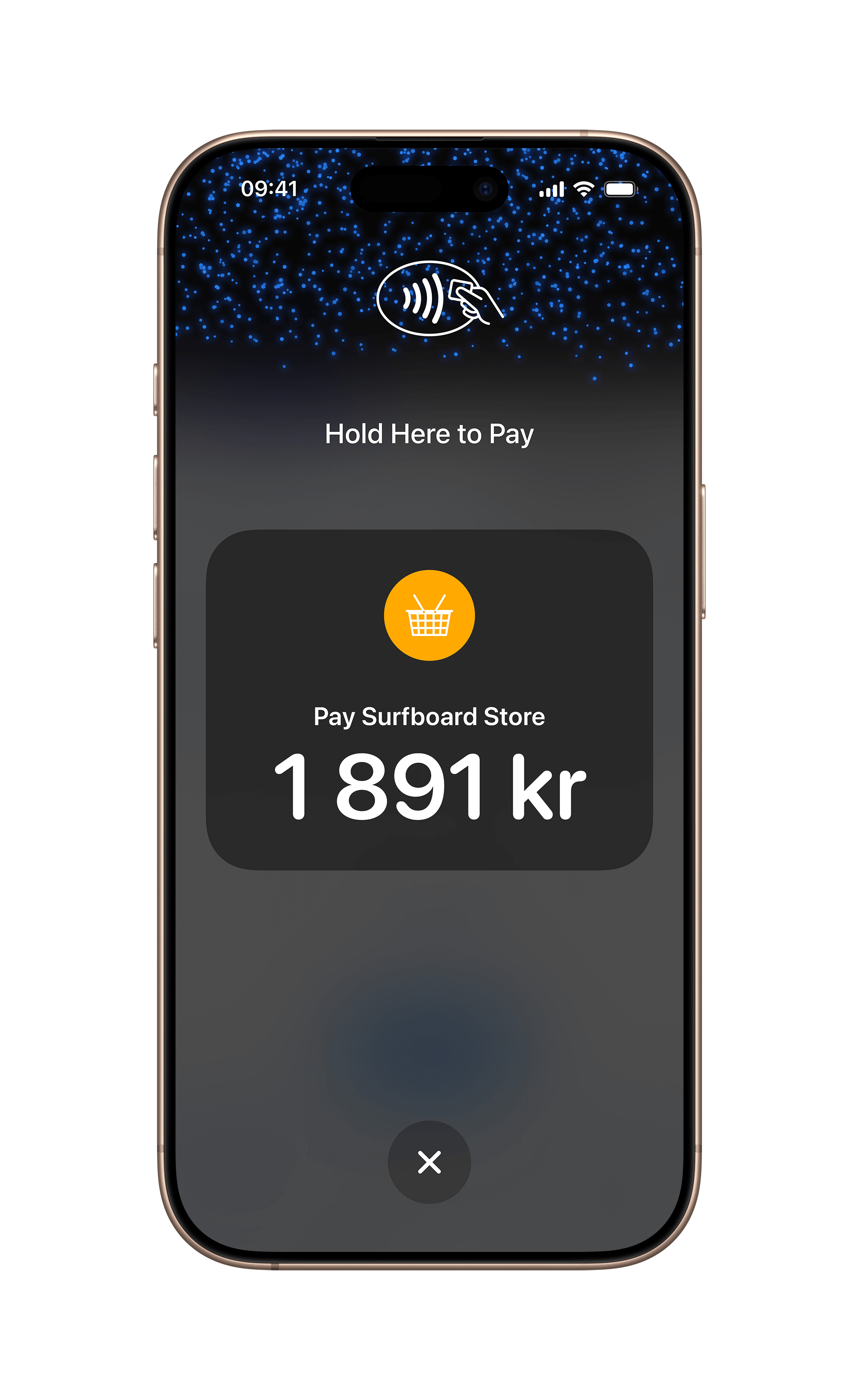
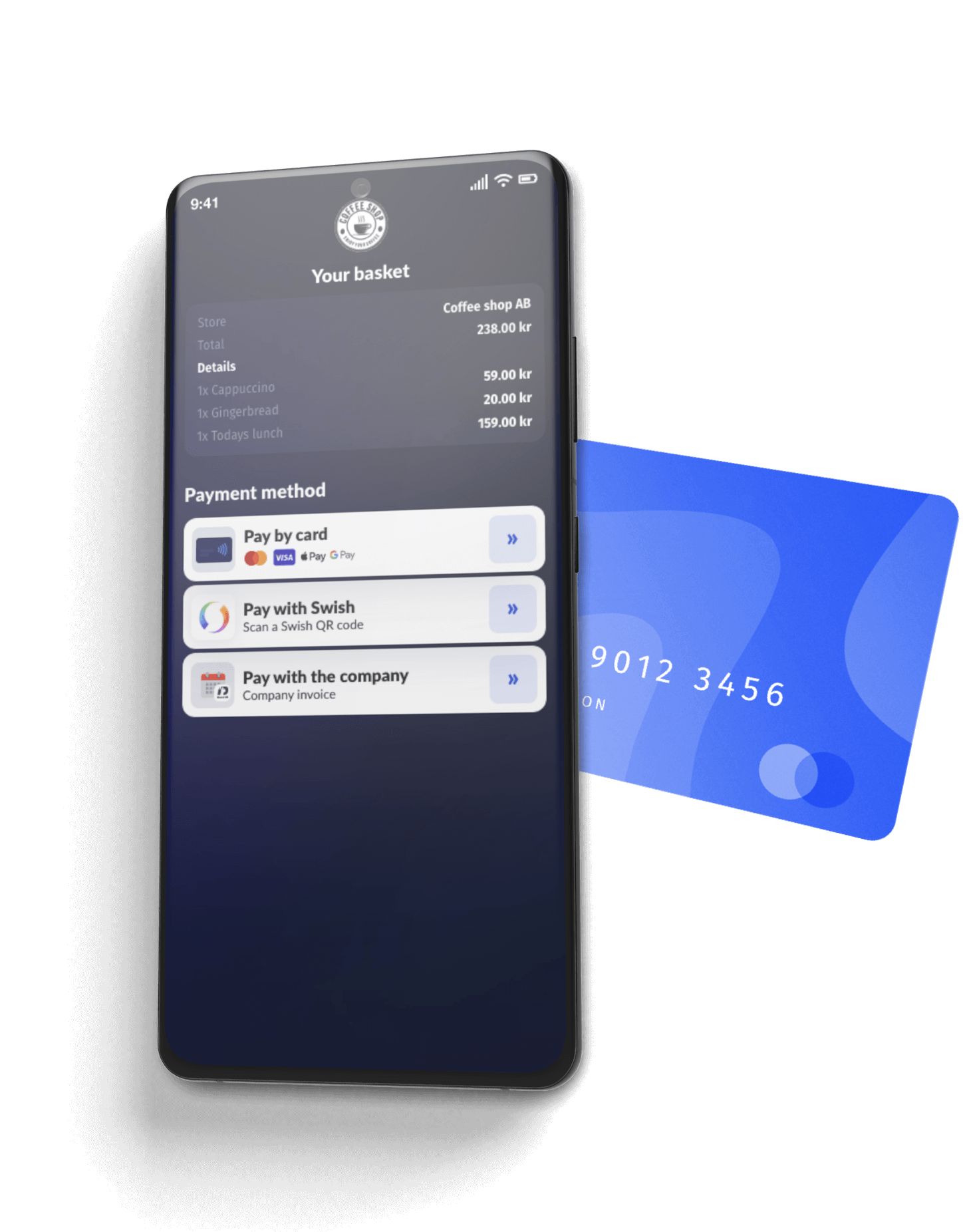
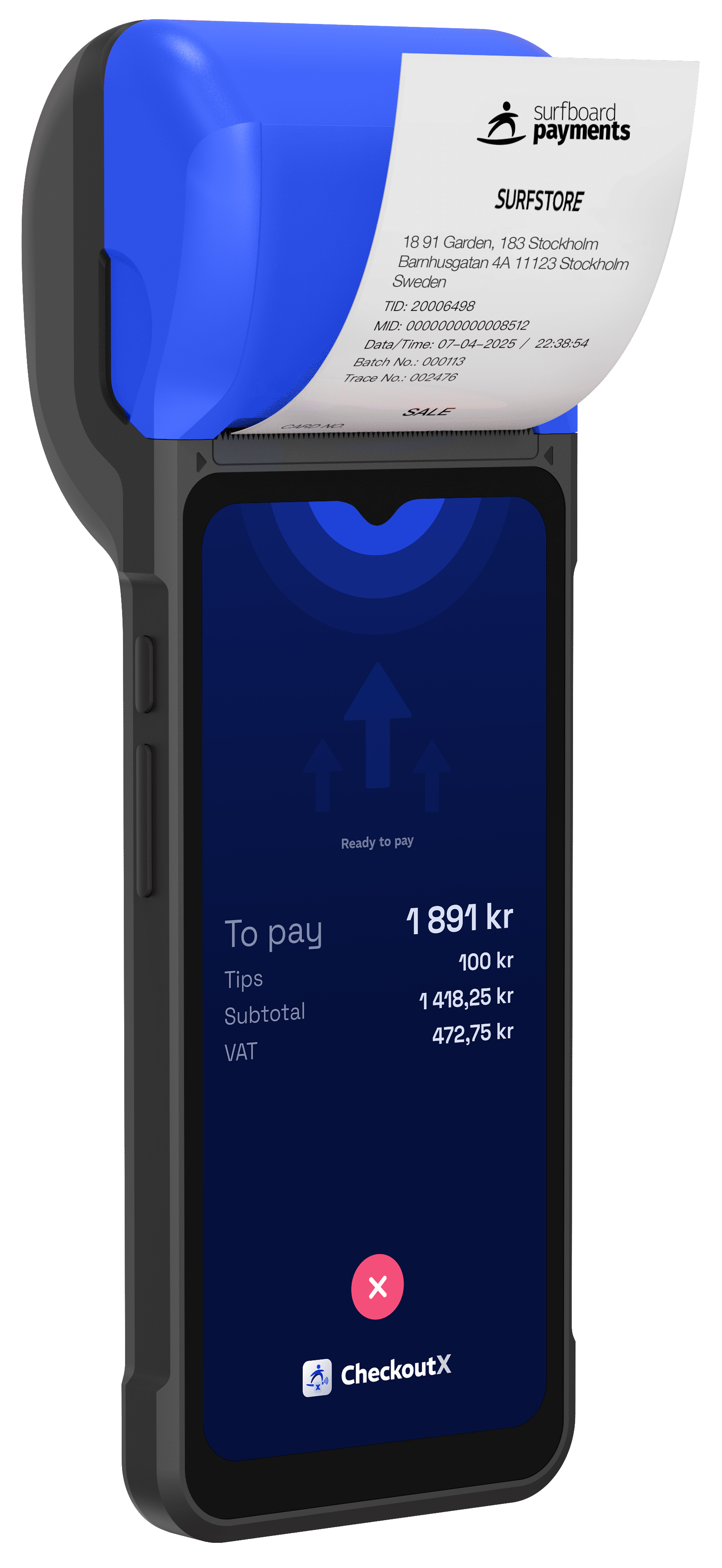
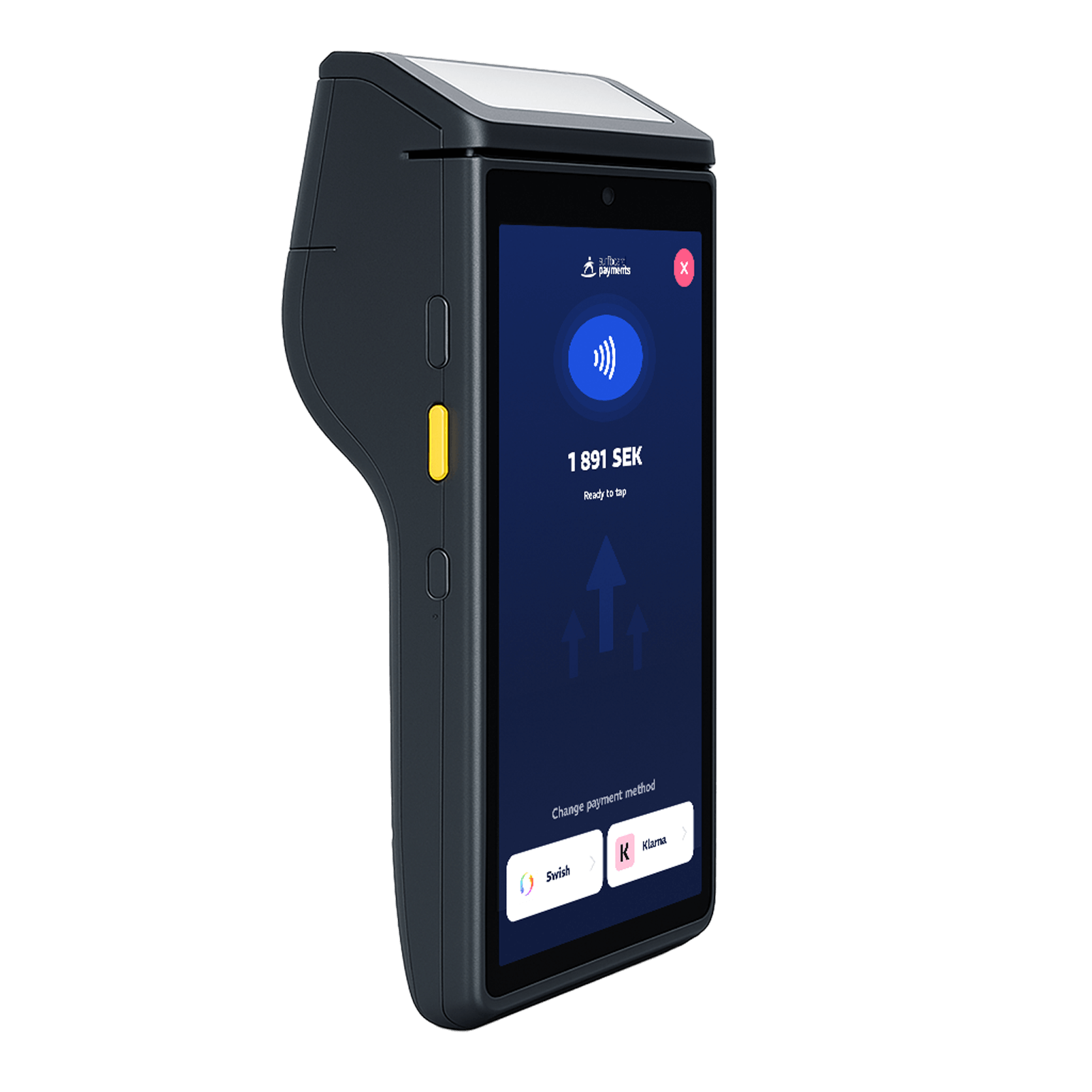
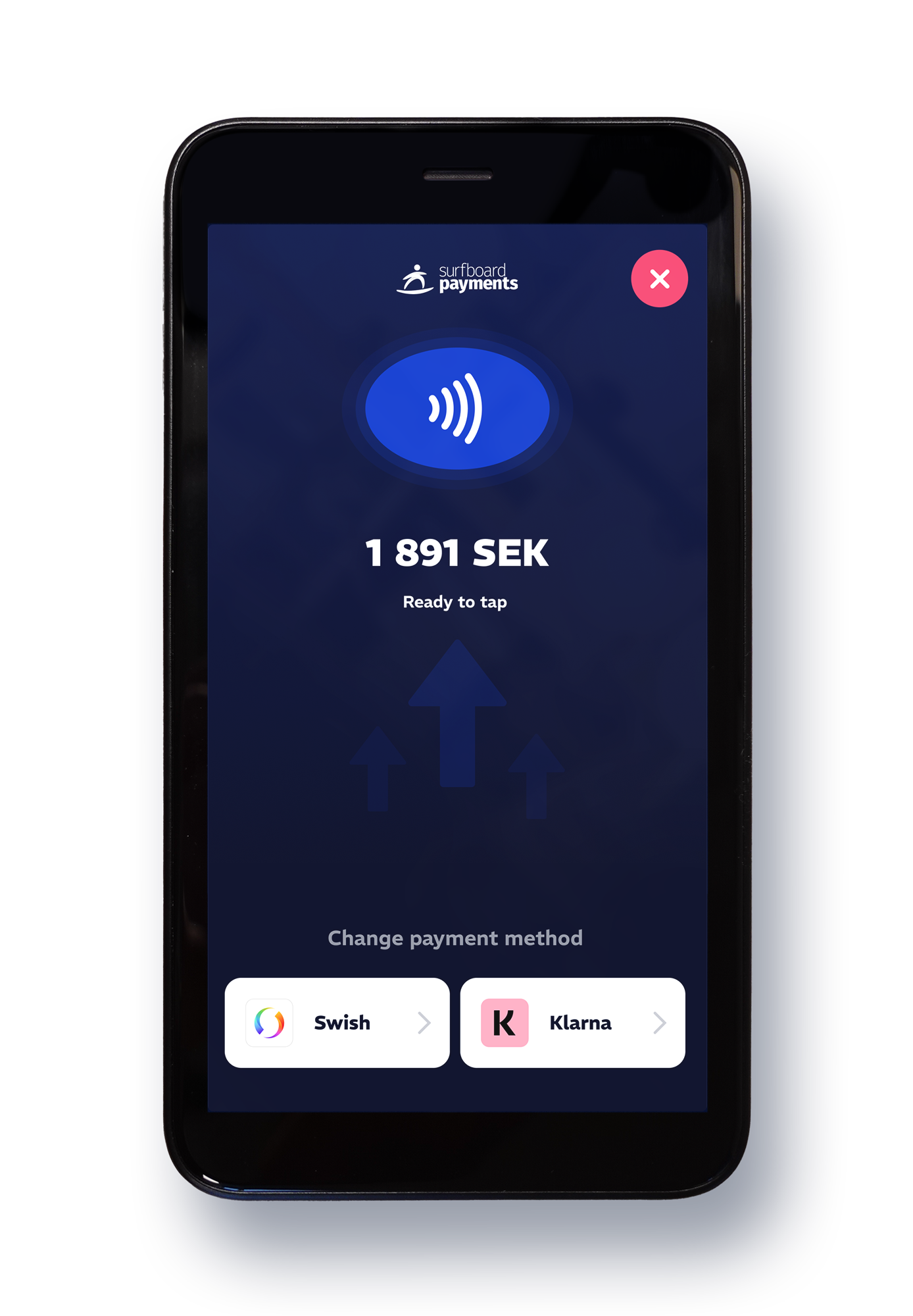
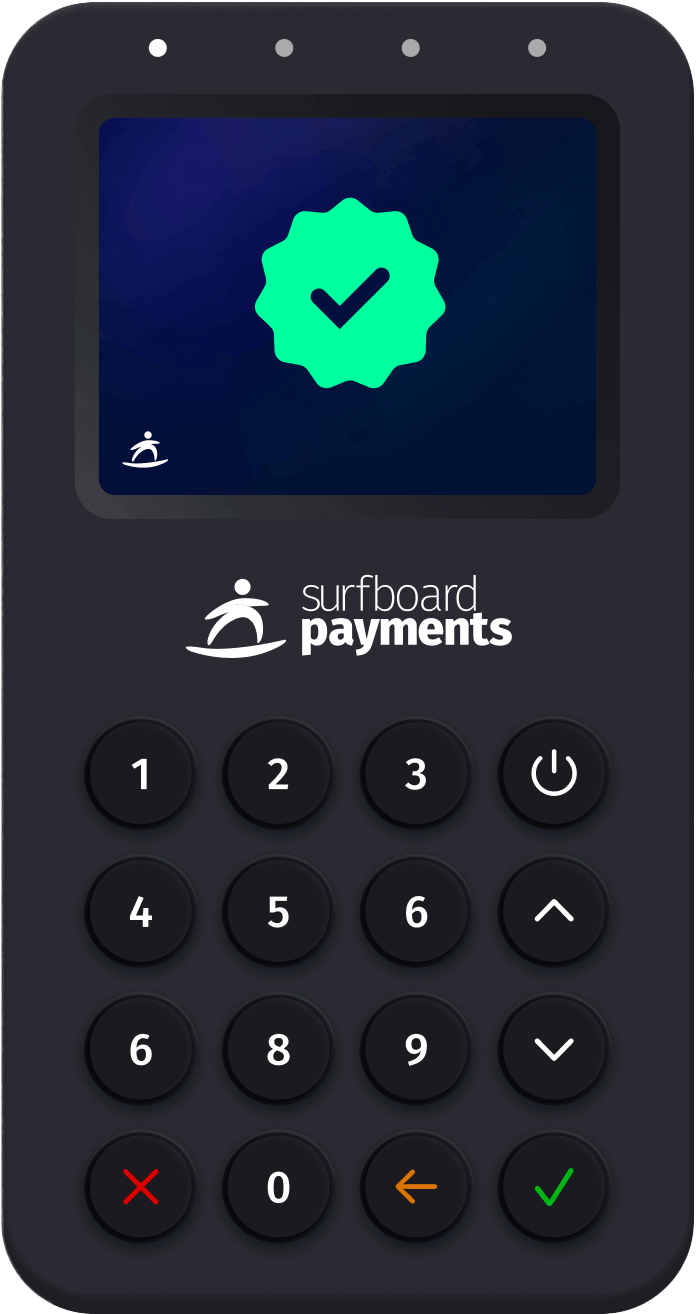
Standalone or attached, switched in a setting.
Every terminal, physical or SoftPOS, runs either way. A merchant can start standalone and move to an integrated POS later without changing the hardware.
Standalone
The terminal is the till. Staff key in the amount, or sell from the product catalogue, and take the payment on the device itself.
Attached
The partner's POS creates the order and sends it to the terminal, which takes the payment and reports back. Line items, tips and receipts stay with the order.
Your app on the device
Push your own Android app to the terminals and run it as the POS on the device itself, managed from the Partner Portal.
Not sure which one belongs on your counter?
Tell us what the space looks like, how the staff move through it and what has to print, and we will tell you which devices fit. It is a short conversation, and it is free.
Build it yourself
Step-by-step developer guides for everything on this page.
Integrate traditional card-present terminals through Surfboard's unified API. From account setup to live payments in one guide.
Read guide In-store · GuideRegister a terminal to a store before it can take payments or receive a partner POS app. Covers rotating codes, QR/registration links, pre-shipped codes, and in-app registration for SoftPOS.
Read guide Online · GuideLearn how to create orders with line items, tax, customer details, and control functions. The starting point for accepting payments with the Surfboard API.
Read guide Online · GuideTake online payments on a Surfboard-hosted checkout page. Create an online store, verify its domains, create an order against the PaymentPage terminal it comes with, and redirect the customer or send them the link.
Read guide