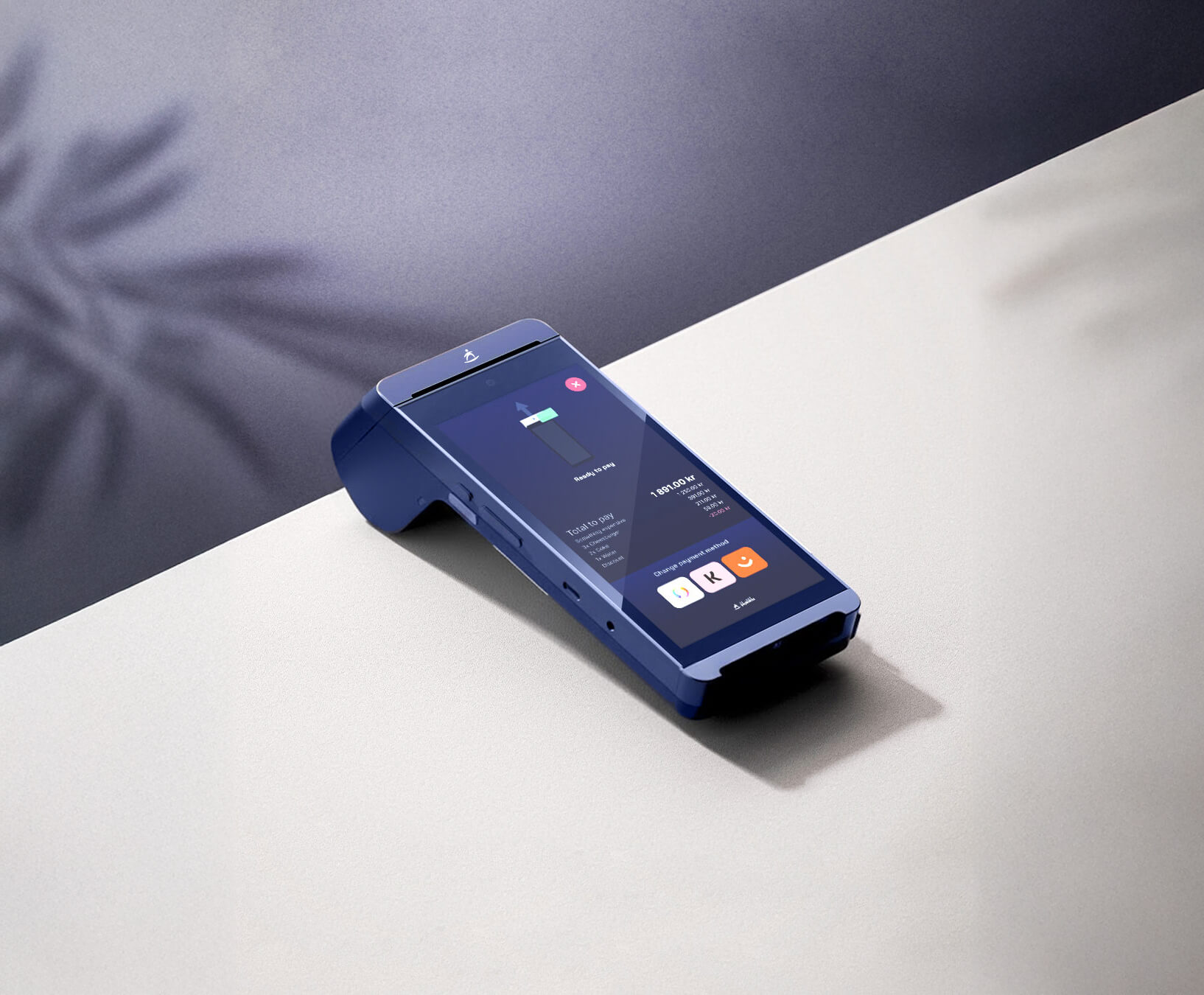
Pay, print, and go - all in one.
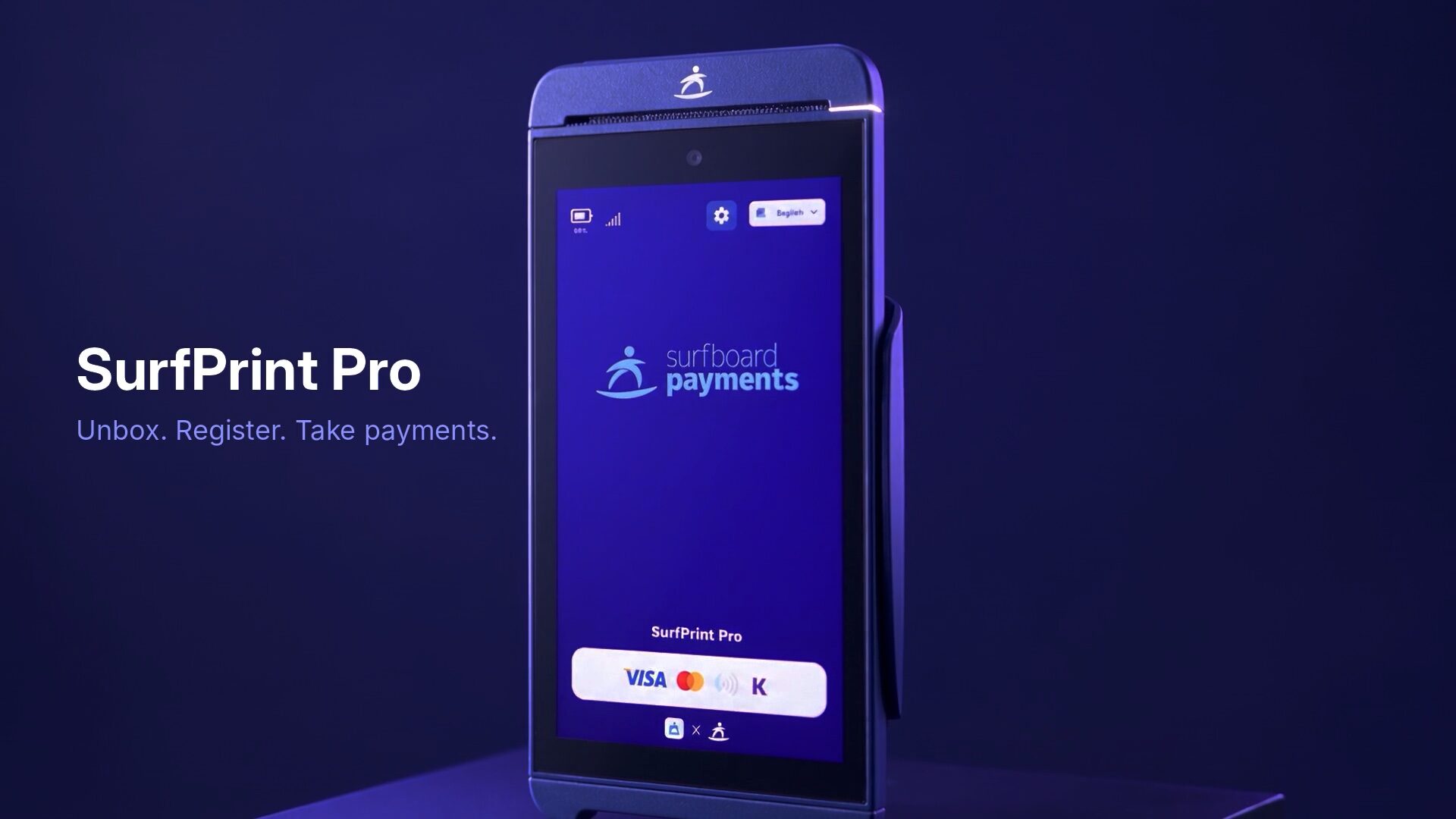
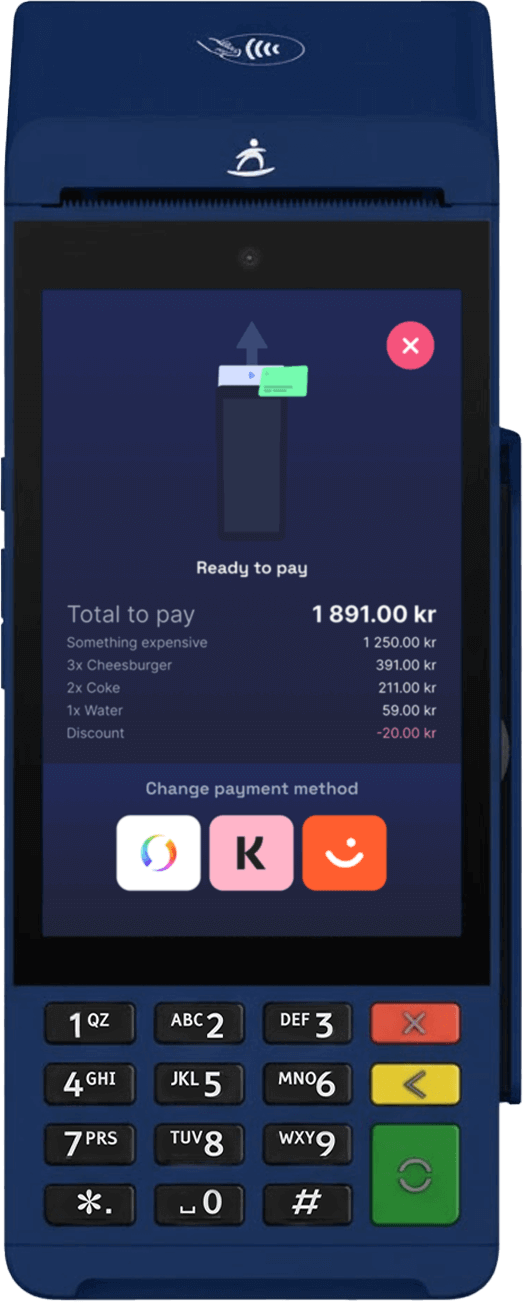
Fast, mobile, and feature-packed, it combines a full touchscreen interface with a built-in thermal printer, powerful processor, and all-day battery life - perfect for restaurants, deliveries, and service businesses on the move.
Made for movement
- 🍽️ Table-side and delivery payments
- 🚚 Mobile services and pop-ups
- 🎟 Event and ticketing operations
- 🏪 Retail setups that need portable receipt printing
Compact. Lightweight. Fast.
The new all-rounder for restaurants, caf?s, and mobile checkouts.
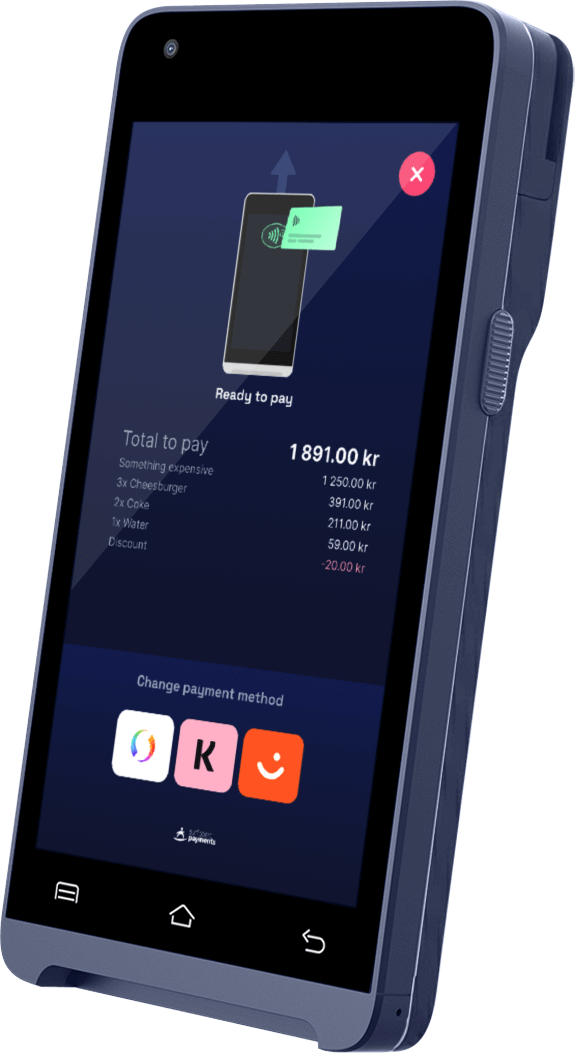
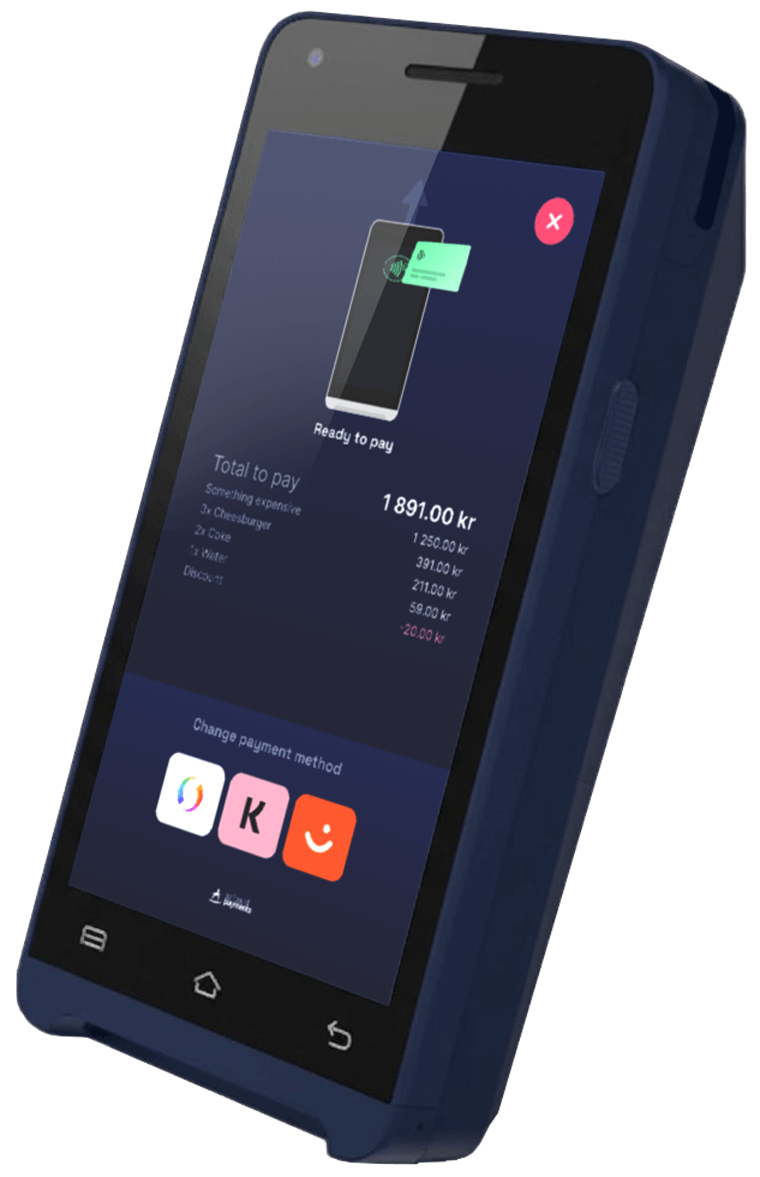
The SurfPrint Pro brings together speed, versatility, and refined ergonomics in a single handheld device. It fits perfectly in your hand with a balanced design that feels solid yet light. Equipped with a faster printer, a smarter OS, and upgraded hardware, it's built for merchants who need mobility and reliability all day long.
Platform-powered performance
Beyond hardware, SurfPrint Pro runs on the Surfboard Carbon platform, giving partners tools to build a world-class experience:
💡 Sequential Split Payments
Handle shared bills effortlessly. With serialSplitPaymentsMode, one order can trigger multiple payments in sequence - perfect for groups splitting a check or events with multiple payers.
- → Define splits directly in the order call or let the terminal handle it automatically
- → Terminal automatically continues accepting payments until all are done
- → Webhooks trigger after each payment for total visibility
Choose your form
The SurfPrint Pro series comes in two variants:
- SurfPrint Pro → Full touchscreen for a fluid, modern checkout experience
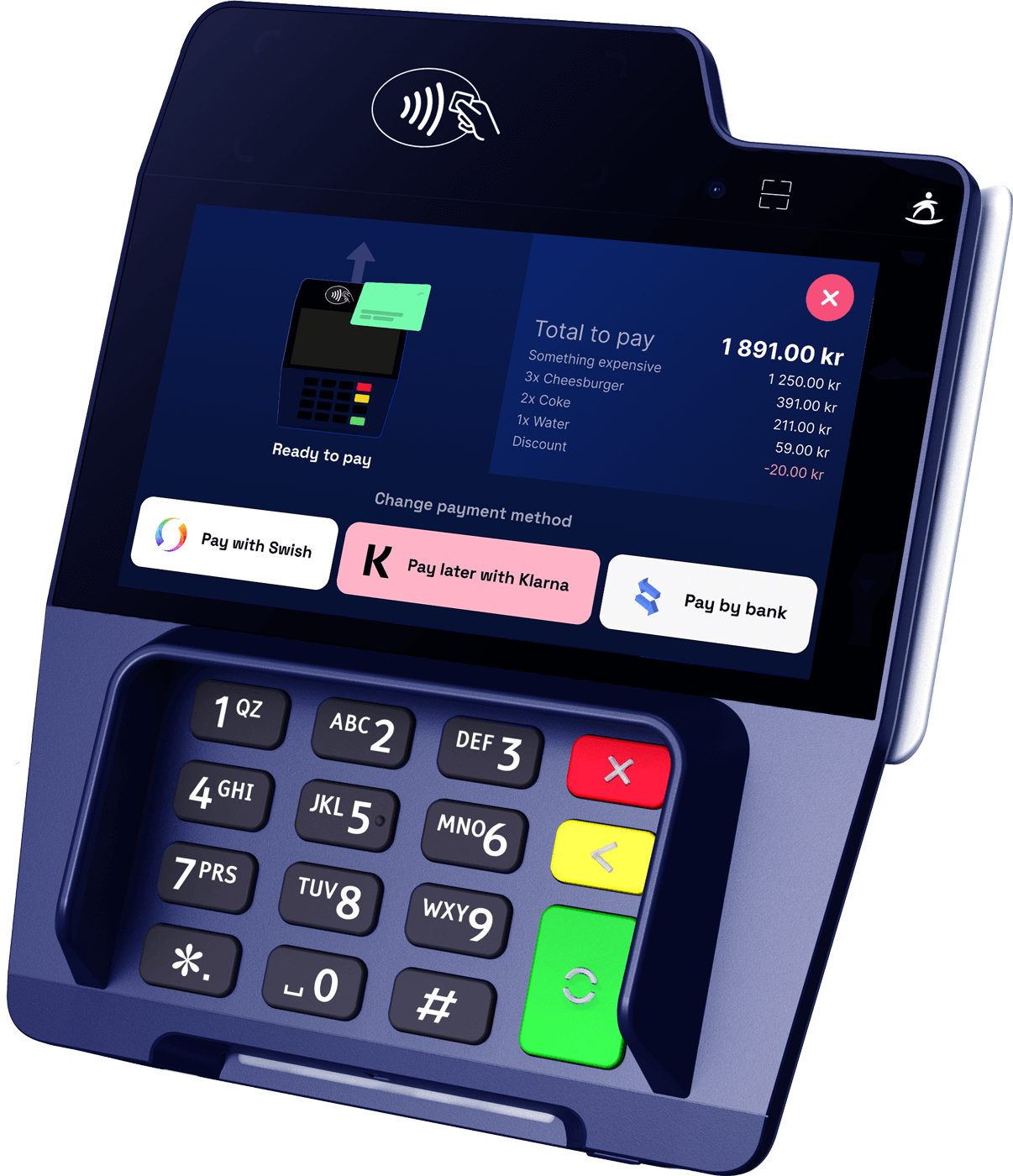
- SurfPrint Pro K → Physical keypad and smaller screen, for tactile control in high-volume environments
Supported Payment Methods
Here are the payment methods we support across our platform:















Control and configure the checkout flow
Surfboard provides a range of tools to help you control and configure the checkout flow, like tips, serial splitting and more.
//Set tips
PATCH /merchants/:merchantId/tips

curl -X PATCH "YOUR_API_URL/merchants/:merchantId/tips" \
  -H "Content-Type: application/json" \
  -H "API-KEY: YOUR_API_KEY" \
  -H "API-SECRET: YOUR_API_SECRET" \
  -H "MERCHANT-ID: YOUR_MERCHANT_ID" \
  -d '{
    "tipConfig": "ENABLED",
    "tipLevel1": 10,
    "tipLevel2": 20,
    "tipLevel3": 30
  }'
Accessories for this terminal
Specifications
Related Products
Explore other payment solutions that might interest you
SurfTouch Pro
High-performance mobile terminal with 7-inch touchscreen, perfect for restaurants and retail.
SurfPrint Go
Compact handheld terminal with built-in printer, ideal for small businesses and deliveries.
SurfTouch Retail
Countertop payment terminal designed for high-volume retail environments.
For partners and press
SurfPrint Pro image kit
4 cleared photographs of the SurfPrint Pro, product shots and in-use shots, ready for your site, deck, or store listing. No request needed.
4 files · ZIP · brand guidelines
-
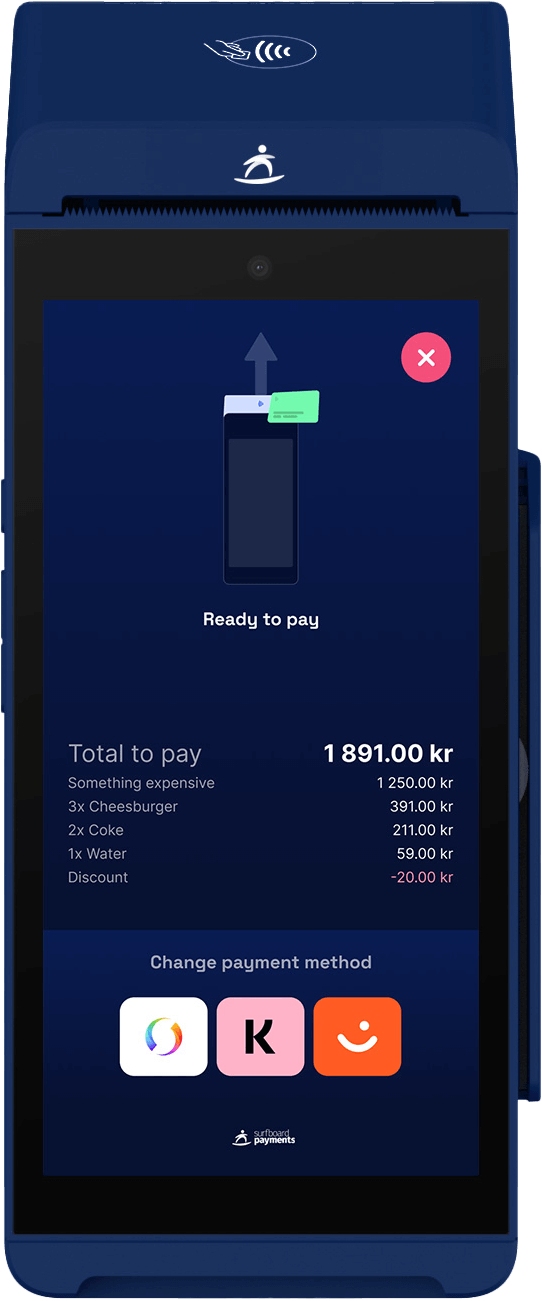 SurfPrint Pro, three-quarter studio shot on a plain ground PNG surfprint-pro-product.png
 -
 SurfPrint Pro handed across an outdoor café table JPG surfprint-pro-cafe-outdoor.jpg
 - SurfPrint Pro standing on a service counter JPG surfprint-pro-countertop.jpg
-
 SurfPrint Pro used tableside in a restaurant JPG surfprint-pro-restaurant.jpg
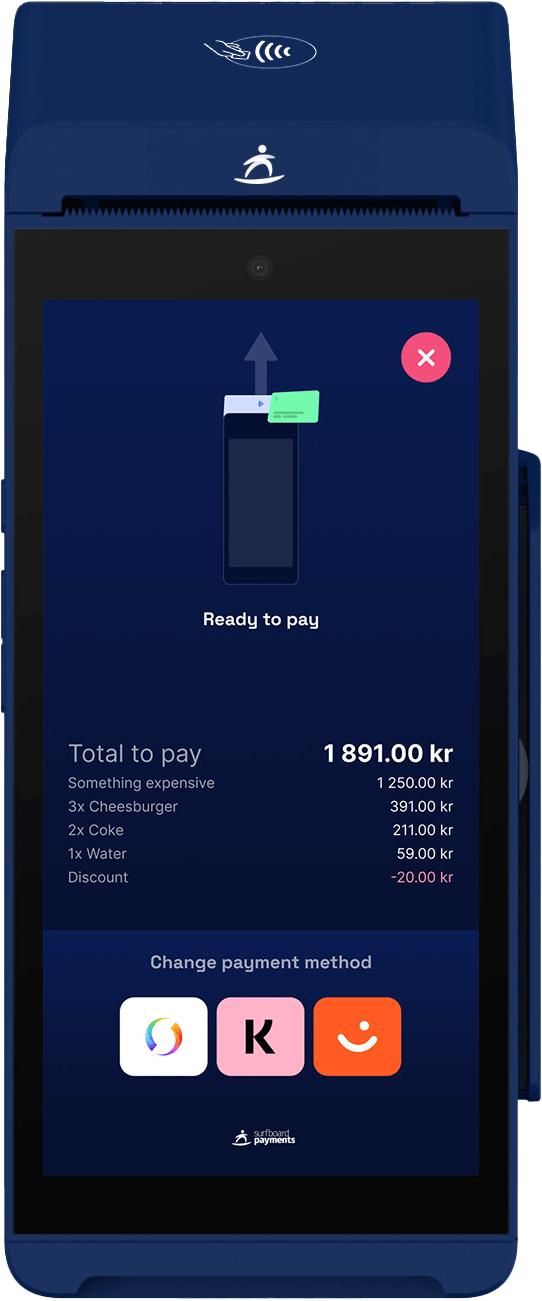

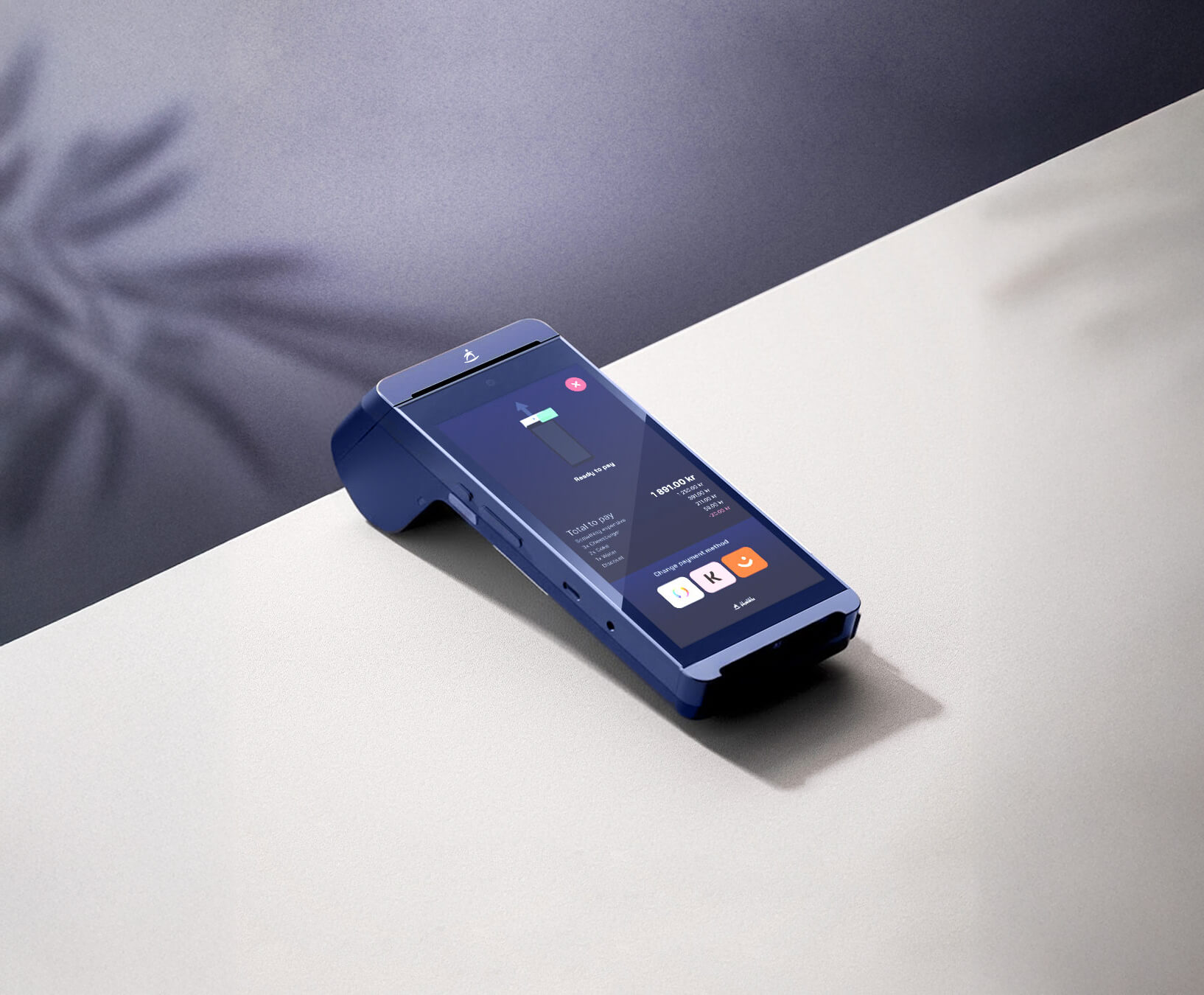

Use the files as supplied, keep each shot with the product it shows, and don't imply a partnership that isn't there. Full terms and the logo kit are on the press kit.
On Surflix
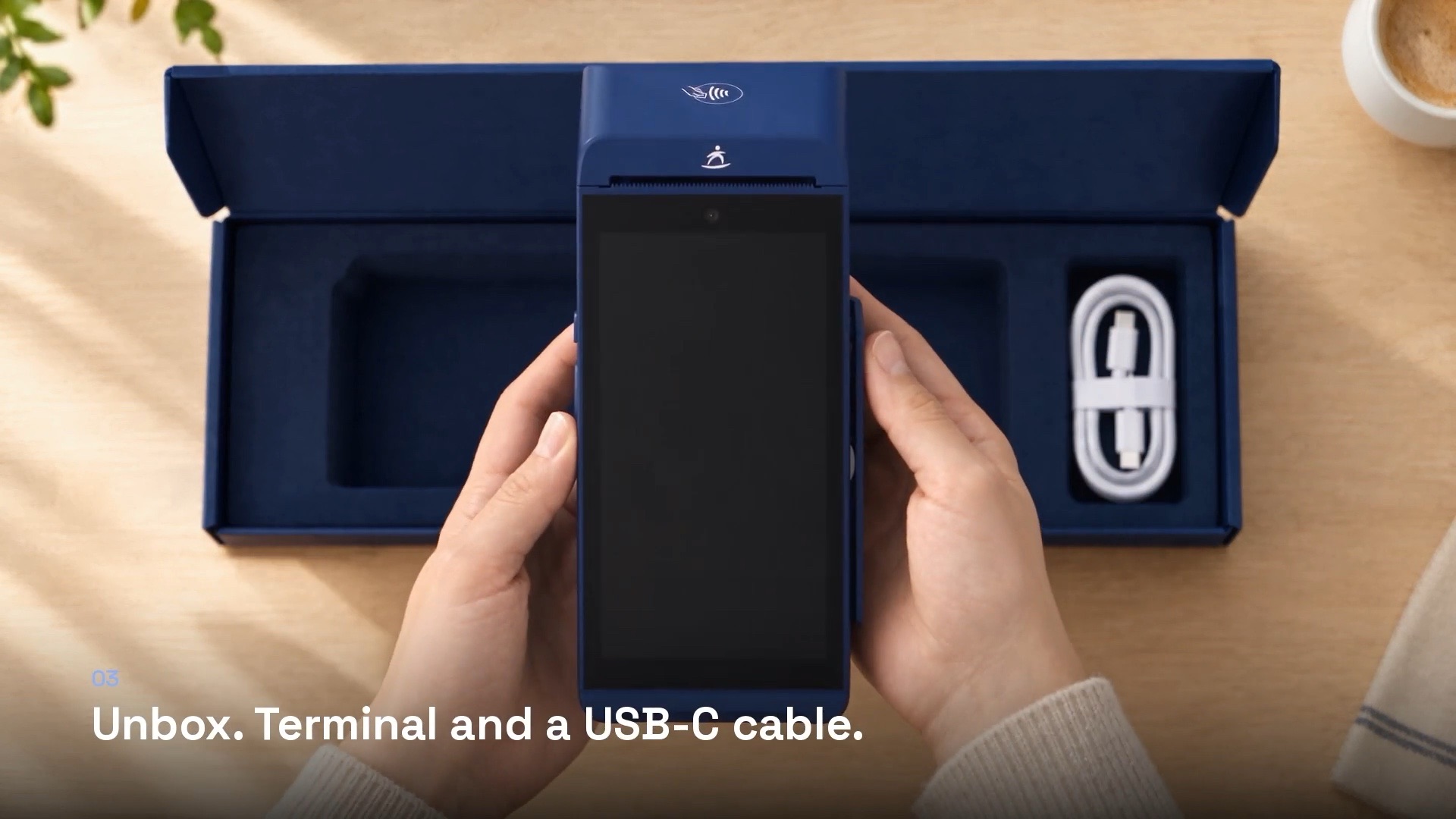
SurfPrint Pro, on film
SurfPrint Pro films
The rest of the range
Our other payment devices
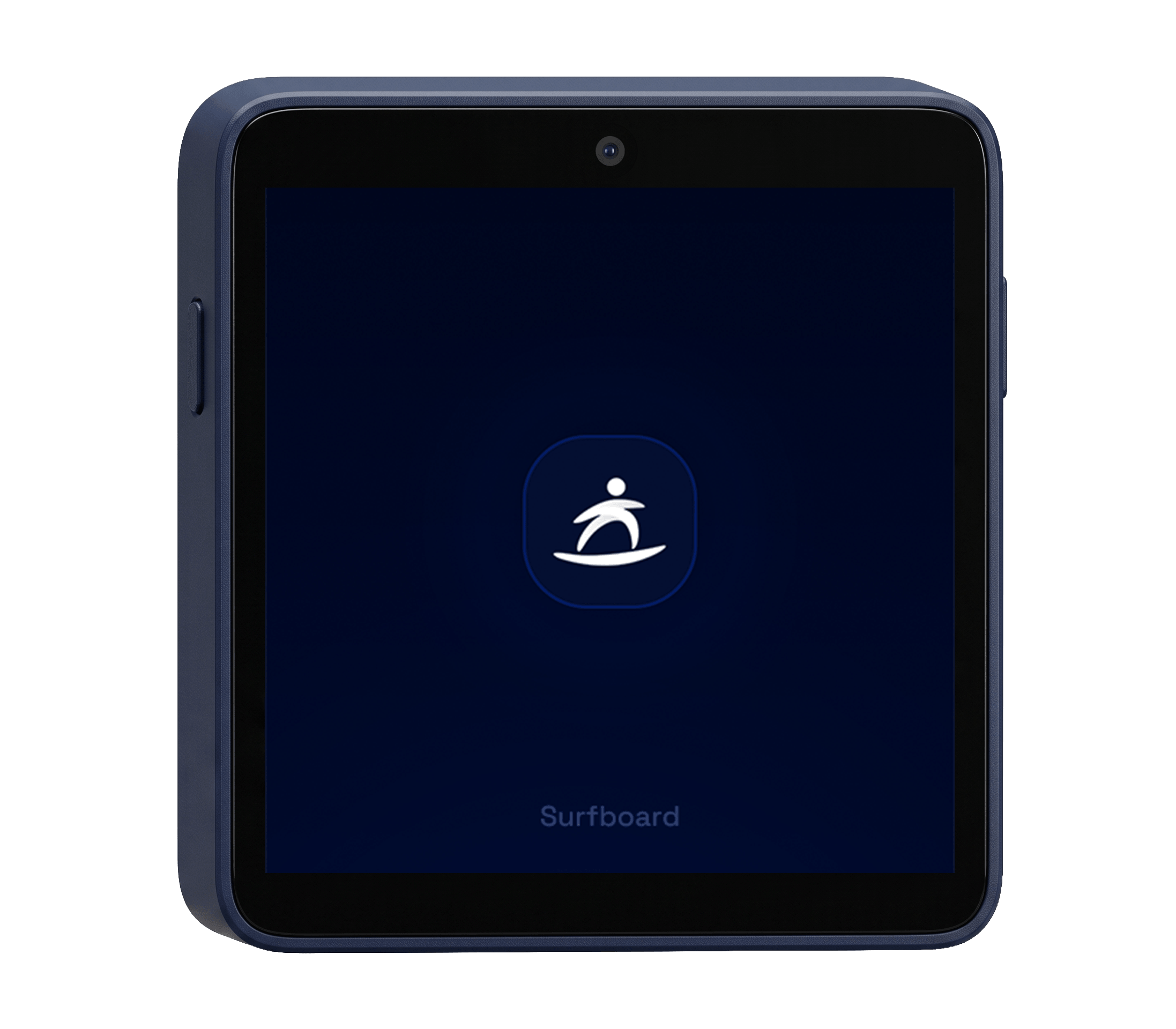
Take a look at our other products which includes both hardware-, and software-based payment terminals
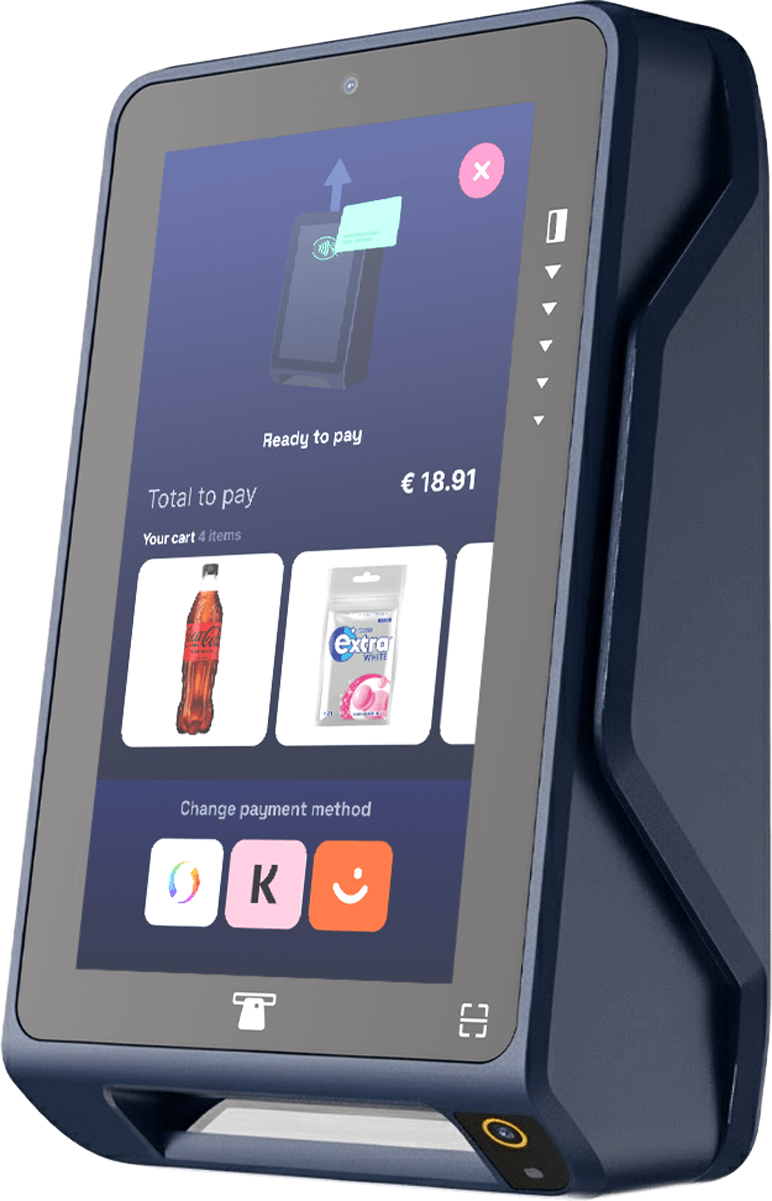

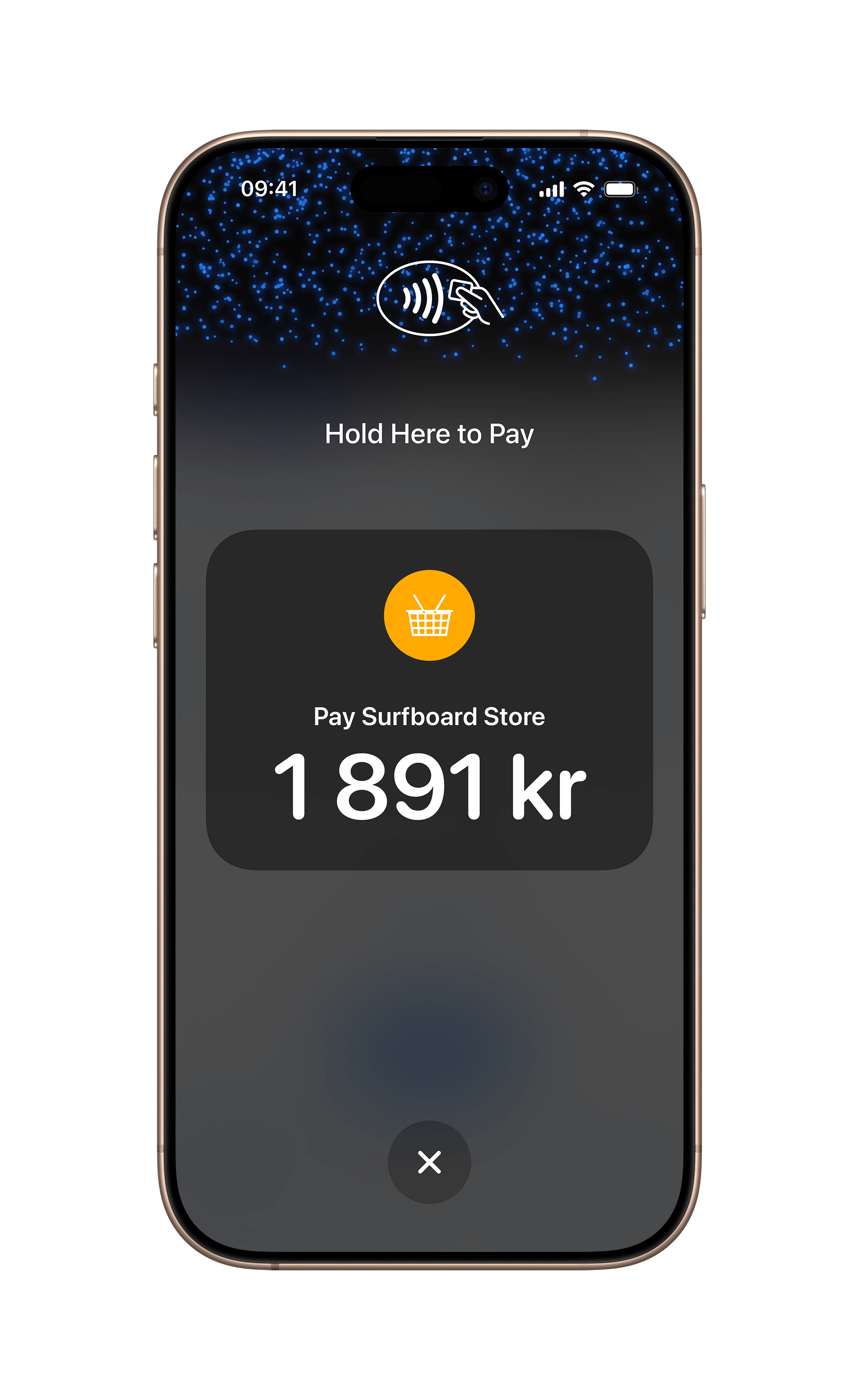
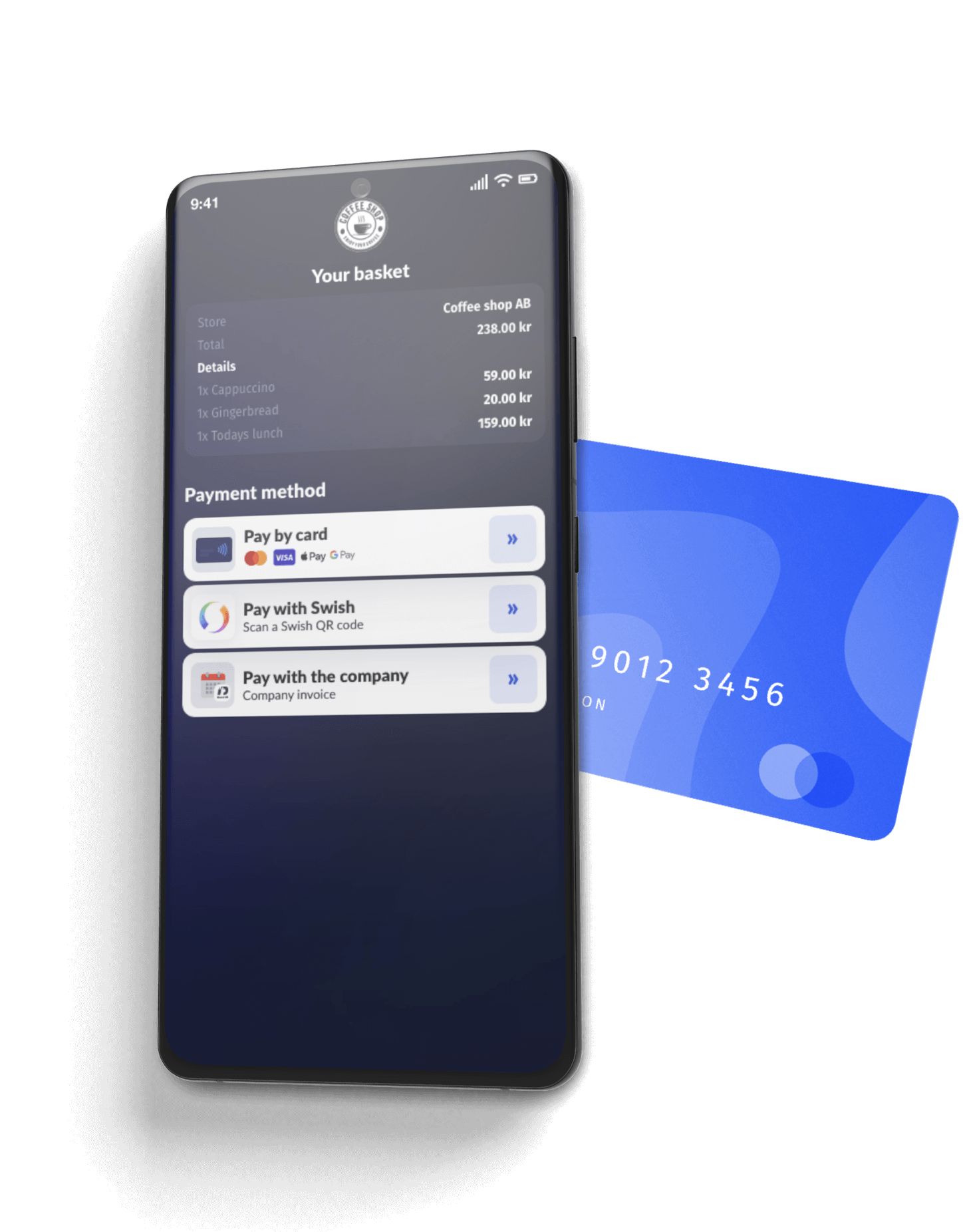
Build it yourself
Step-by-step developer guides for everything on this page.
Register a terminal to a store before it can take payments or receive a partner POS app. Covers rotating codes, QR/registration links, pre-shipped codes, and in-app registration for SoftPOS.
Read guide In-store · GuideIntegrate traditional card-present terminals through Surfboard's unified API. From account setup to live payments in one guide.
Read guide In-store · GuideManage payment terminals and devices via the Surfboard API. Register in-store and online terminals, configure settings, and handle device operations.
Read guide In-store · GuideGenerate, email, print, and customise receipts for in-store transactions using the Surfboard Receipts API.
Read guide In-store · GuideConfigure tipping on Surfboard payment terminals at the merchant, store, or terminal level using a hierarchical override model.
Read guide