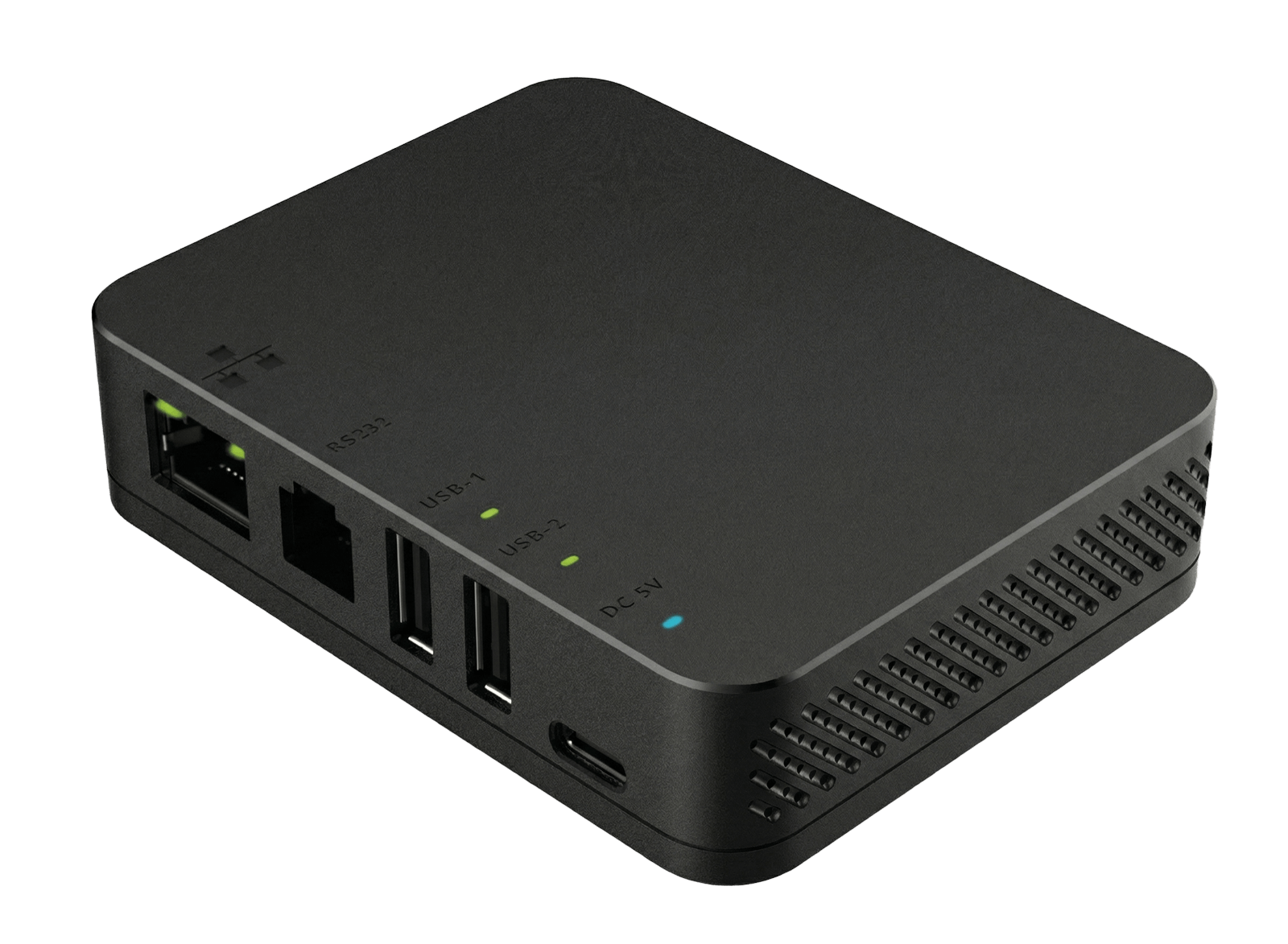
Create a dedicated network for your terminal
Connect your Pro-series terminal to a dedicated network with the Hub. This extends the reach of your terminal and removes overcrowded wireless networks.
How does it work?
The Hub extends the reach of your Pro-series terminal by creating a dedicated network for it. Instead of putting a ethernet cable into the device cradle or stand, the Hub instead acts as a switch that extends the reach of your terminal.
It is intended for the use cases where the terminal is normally used far from the Ethernet router or the connected peripherals.
The Hub comes with these peripheral ports:
- 1x Ethernet (RJ45)
- 2x USB Type-A
- 1x USB Type-C
- 1x RS232
- 1x Reset slot
Works with
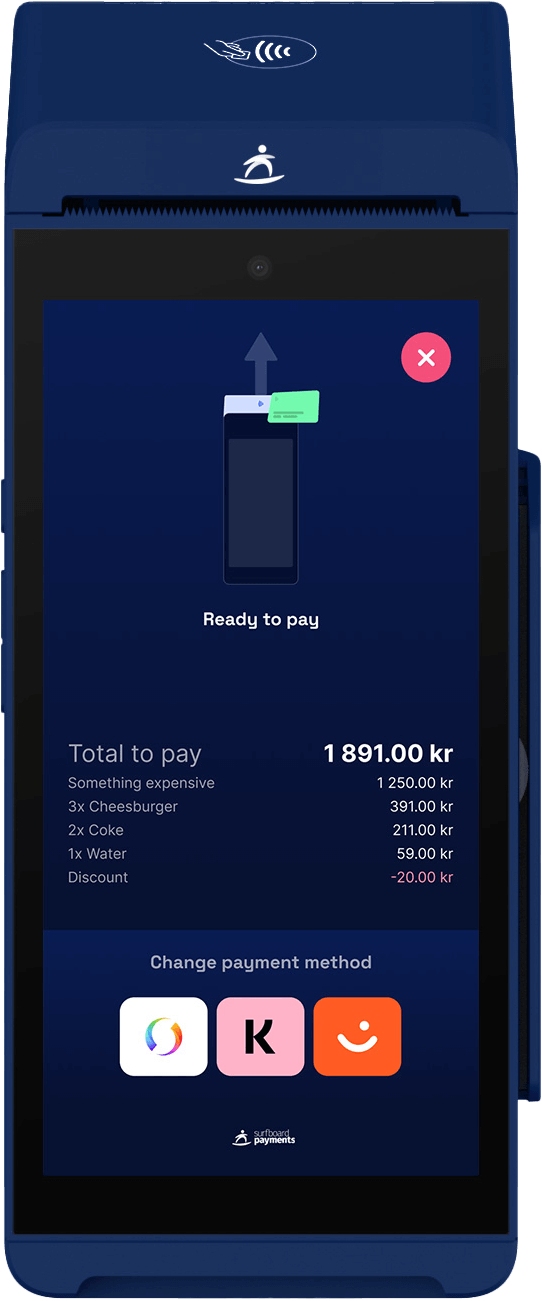
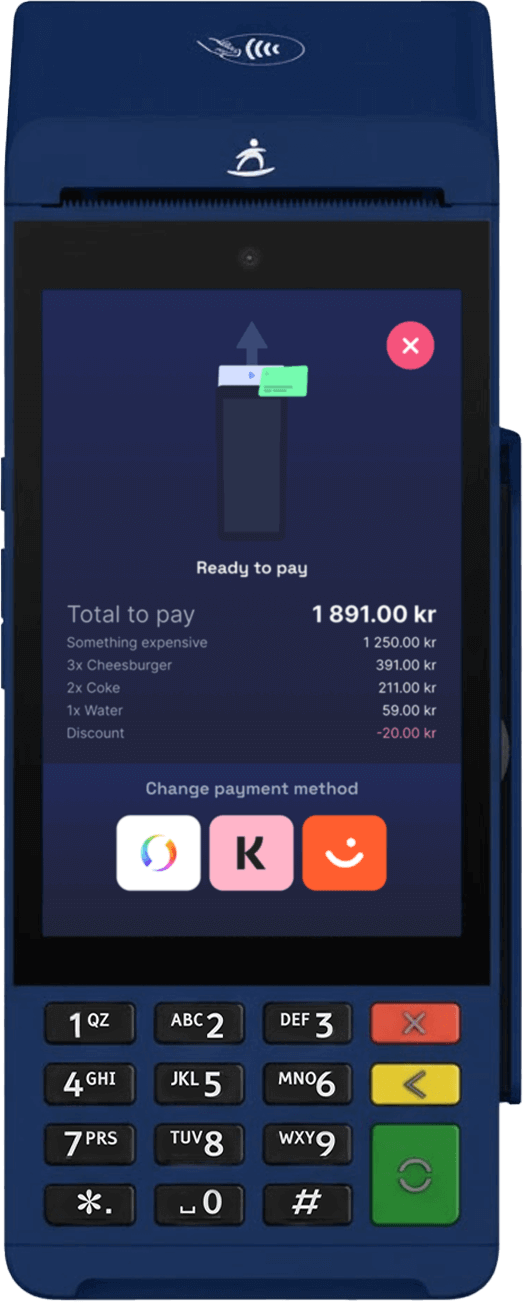
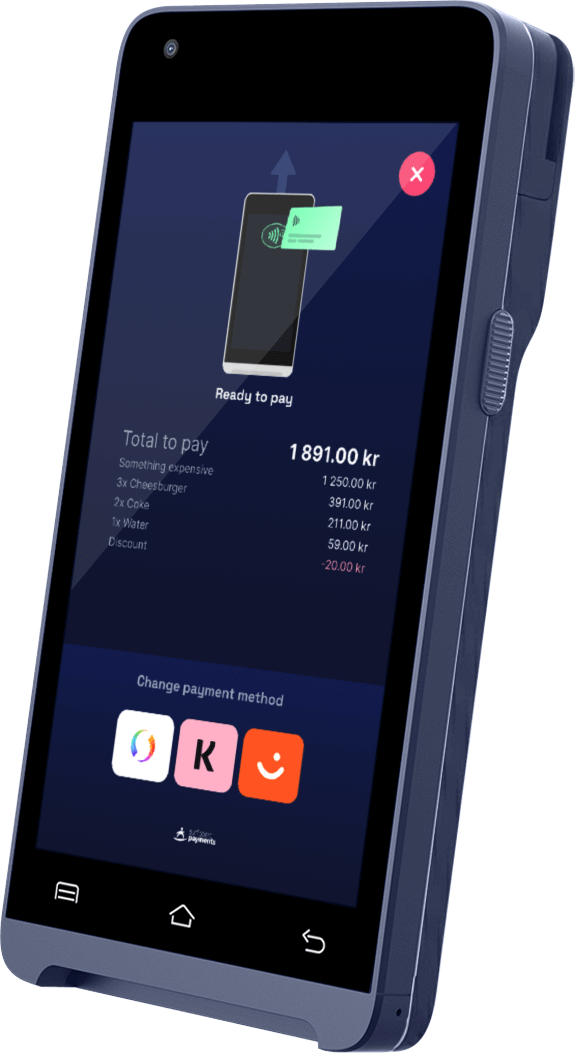
Built for the following terminal
Check out which terminals the Hub fits
Specifications
Processor
AP: Dual-core Cortex-A7
Wired
Ethernet 10/100 Base - T
Wireless
Wi-Fi 2.4G (AP/P2P)
Peripheral ports
2x Type-A, 1x RS232, 1x Type-C, 1x Ethernet (RJ45), 1x Reset slot
Power supply
Input: 100~240V AC 50/60Hz | Output: DC5.0 DC, 2A
Dimensions
95mm (L) x 75.9mm (W) x 23.6mm (H)
Weight
89g
Operating temperature
0C~40C (32F~104F)
Storage temperature
-20C~60C (-4F~140F)
Humidity
Humidity: 5%~95%
Certifications
CE, CB