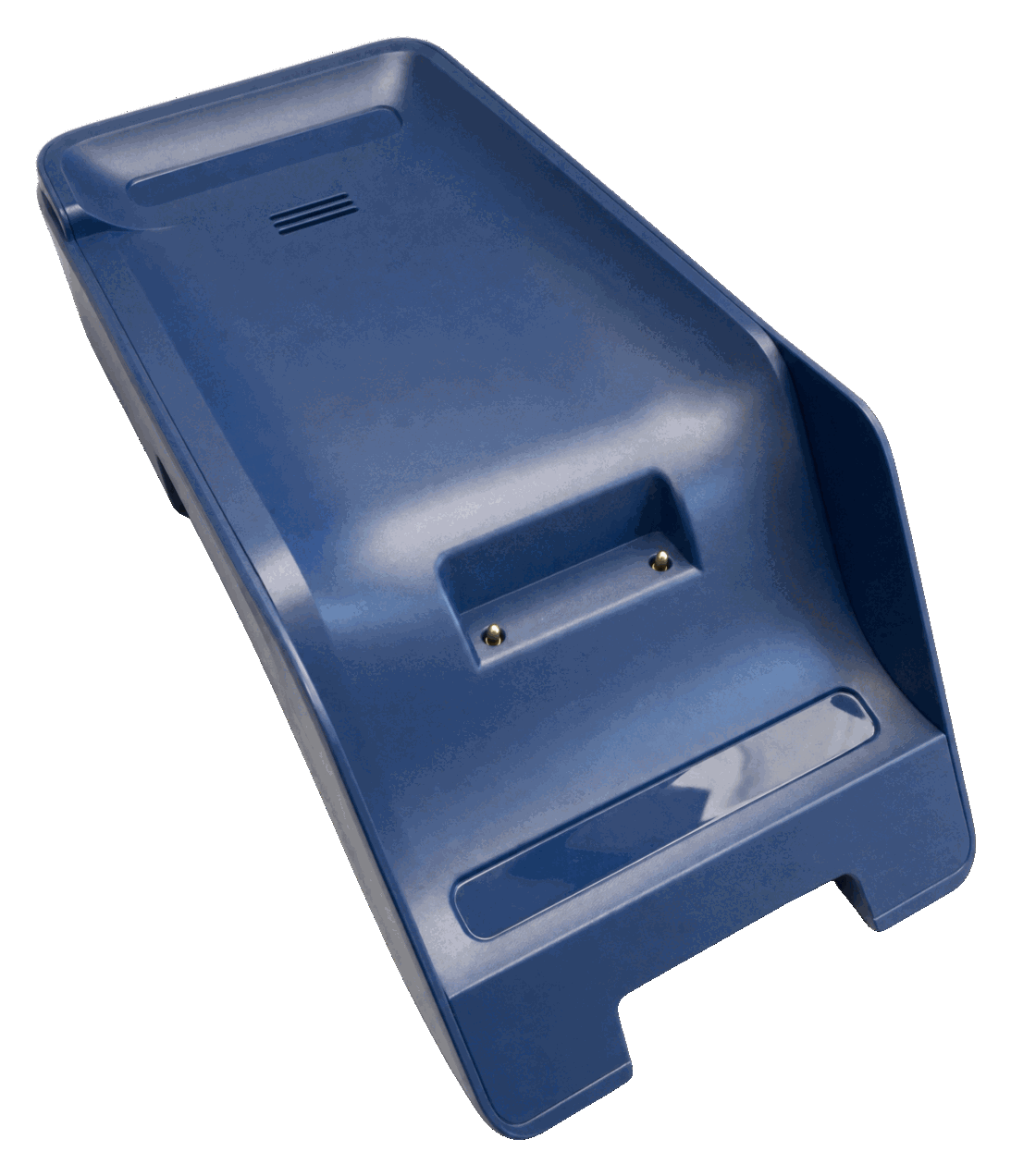
SurfPrint Pro K Multicomm Base
Combined charger base and network hub for your SurfPrint Pro K terminal. Lay the terminal in the dock, and it charges, connects to ethernet, and stays ready for the next transaction with the keypad facing your customer.
The all-in-one dock
The SurfPrint Pro K Multicomm Base combines charging and connectivity in a single dock. Place the terminal in the cradle and it charges over the pogo pins while the base gives it wired ethernet, USB and an RS232 serial interface for cash registers and other counter equipment.
Perfect for:
- Counter-top setups where consistent connectivity is needed
- Retail environments with high transaction volumes
- Hospitality settings where terminals need quick turnarounds
Pair it once, then forget it
Out of the box the base charges. To use its ethernet port, the terminal has to be paired with the base once: open the docking settings on the terminal, scan the QR code on the underside of the base, and switch on Ethernet.
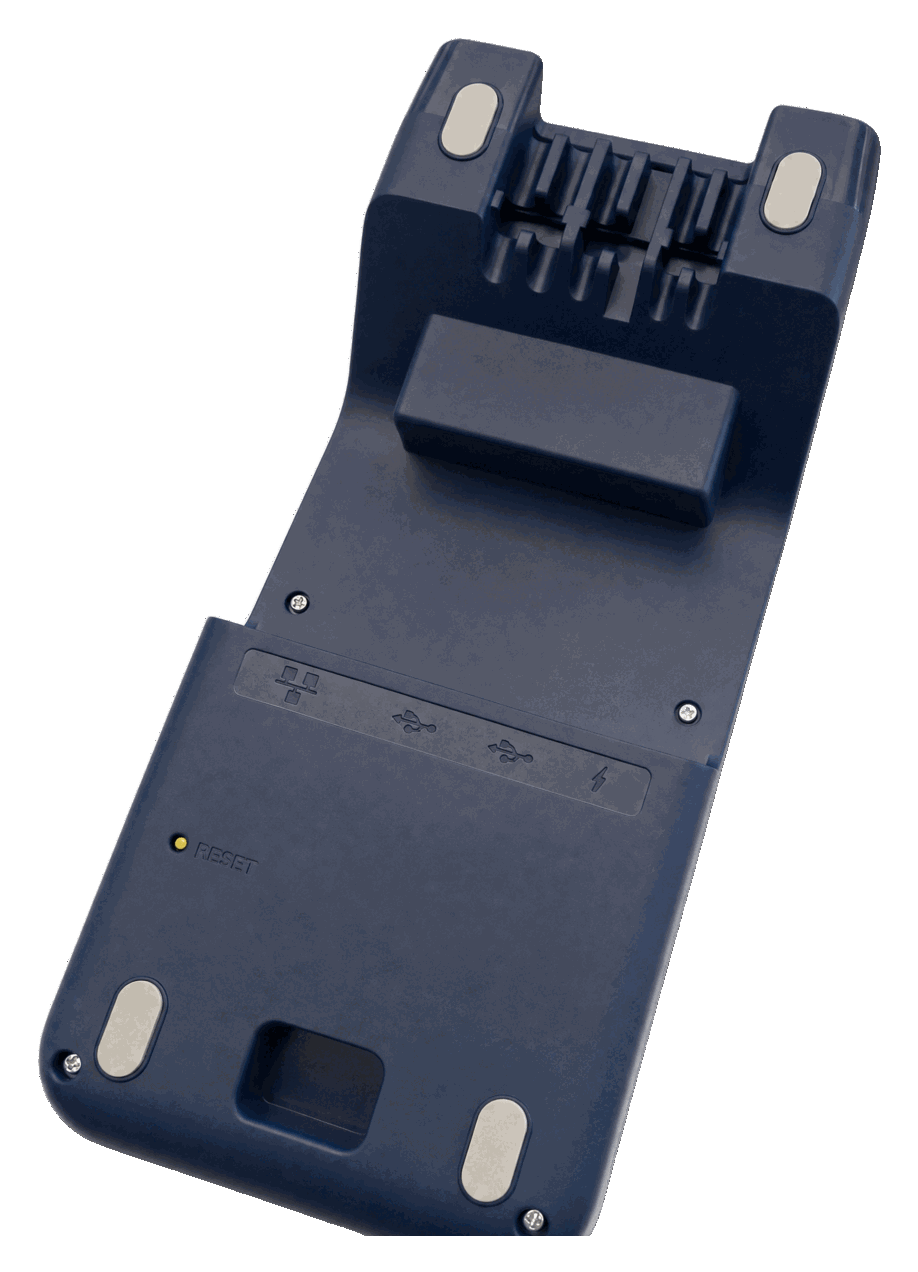
After that the terminal connects to the base on its own whenever it is in range, and the connection holds even when the terminal is lifted out of the cradle. A short press on the base's reset button unpairs it again.
Works with
Compatible terminals
This accessory is designed for the SurfPrint Pro K terminal
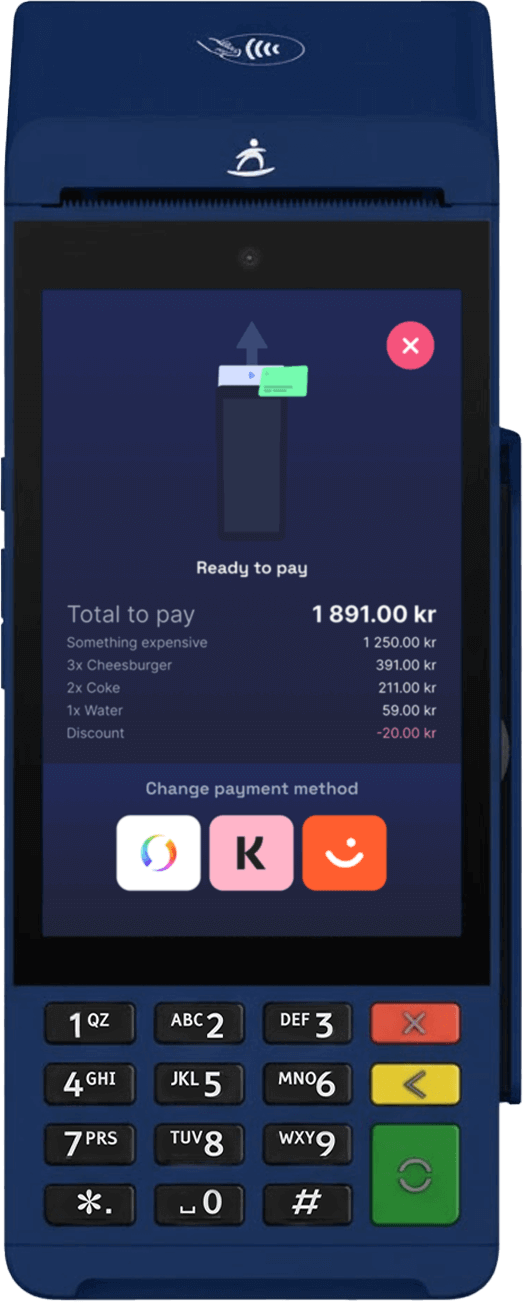
Specifications
In the box
What ships with the SurfPrint Pro K Multicomm Base
One item: the base station itself. No cables ship in this box.
- 1× SurfPrint Pro K Multicomm Base Base only
No cables ship with the base. Power it with the USB-C cable and power adapter that came with your SurfPrint Pro K terminal. It shares the same adapter, so there is nothing extra to buy.
For partners and press
SurfPrint Pro K Multicomm Base image kit
3 cleared photographs of the SurfPrint Pro K Multicomm Base, product shots and in-use shots, ready for your site, deck, or store listing. No request needed.
3 files · ZIP · brand guidelines
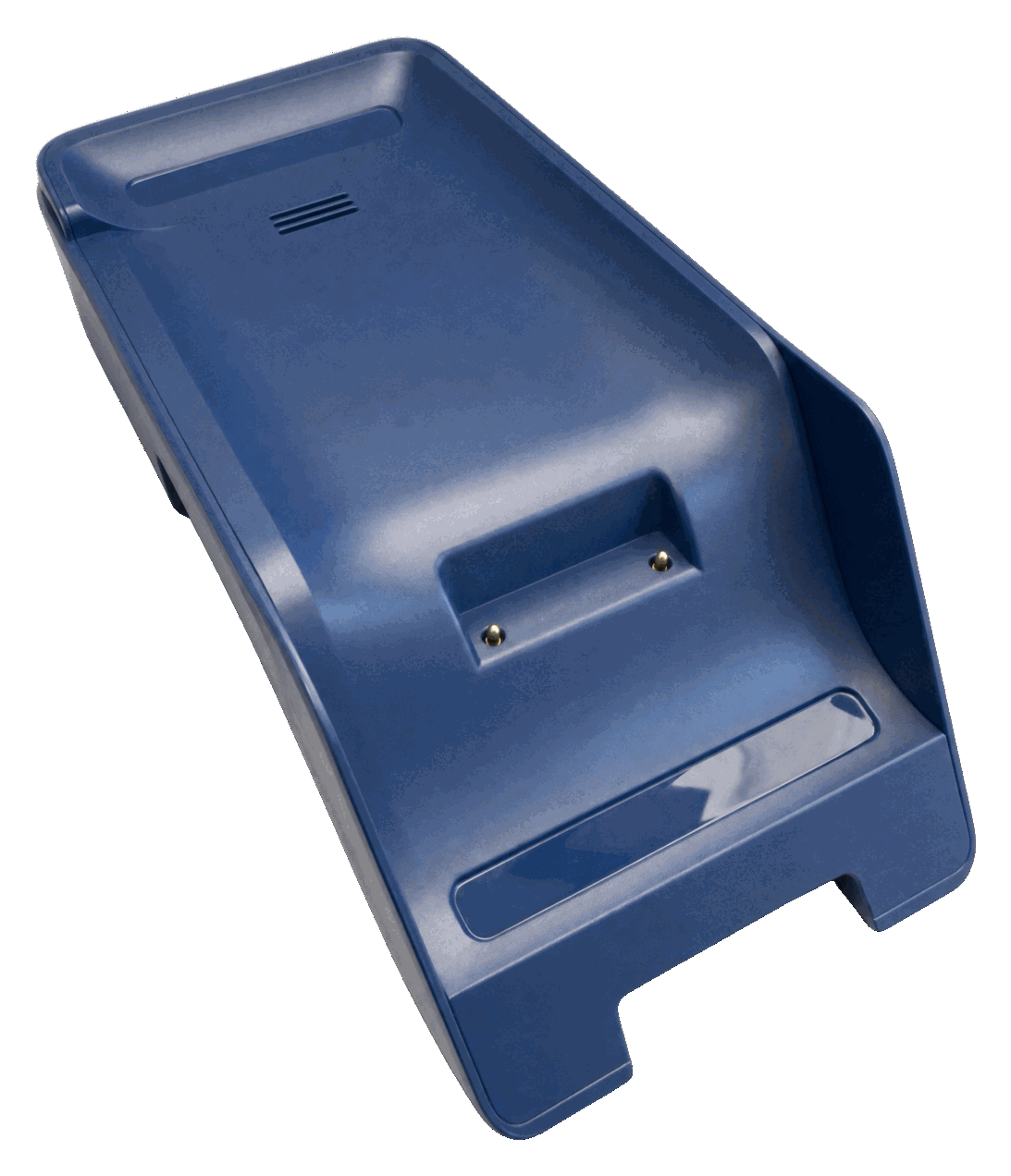
- SurfPrint Pro K Multicomm Base, three-quarter view, cradle and charging pins visible PNG surfprint-pro-k-multicomm-base-angle.png
-
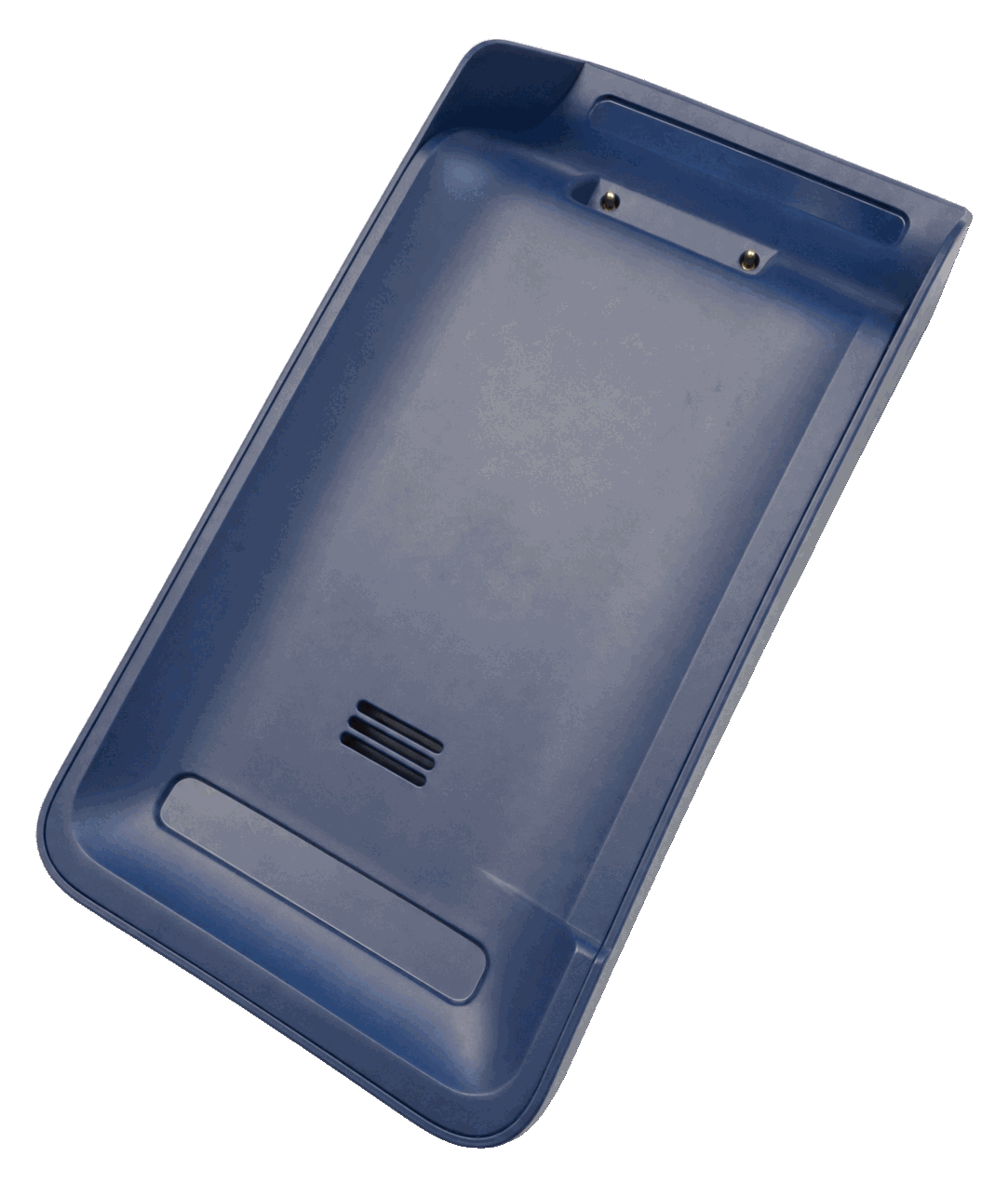
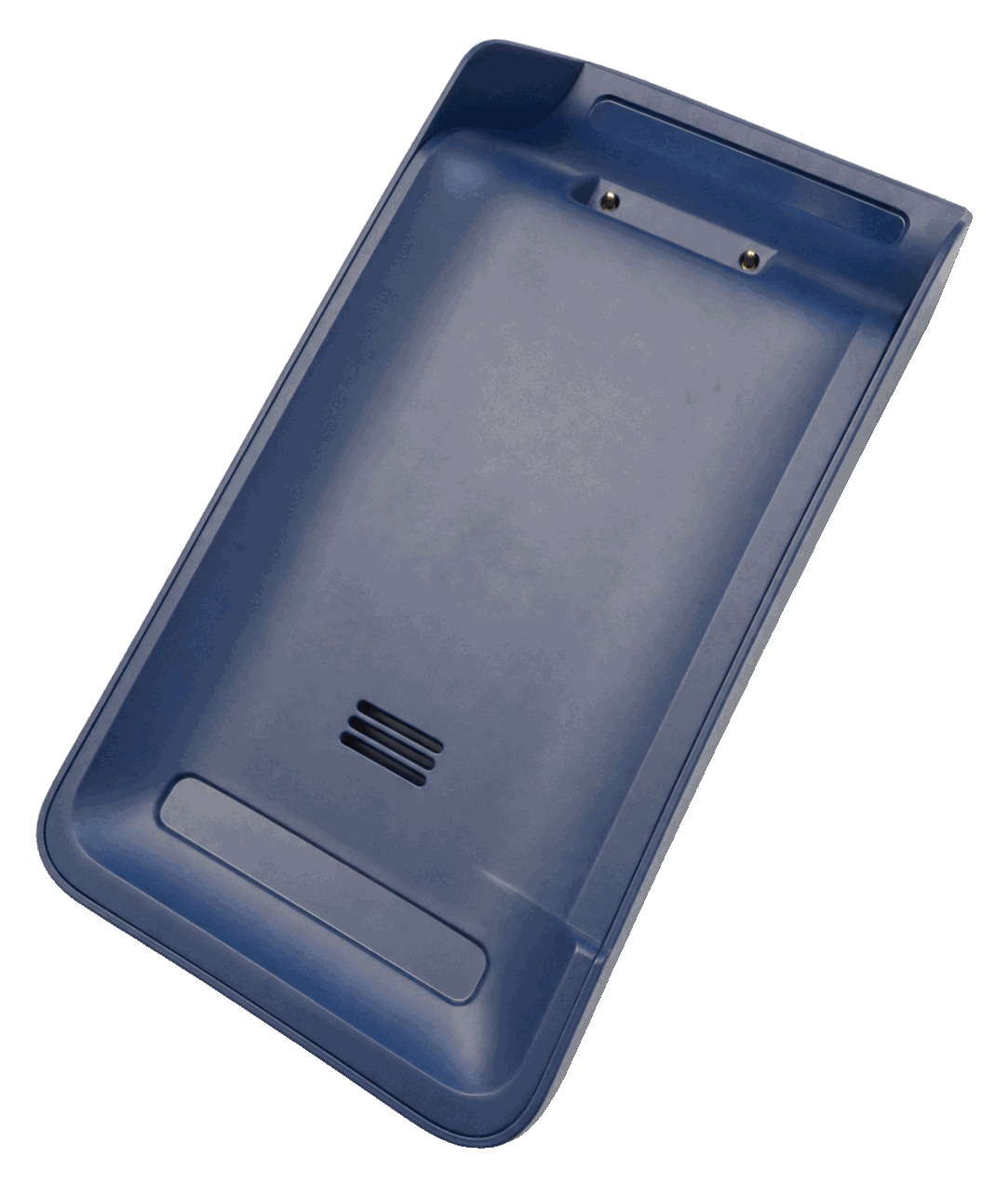 SurfPrint Pro K Multicomm Base from above PNG surfprint-pro-k-multicomm-base-top.png
 -
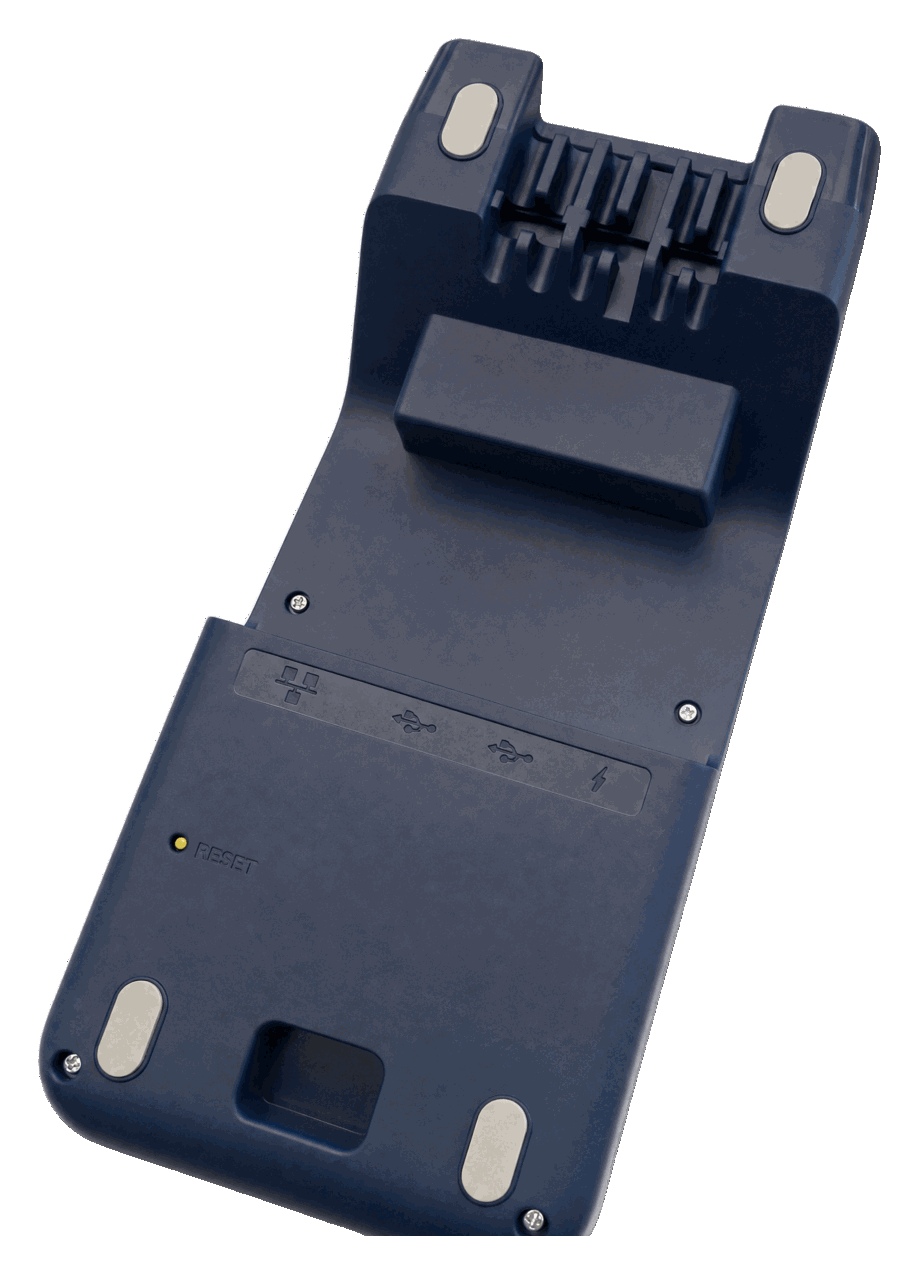 Underside of the SurfPrint Pro K Multicomm Base, showing the Ethernet, USB-A, USB-C and power ports and the reset button PNG surfprint-pro-k-multicomm-base-underside.png
Use the files as supplied, keep each shot with the product it shows, and don't imply a partnership that isn't there. Full terms and the logo kit are on the press kit.